¶ Flat Process Printing Overview
Flat process printing is the most basic and fastest printing mode. It performs standard planar, single-layer printing, making it suitable for most everyday printing needs.
The system provides multiple ink mode configurations, each with an optimized default layer setup matched to your selected substrate. You can also customize ink modes and layer counts to achieve specific planar printing effects as needed.
¶ How to Use Flat Mode
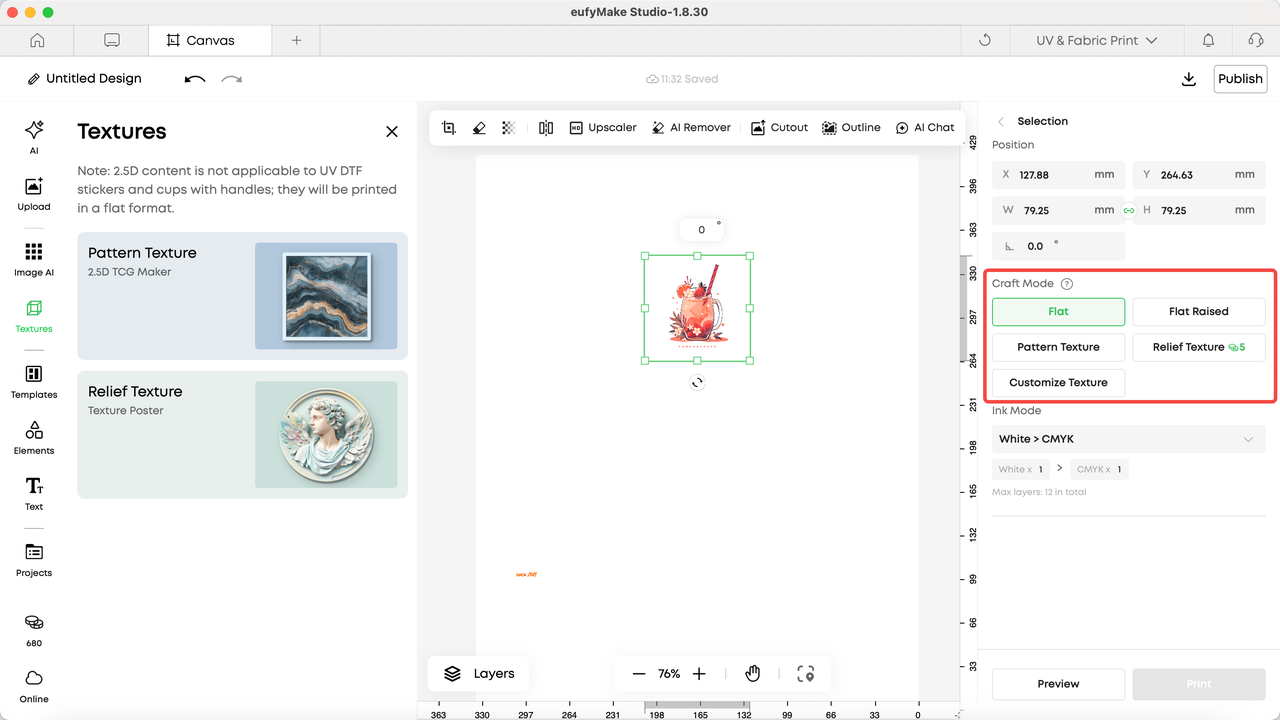
After selecting an element in the editor, a process editing panel will appear on the right side.
-
Select Flat mode
-
Choose the required ink mode
-
Adjust the number of ink layers if needed
| Flat Ink Mode | Introduction | Schematic Diagram |
|---|---|---|
| White > CMYK | Application Scenarios - Basic color printing on dark or transparent materials - Paper, PVC cards, wood, and other conventional substrates Features - White ink acts as an underbase, improving color visibility and clarity - Enhances color vibrancy on dark or transparent, non-absorbent surfaces | 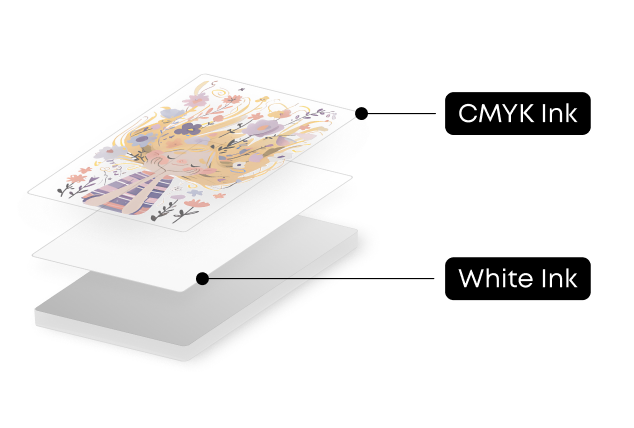 |
| CMYK | Application Scenarios - General color printing where no white ink is required Features - Uses CMYK ink only - Suitable for non-absorbent surfaces | 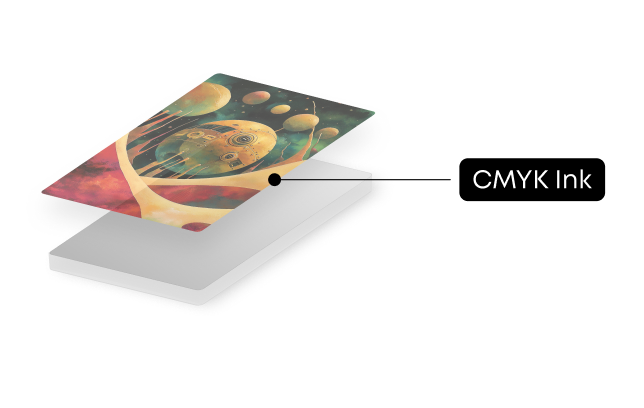 |
| GlossVarnish | Application Scenarios - Printing that requires a glossy or highlight effect Features - Provides a transparent gloss finish | 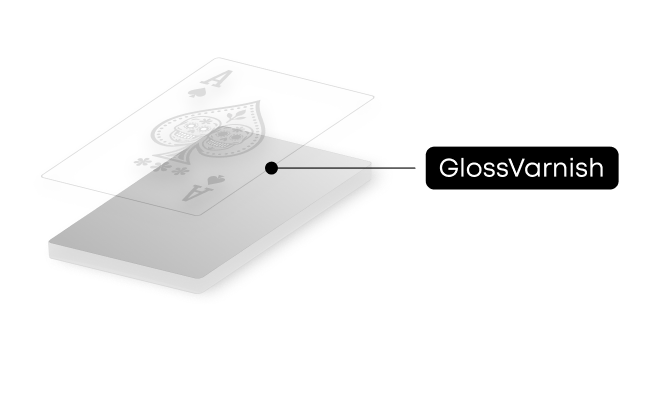 |
| White | Application Scenarios - Printing that requires white ink only Features - Creates white silhouettes on non-white substrates - Can serve as a base layer for other processes | 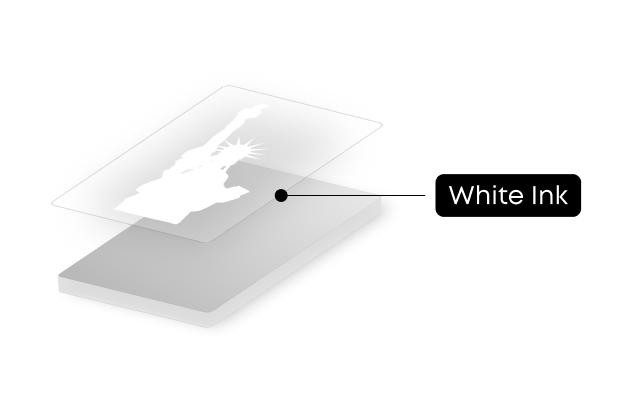 |
| CMYK > White | Application Scenarios - Reverse printing on transparent substrates Features - Enables reverse image display on materials such as acrylic | 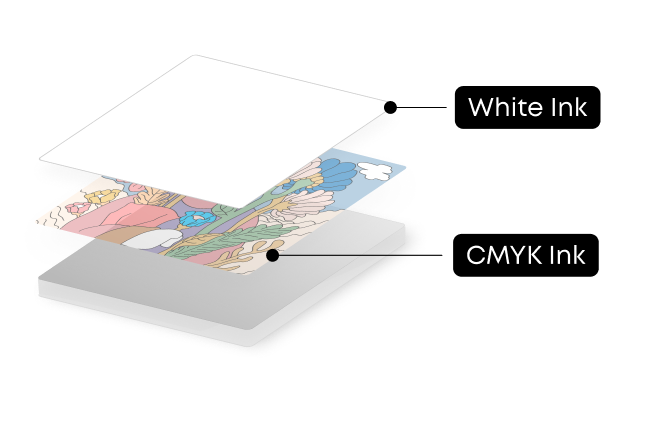 |
| CMYK > White > CMYK | Application Scenarios - Double-sided display on transparent substrates Features - Produces clear, double-sided color patterns on transparent materials such as acrylic | 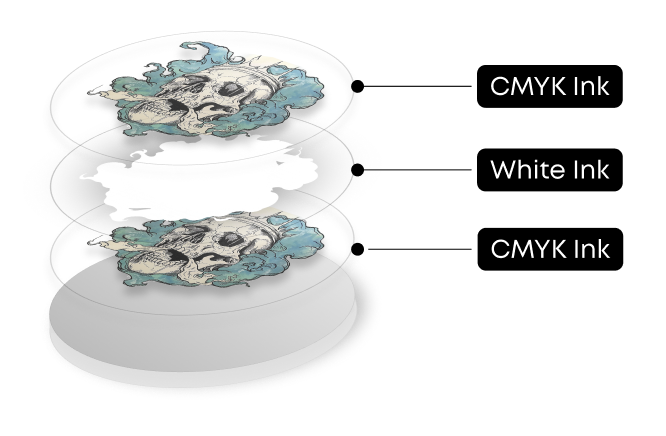 |
| CMYK > GlossVarnish | Application Scenarios - Color printing with an added glossy finish Features - Applies a gloss layer over the color pattern | 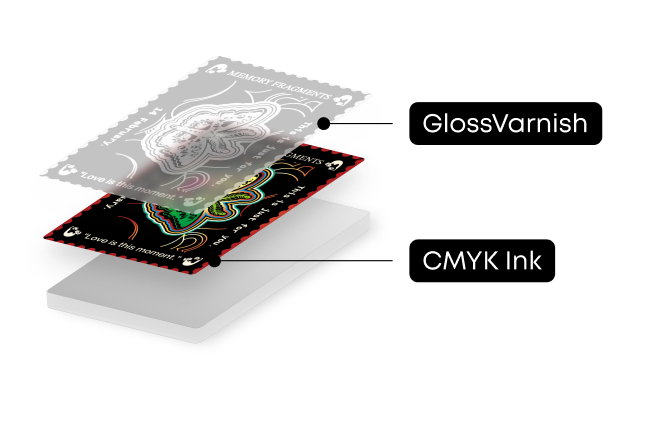 |
| White > CMYK > GlossVarnish | Application Scenarios - Color printing on colored or transparent substrates with a glossy finish - Used when base material color needs to be neutralized Features - Produces vivid, glossy color patterns on transparent materials such as acrylic | 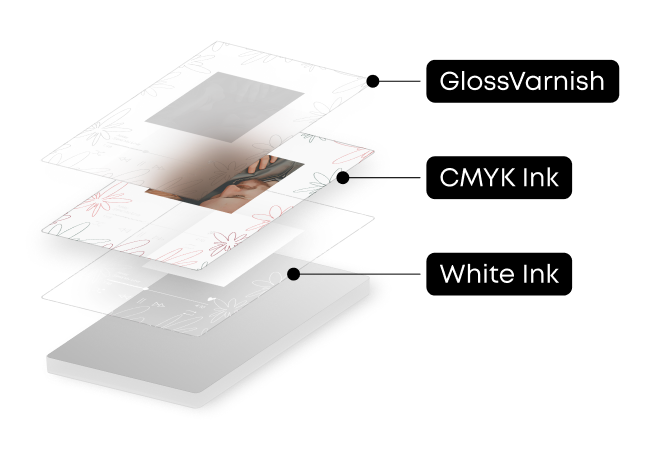 |
| Sticker | Application Scenarios - UV DTF sticker printing Features - Multi-layer, cured ink stickers - Can be transferred and applied to most substrates using UV DTF film - Requires a laminating machine | 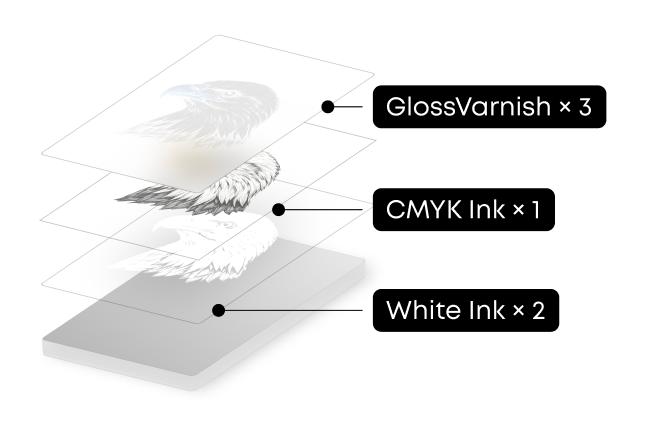 |