¶ NEW
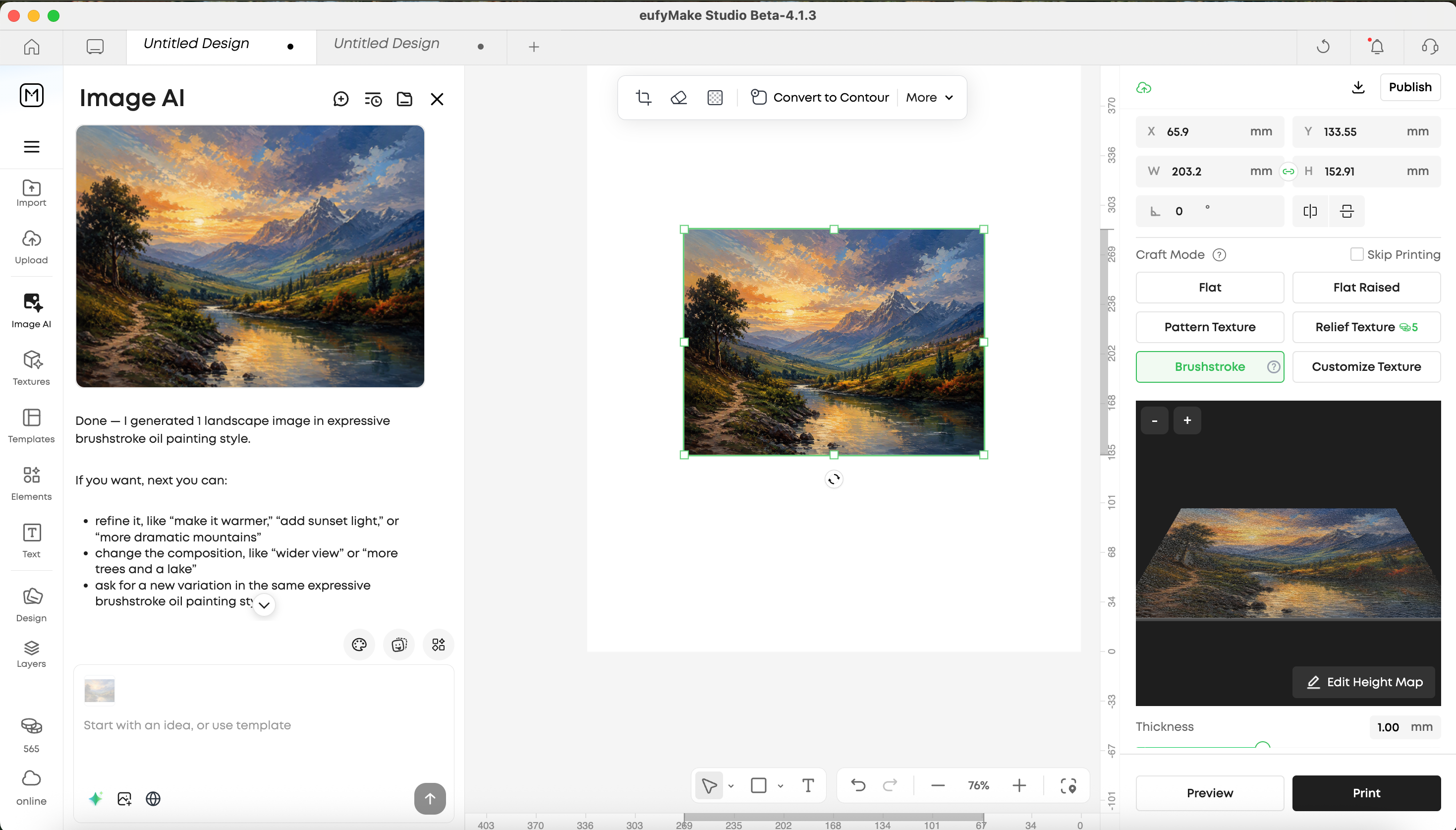
- Brushstroke: Now available as a craft mode in the editor. Brushstroke recreates the layered texture of traditional oil paintings, giving your prints a hand-painted, dimensional look.
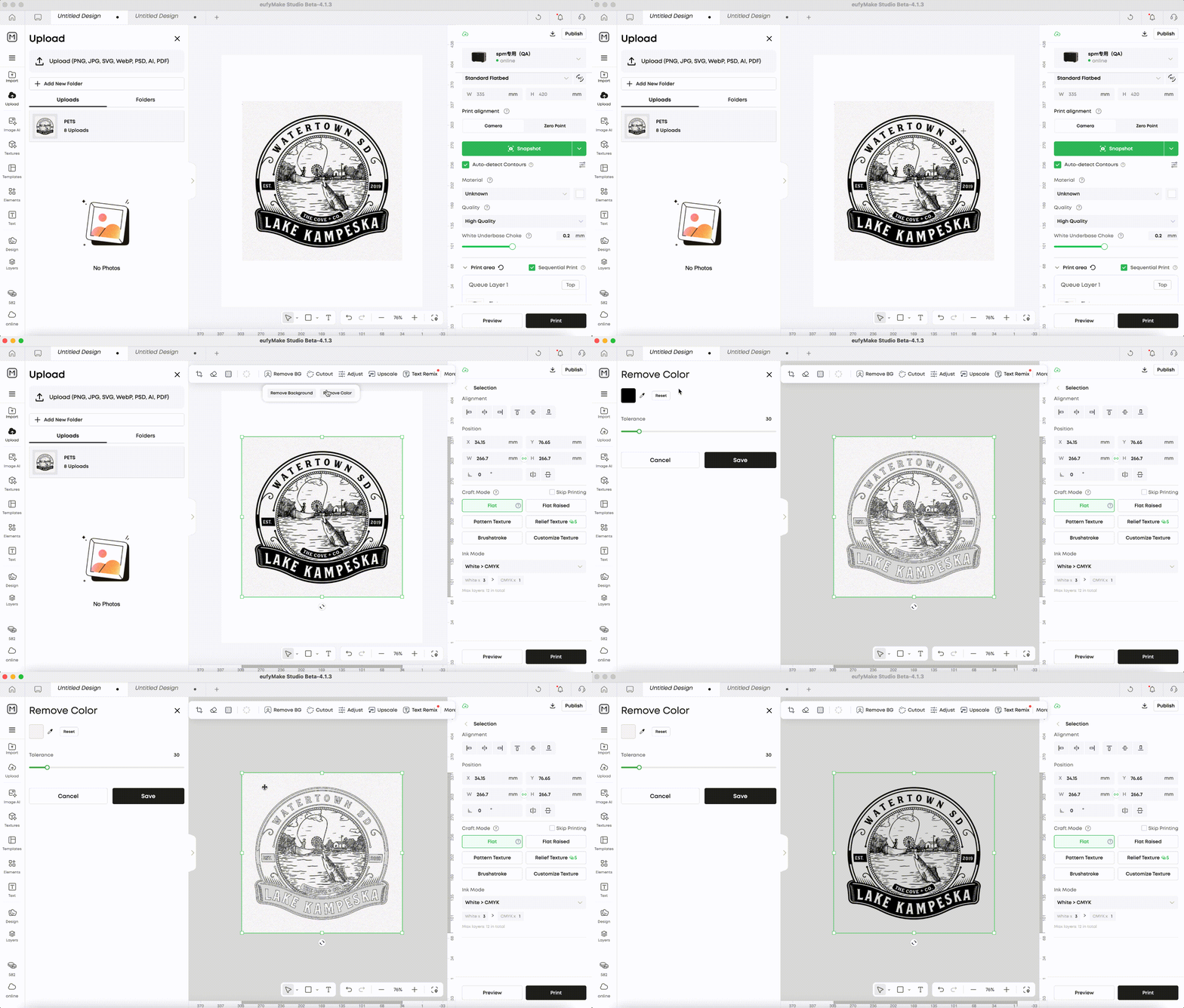
- Remove Color in Background Removal: The Background Removal tool now includes a Remove Color option that desaturates a photo, with enhanced identification and removal of background colors for more precise cutouts.
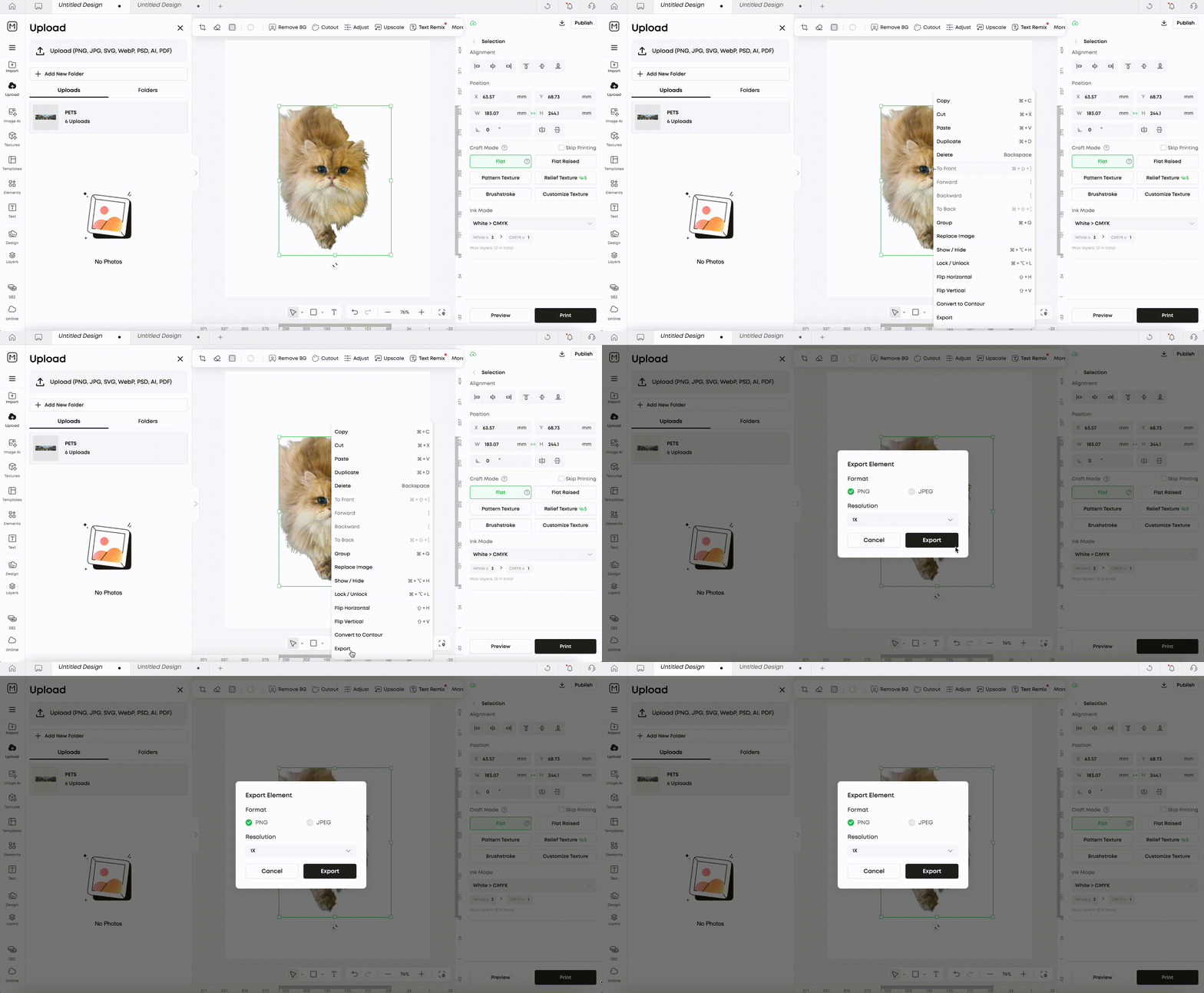
- Export Individual Elements: Right-click any element on the canvas to export it on its own, in PNG, JPEG, or SVG format. (Note: SVG export is currently available on Web only; PC support will be available in the future)
¶ Improvements
1.Contour:
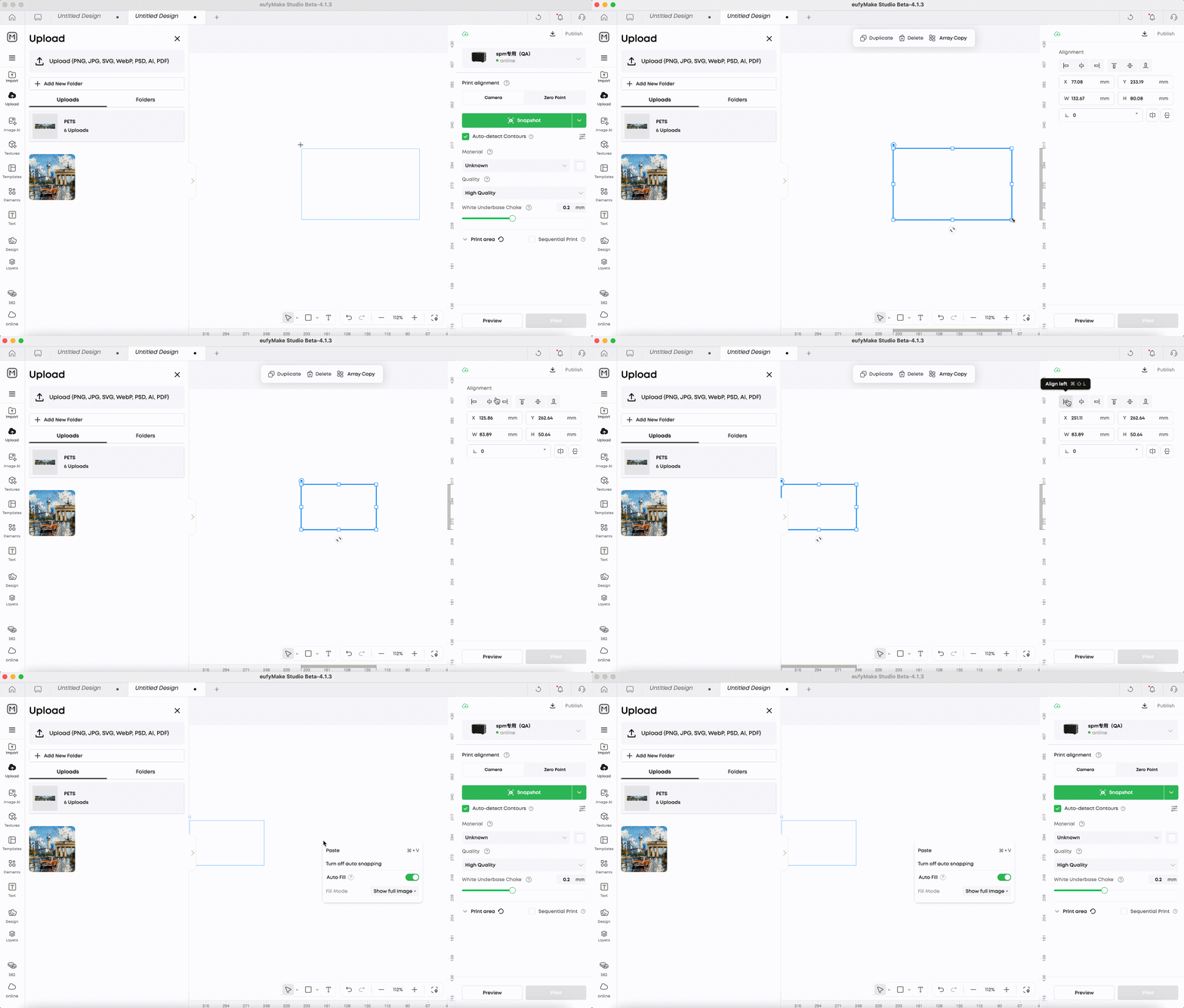
- Contour just got more flexible — drag to resize or enter an exact value in the side panel; rotate contours freely
- A new Auto Fill option is now available in the right-click menu on an empty canvas.
2.Better SVG Compatibility: Previously unsupported SVG attributes now import correctly, with dimensions and styling preserved.
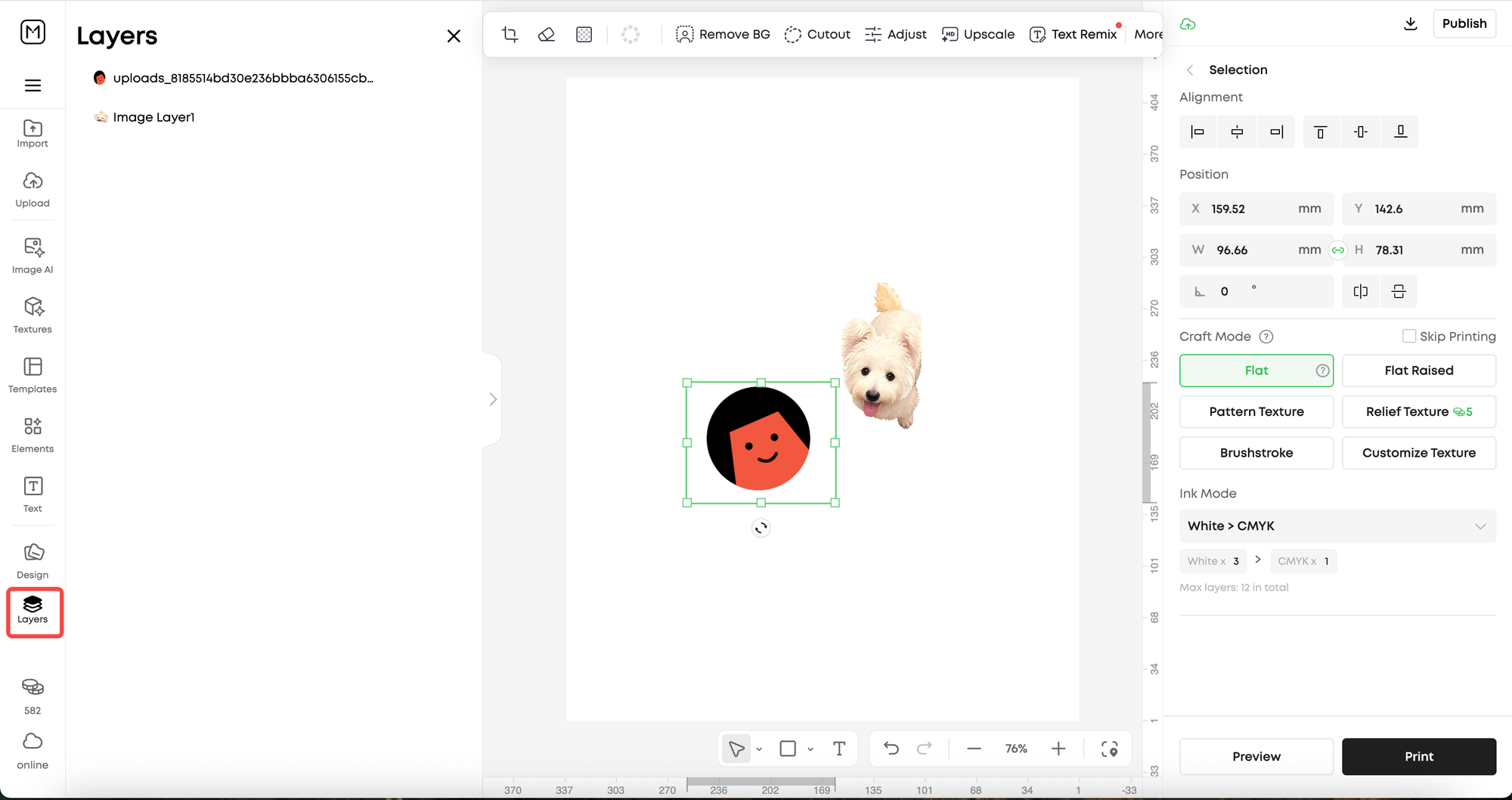
3.Refined Layers Panel: The Layers panel has a new position and updated UI for a more intuitive workflow. Imported files are now automatically named after their source file for easier identification.
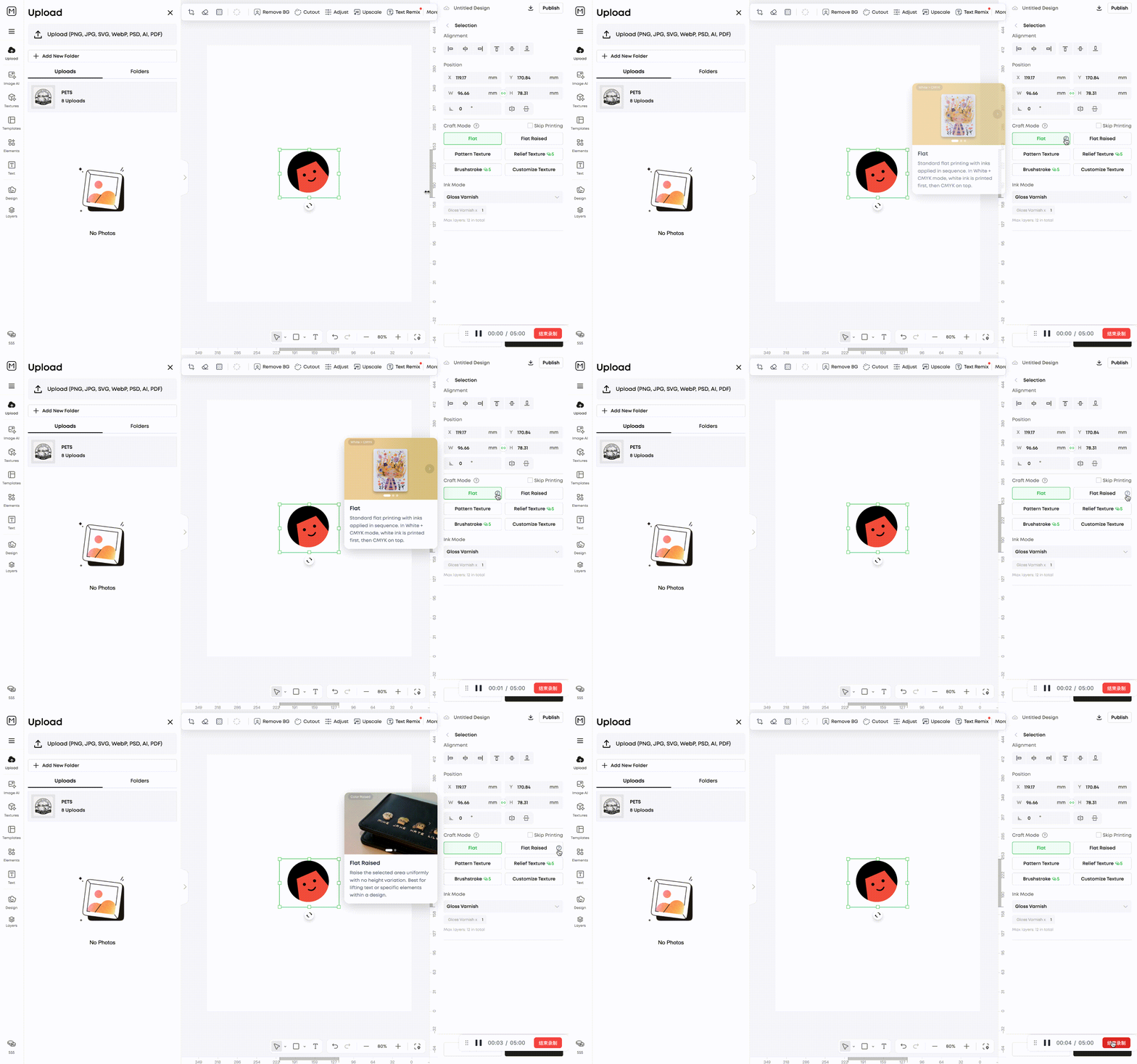
4.Craft Mode Tooltips: Hover over any Craft Mode to see a description and preview of its effect, helping you quickly understand the differences between crafts.