¶ Template and Community Usage Guide (TBD)
¶ Overview
This guide introduces the usage of Make It Real community, template and design element library, aiming to help you fully utilize the platform's rich design resources to quickly create personalized design works suitable for UV printing.
¶ Content Community
¶ Community Projects
More than 1,000 high-quality projects produced by internal and external designers are all available for free commercial use.
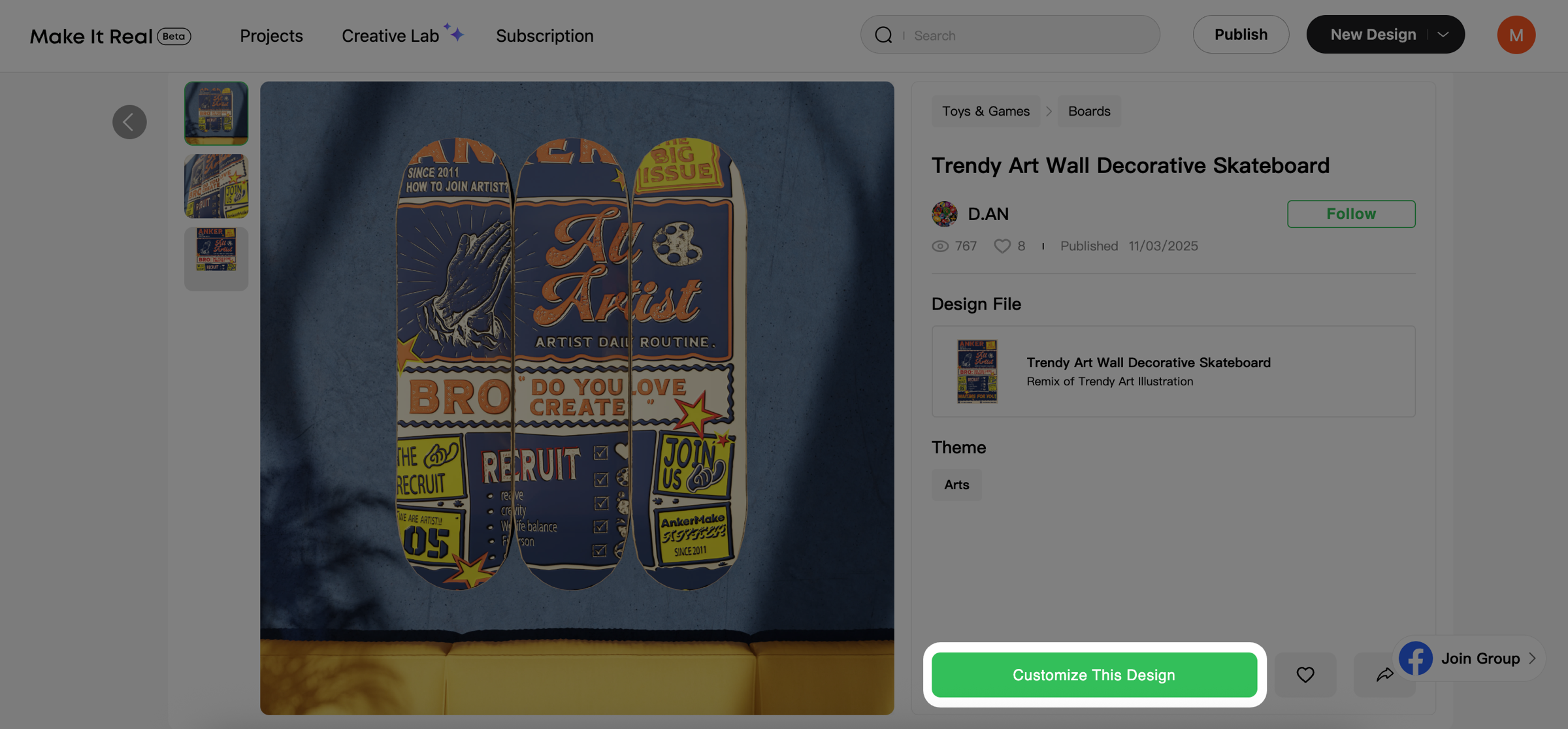
After entering the project details page, you can click “Customize This Design” to make secondary creations based on the selected project
¶ Templates, Elements and Text
In the editor, templates, elements, and text are the three most frequently used design resources.
-
Templates: Ideal for quickly completing an overall design.
-
Elements: Used to enrich and decorate the visual layout.
-
Text: Delivers the core message and sets the tone or atmosphere.
If you are not sure where to start, you can refer to the following table to quickly find the most suitable tool:
| Category | Best for (Suitable Scenarios) | Examples of usage scenarios | Advantages |
|---|---|---|---|
| Template | Quickly generating finished designs; making personalized modifications on an existing framework | Festival posters, business cards, packaging design, education/business promotion | - Multi-layer architecture, flexible editing - 1000+ professional templates covering multiple themes - Replaceable text and images for fast personalization |
| Elements | Adding decorative or informational marks; enriching picture layers and atmosphere | Adding icons or textures in posters; using shapes as price tags or borders | - Patterns, shapes, photos, textures all well categorized - Drag-and-use, vector without distortion - Intelligent tags, quick search |
| Texts | Delivering information, highlighting atmosphere or emotions; reinforcing branding and promotion | Product packaging titles, holiday card greetings, promotional slogans | - 1000+ multilingual fonts with commercial license - 60+ artistic text effects for professional results - Supports gradient, shadow, path text and other advanced effects |
¶ Templates
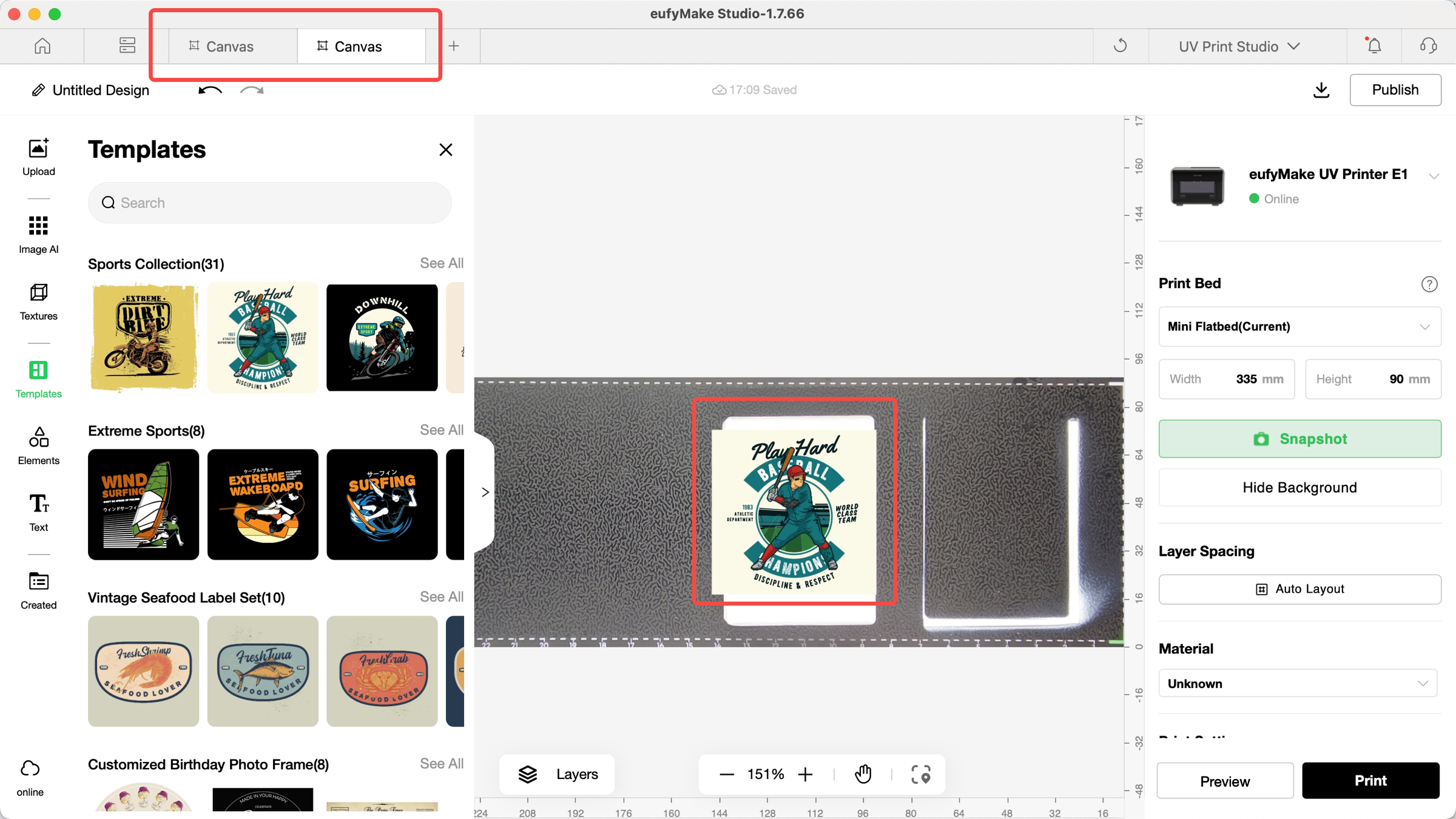
Templates are a quick starting point for creation, suitable for users who need to complete high-quality designs at low cost.
Best for
- Quickly generating finished works such as festival posters, business cards, packaging design
- Making small-scale personalized modifications on an existing design framework
- Beginners with no experience in layout and color matching
¶ Core Features
-
Fully editable: text and images can be replaced, colors and sizes freely adjusted
-
Multi-layer architecture: layers can be shown/hidden, locked/sorted, operated like professional design software
-
Selected Content Library: 1000+ professional designer-made templates covering business, education, entertainment, festival, etc., updated regularly
¶ Usage Instructions
-
Select a Template: Browse and choose your favorite design from the template library
-
Text Editing: Double-click on the text area to directly modify the content
-
Style adjustment: Use the right-side property panel to adjust color, font, size, etc.
-
Layer Management: Adjust the hierarchical relationship of elements through the layer panel
-
Save and Export: After completing the editing, select an appropriate format to export the work
¶ Elements
Elements are the “building blocks” of design, suitable for adding details, atmosphere or functional marks.
Best for
- Adding decorative graphics to blank areas to make the design more complete.
- Using textures or patterns to enrich background atmosphere.
¶ Element Classification
Graphic (pattern element)
-
includes icons, illustrations, and decorative graphics
-
Vector format ensures no distortion when scaled arbitrarily
-
Covers styles such as business, technology, nature, and abstraction
-
Suitable for enhancing design expressiveness and visual appeal
Image (Photo Creatives)
-
High-quality photography and image creatives
-
Rich types such as characters, landscapes, objects, scenes, etc.
-
Professional photographers collaborate with creative libraries to provide
-
Supports different resolution and aspect ratio requirements
Shape (shape element)
-
Basic geometric shapes and complex figures
-
Circles, squares, triangles, polygons, etc.
-
Arrows, Labels, Borders, Dividers
-
Adjustable properties such as color, stroke, transparency, etc.
Pattern (pattern texture)
-
Repetitive decorative patterns and texture effects
-
Geometric textures, natural textures, abstract patterns
-
Can be used as background or partial decoration
-
Seamless splicing design, suitable for large-area use
¶ Usage Tips
-
Search and Locate: Quickly find relevant elements using keywords
-
Unified Style: Select elements with consistent styles to maintain design harmony
-
Hierarchical Collocation: Reasonably combine different types of elements to create visual hierarchy
-
Size Adaptation: Select elements of appropriate size based on the canvas size
-
Color Harmony: Select elements that are harmonious with the overall color scheme
¶ Text
Text is the most direct tool of expression in design, suitable for scenarios that need to convey information or create atmosphere.
Best for
- Product packaging: highlighting brand name and selling points
- Holiday greeting cards: creating atmosphere and enhancing emotion with artistic fonts
¶ Font Resources
-
1,000+ Fonts: Covering Chinese, English, and multilingual usage , including classic fonts and creative handwritten fonts
-
60+ Artistic Text Effects: Abundant artistic text effects for quickly creating professional-looking font designs
¶ Text Editing Function
-
Font selection and size adjustment
-
Color and Transparency Settings
-
Font weight, italic, underline
-
Alignment (left alignment, center alignment, right alignment, justified alignment)
¶ Frequently Asked Questions (FAQ)
Q: Can the template be restored to its original state after editing?
A: The template cannot be reset after editing. You can restore it to the initial state by undoing the operation, or re-add the template to the canvas.
Q: Can elements be resized?
A: Yes. All elements support free scaling. Vector elements (such as Graphic and Shape) can be infinitely enlarged without distortion, while bitmap elements are not recommended to be over-enlarged to avoid affecting clarity.
Q: Can I upload my own fonts for use?
A: Currently, uploading font files is not supported.
Q: How do I save my design work?
A: The system will automatically save your editing progress. You can also click the download button in the upper right corner of the editor to download your file to your device.
Q: Is there a mobile end version?
A: A mobile end APP is provided, supporting basic editing functions. For complex designs, it is recommended to be completed on the PC end, while the mobile end is mainly used for preview and simple modifications.
Q: Are all the templates, elements, and text resources free to download and use?
A: Currently all resources can be downloaded and used for free, including for commercial purposes. In the future, we will also launch premium designer-made projects available for Plus and Pro members. These exclusive works are carefully crafted by top designers, also supporting commercial use, and provide higher-quality design options for members.