¶ Laminator User Guide
¶ Film Laminator Usage Process
¶ Step 1 - Load Film B into the Laminator
Place Film B as shown in the diagram.
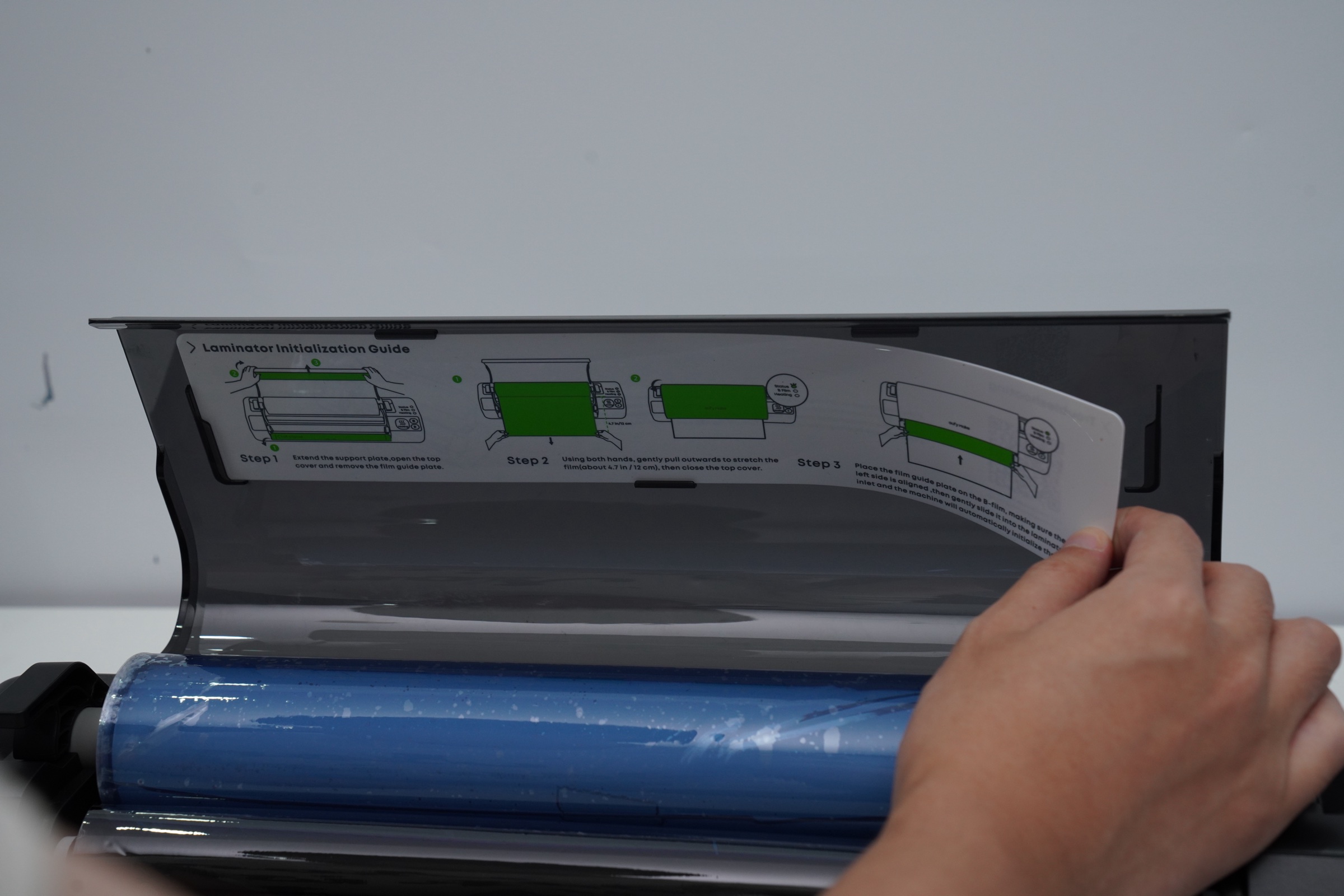
Remove the film guide plate from the top cover, close the lid, and wait for a short beep.
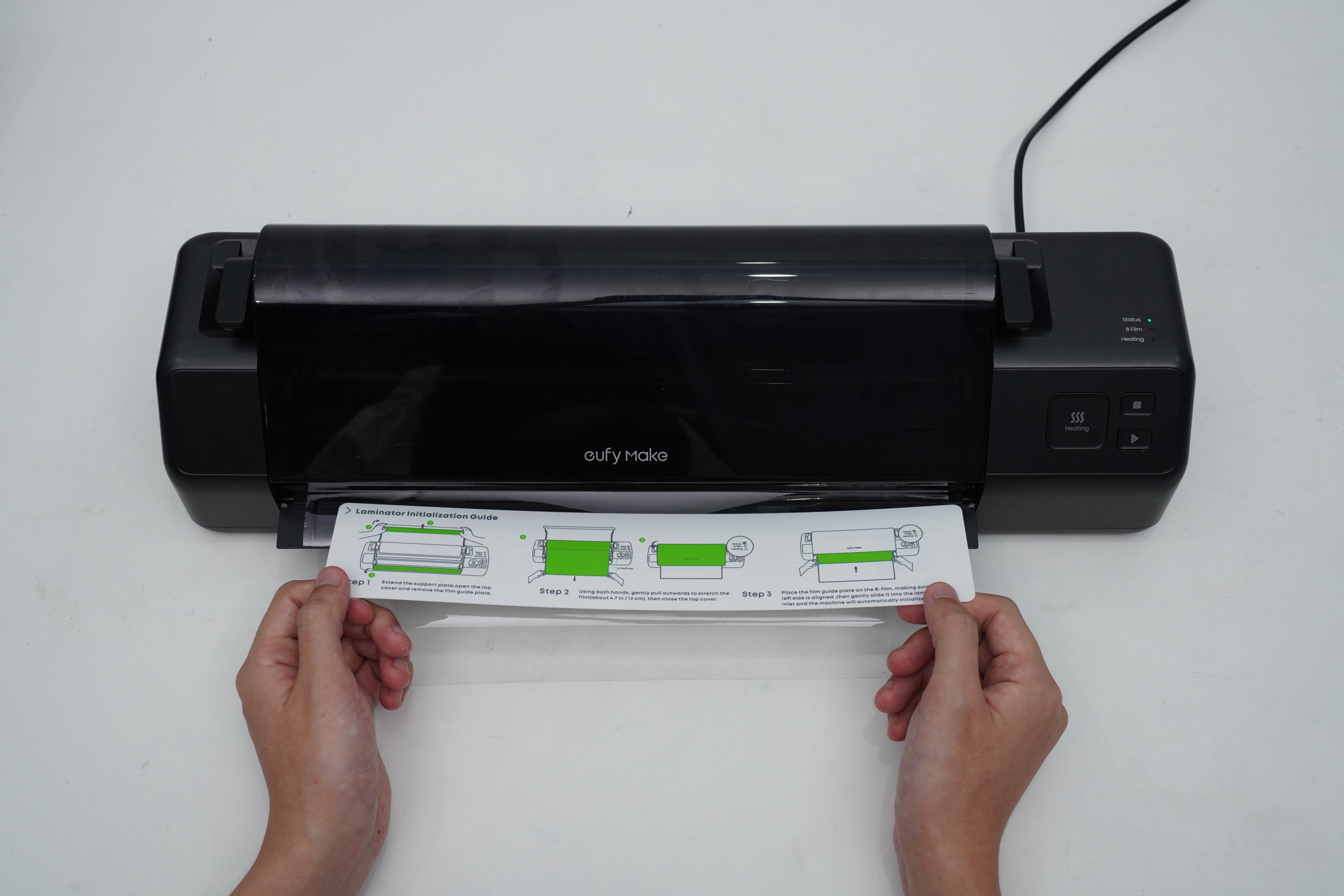
Position the film guide plate on top of Film B, making sure the left side aligns with the laminator entrance.
Gently push it into the entrance; the machine will automatically load Film B.
¶ Step 2 - Cut Film B
When loading is complete, the machine beeps and the Film B indicator light turns on.
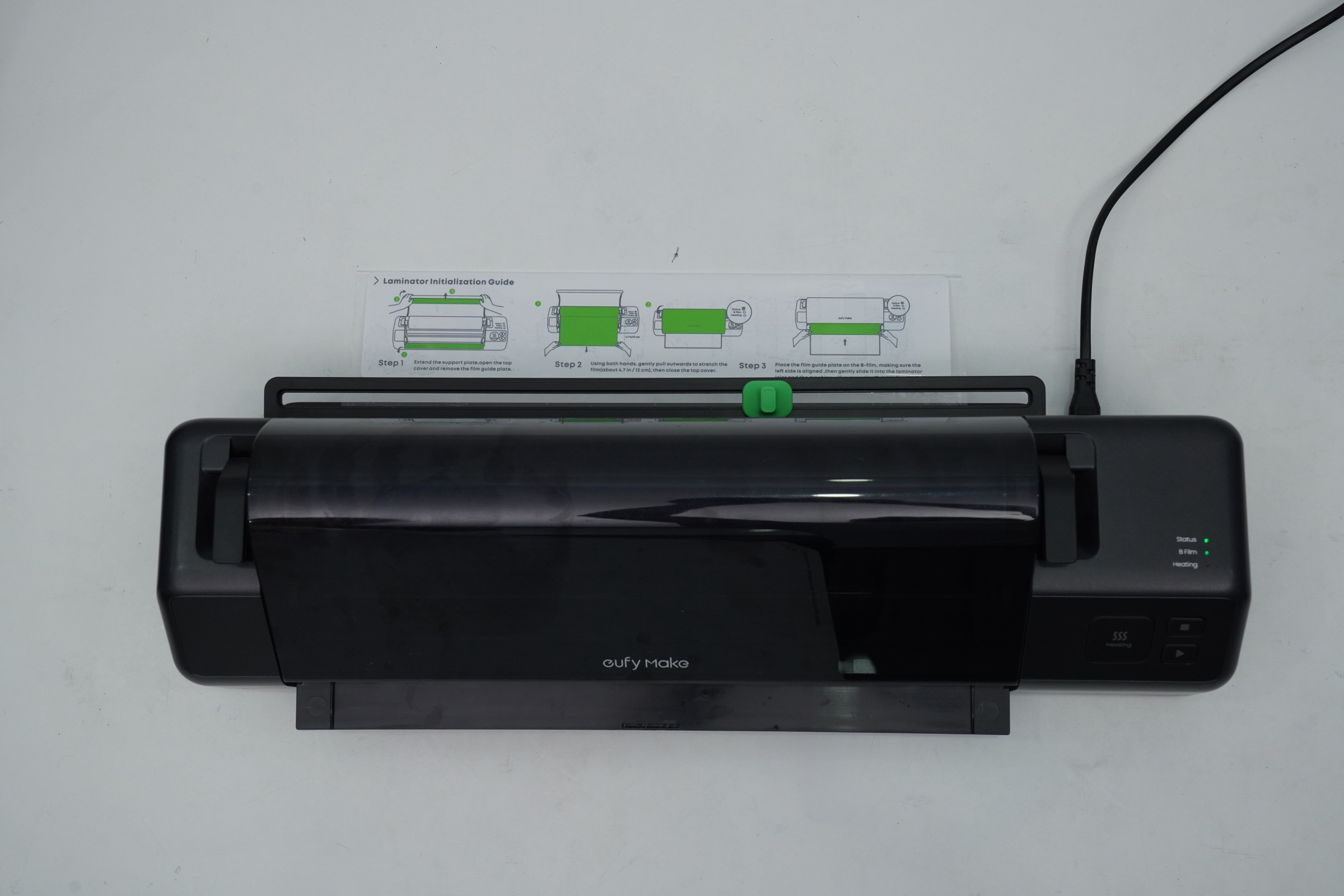
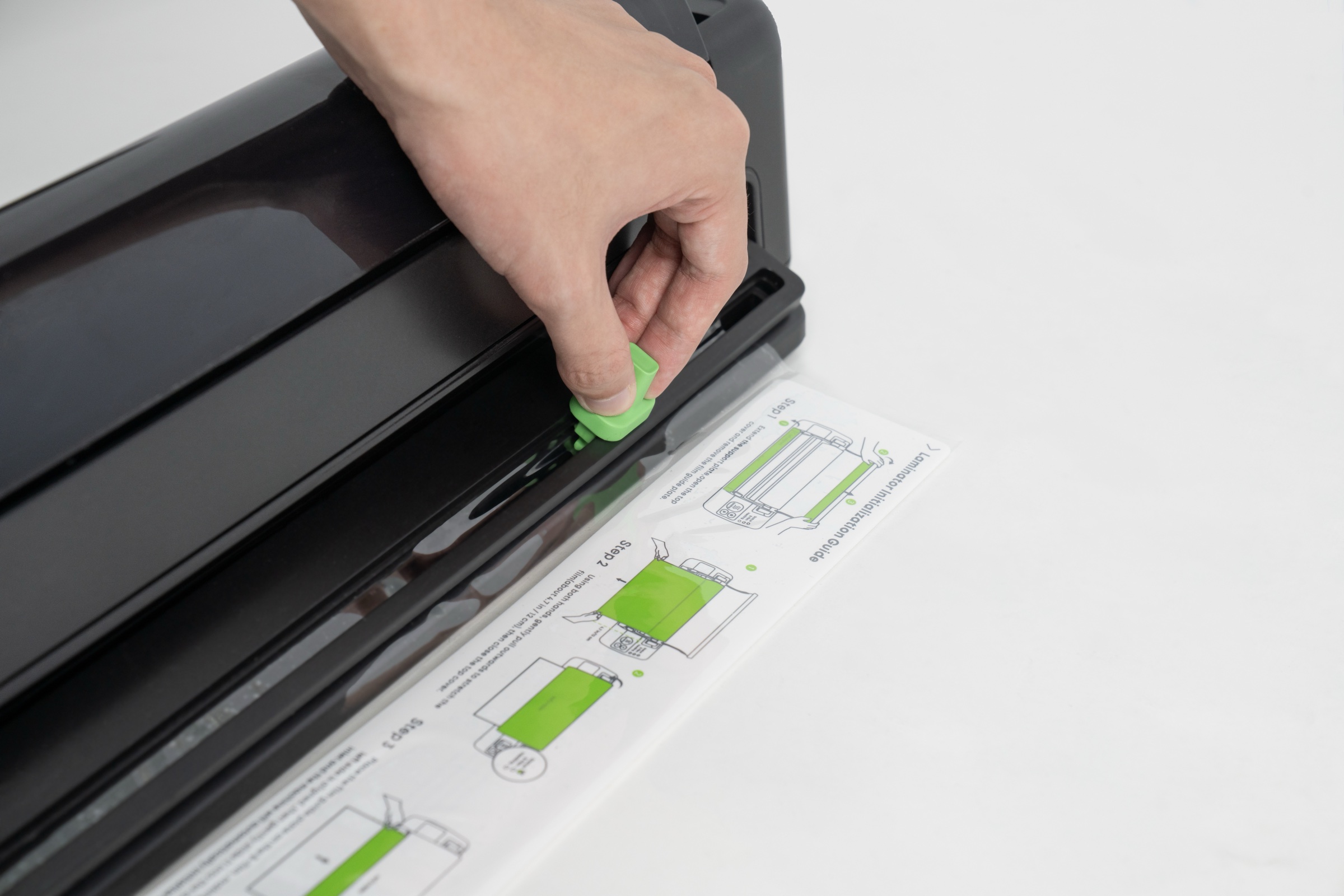
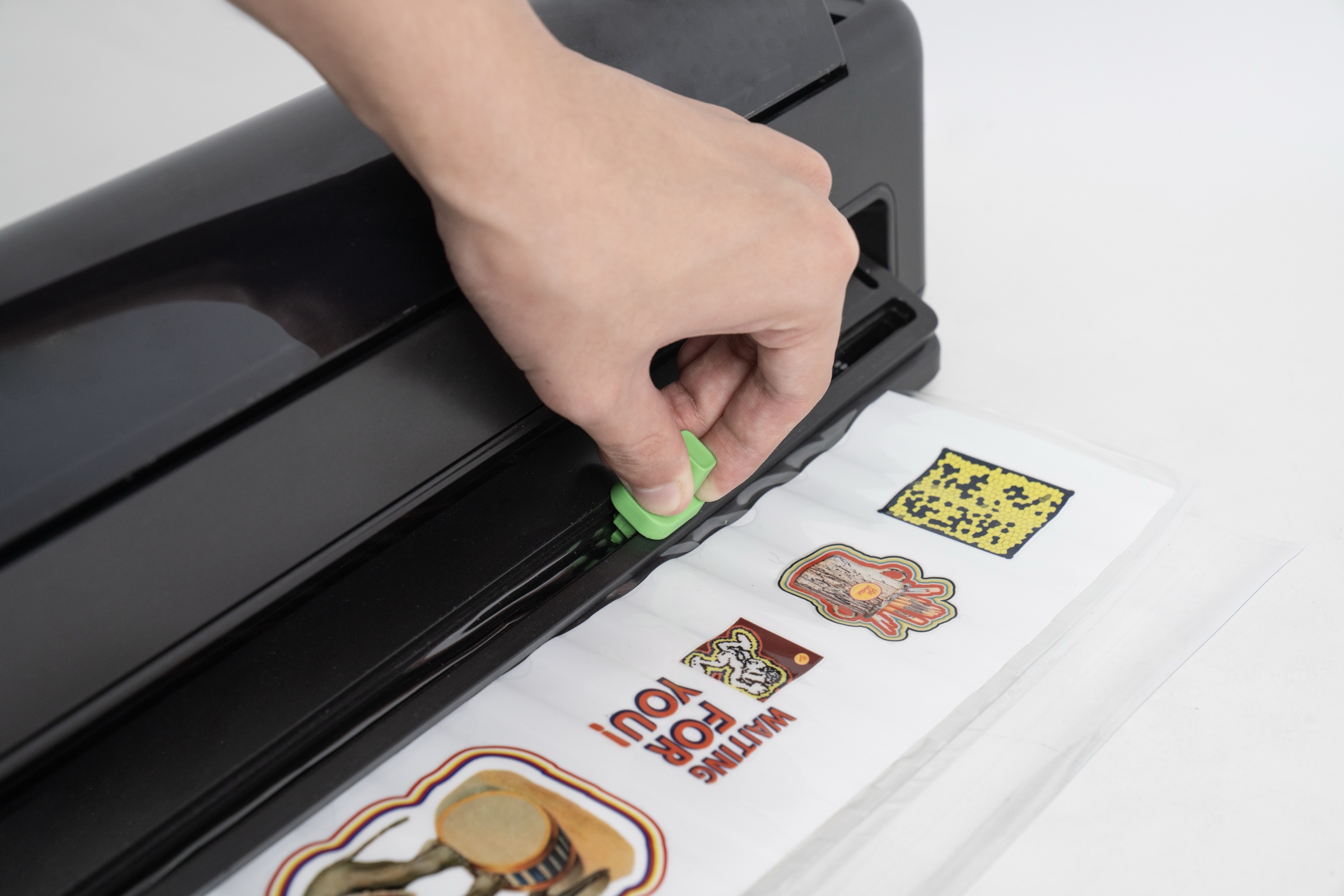
After the laminator stops automatically, move the cutter to either end, press and slide to cut Film B, and then reinstall the guide plate inside the lid holder.
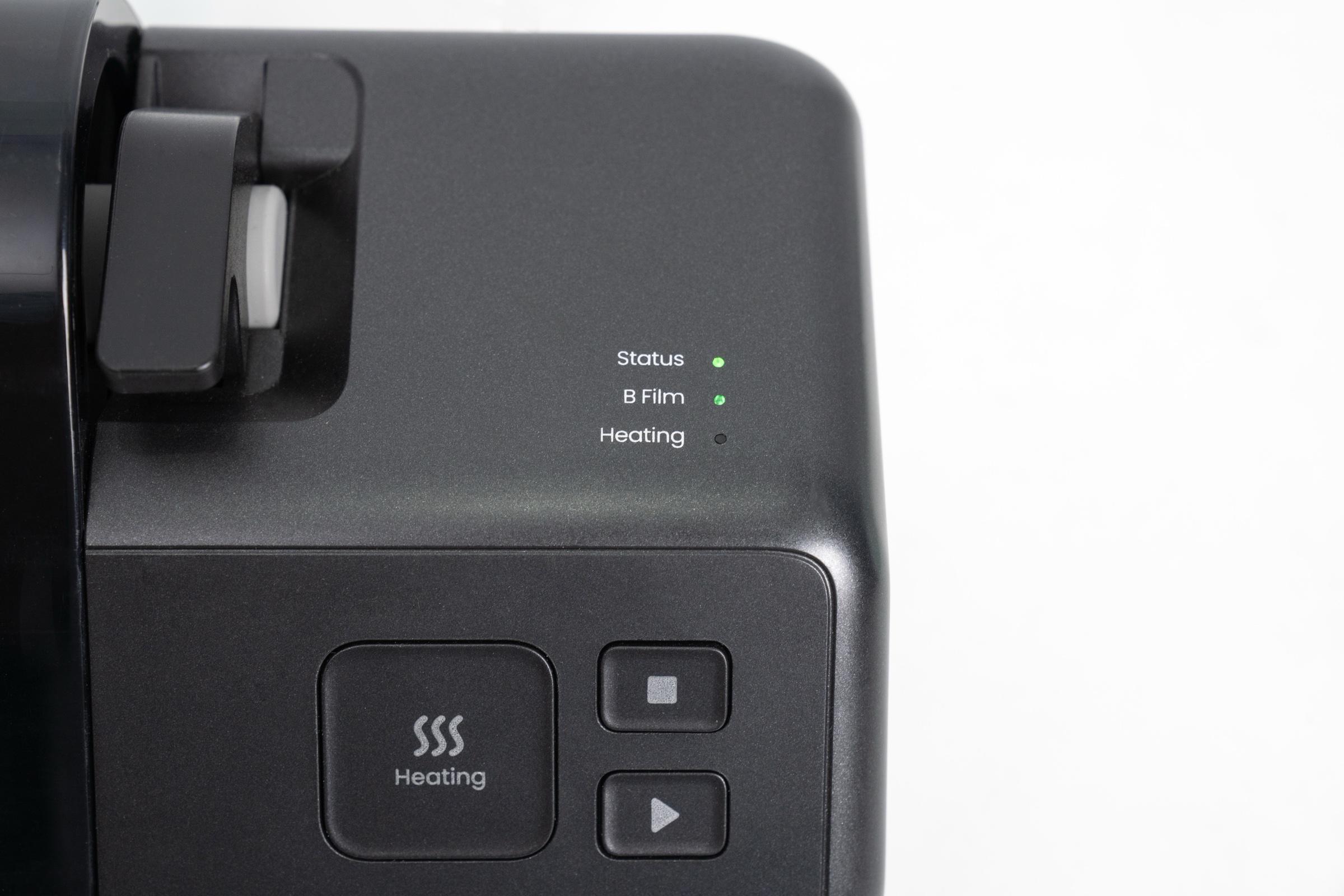
At this point, the Status and B Film lights should both be green.
¶ Step 3 - Preheat the Laminator
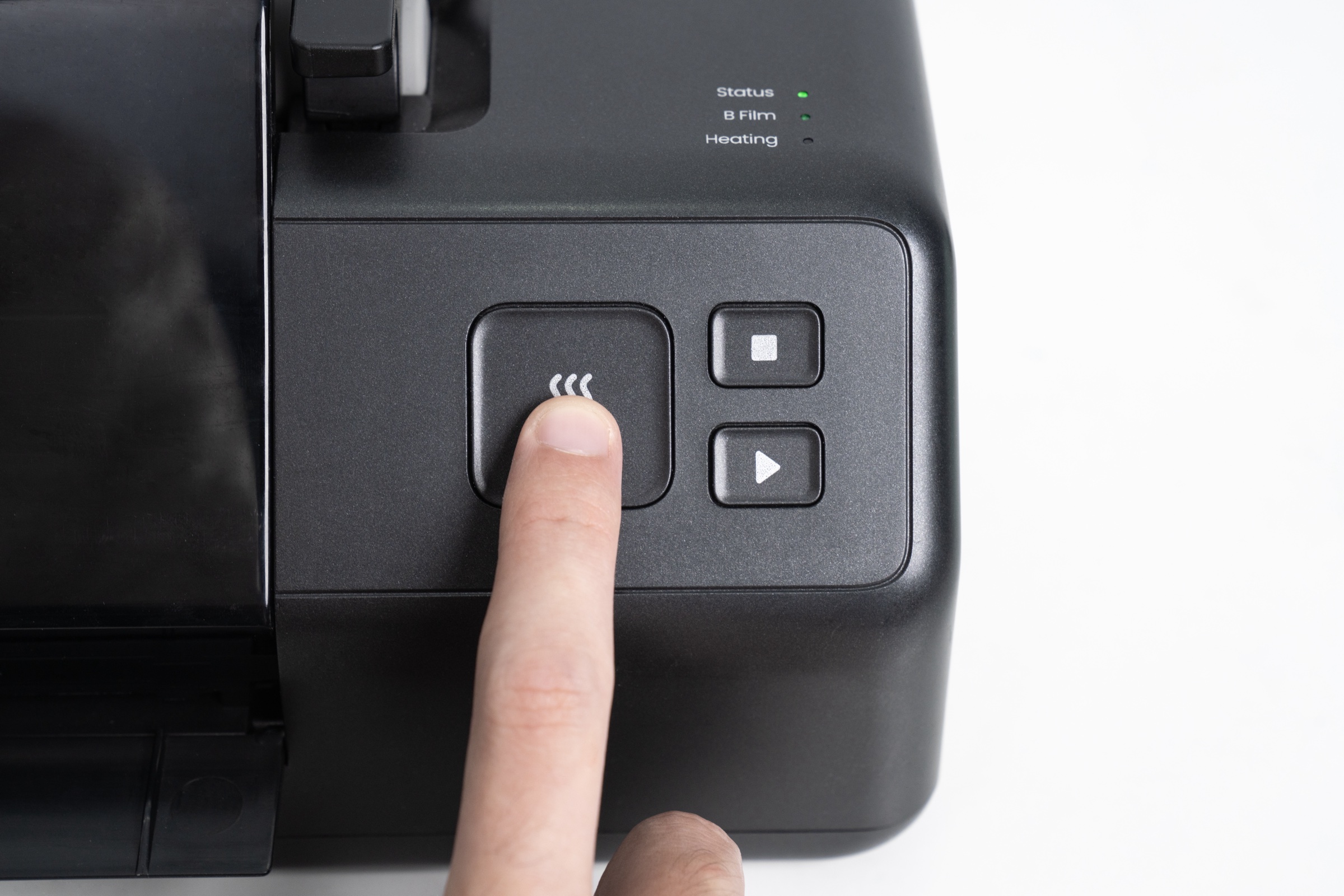
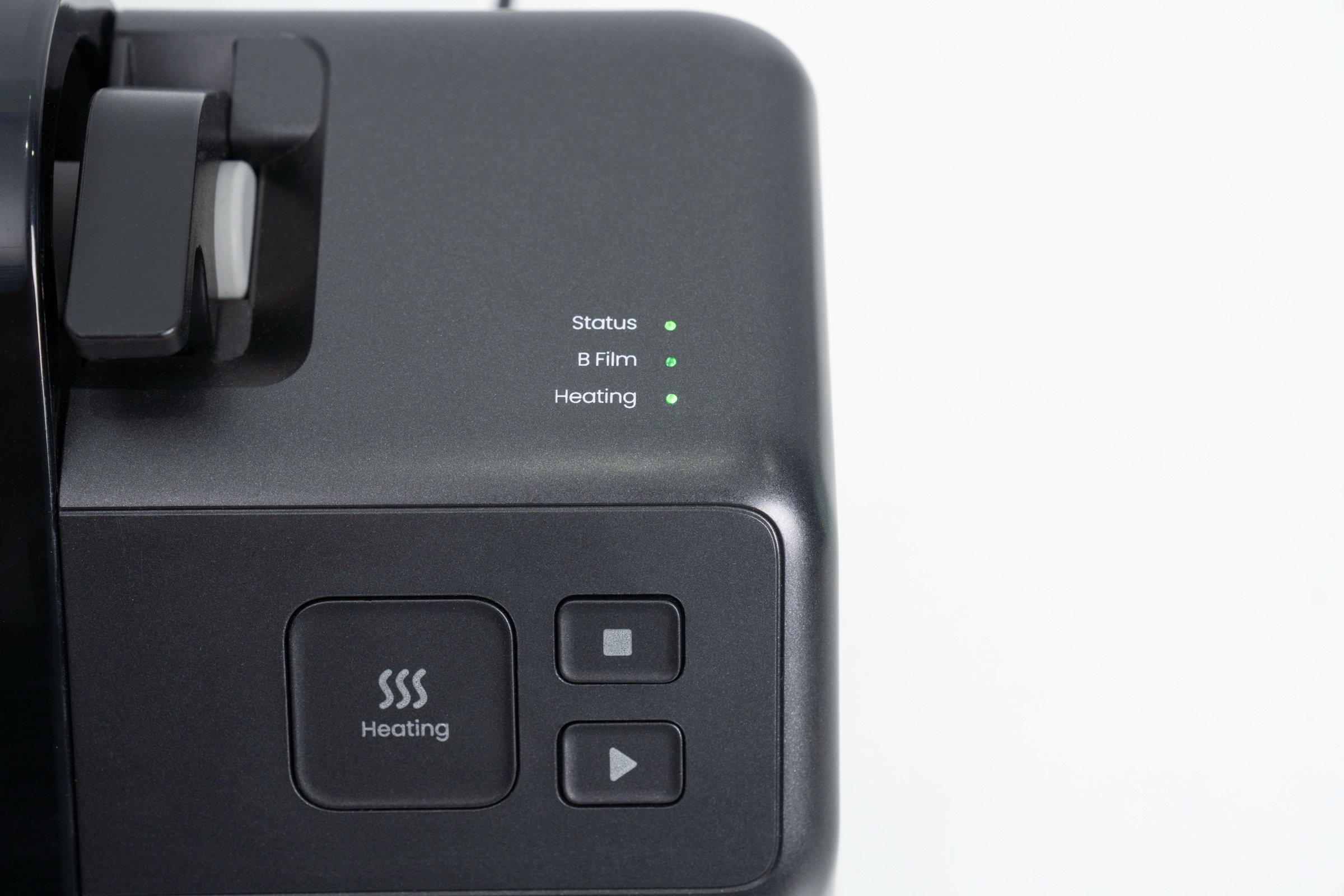
After both lights turn green, press the Heating button; the Heating light will turn orange.
Preheating takes about 3 minutes; a beep will indicate that heating is complete.
¶ Step 4 - Lamination after Printing
After printing finishes, remove Film A from the sticky board.
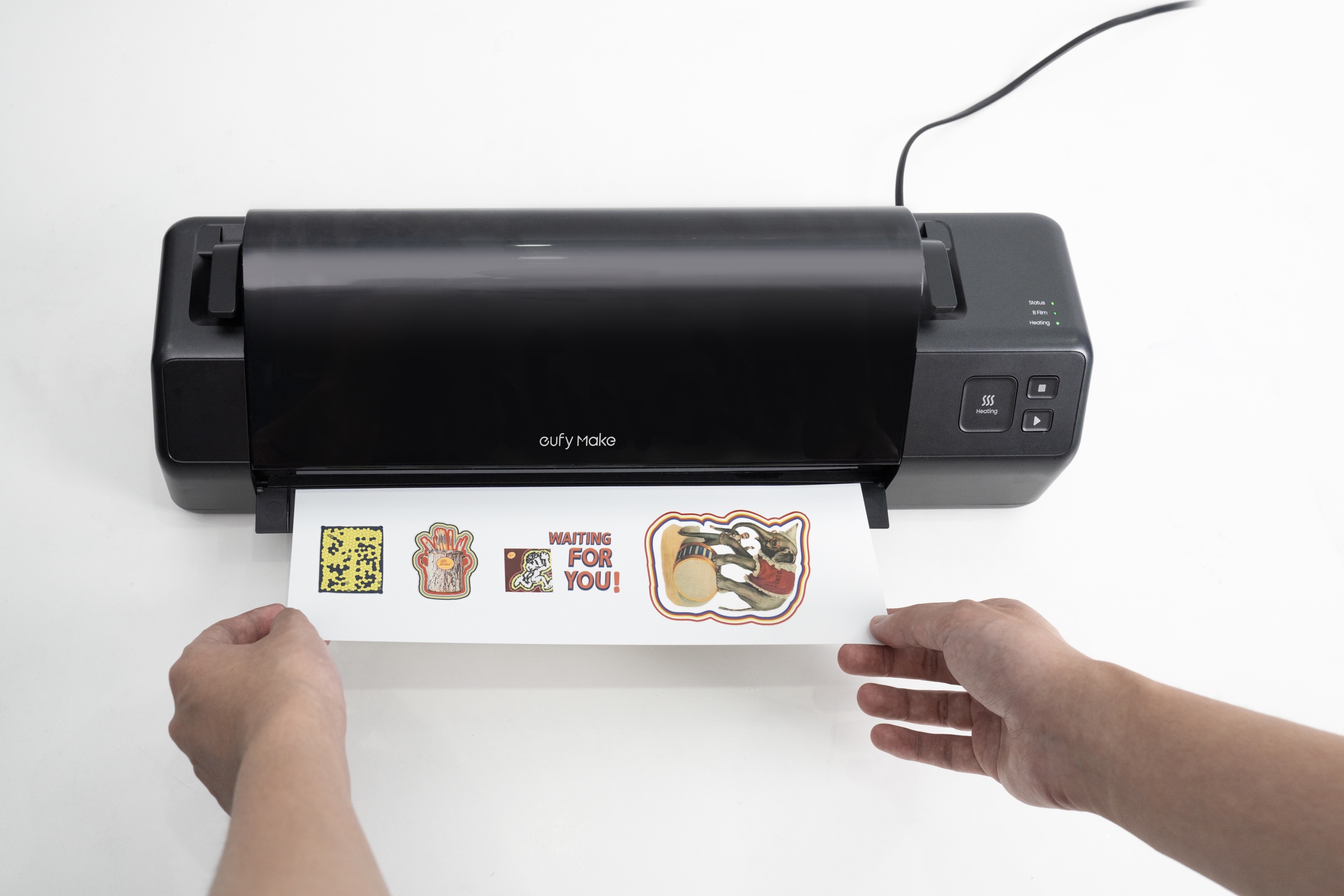
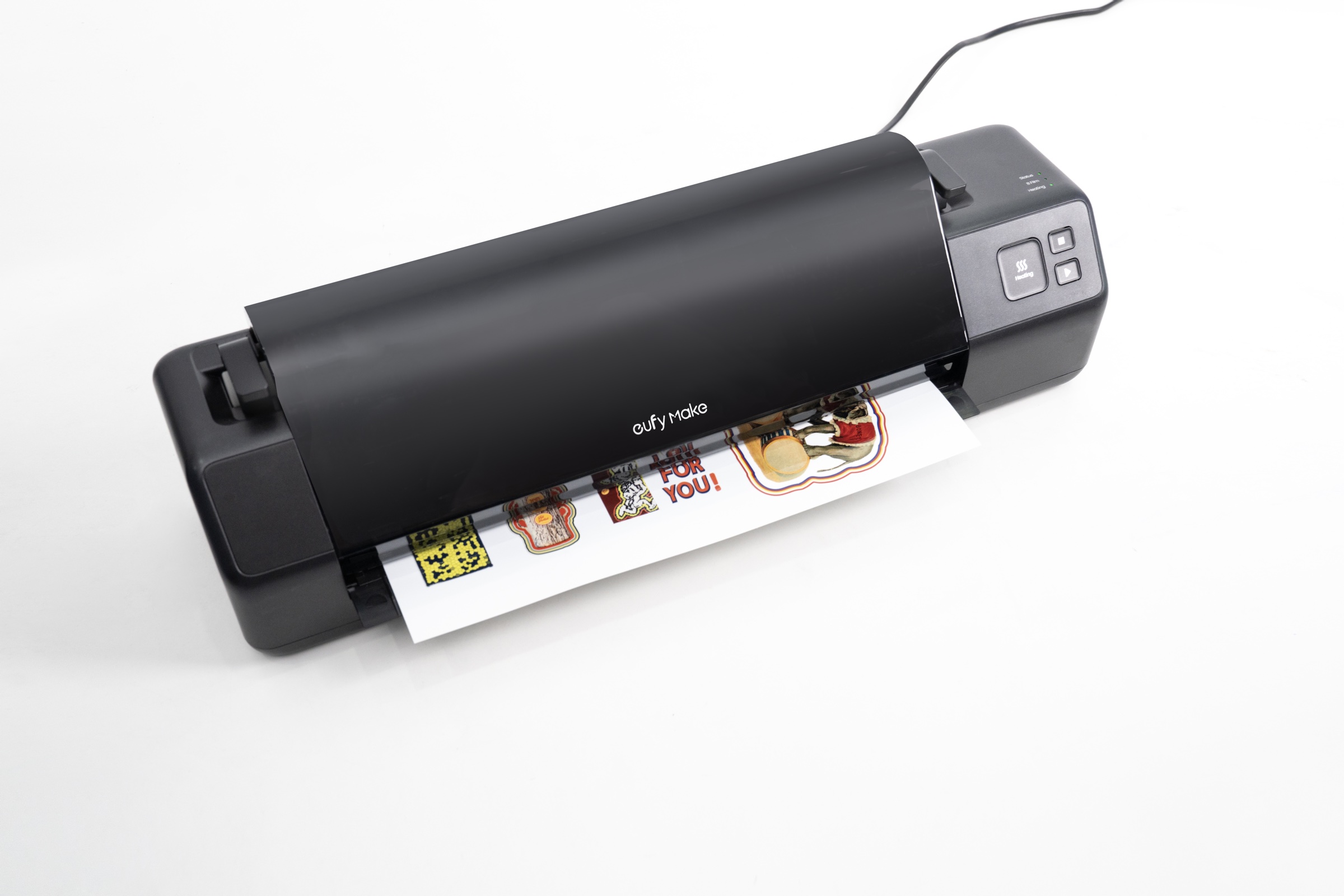
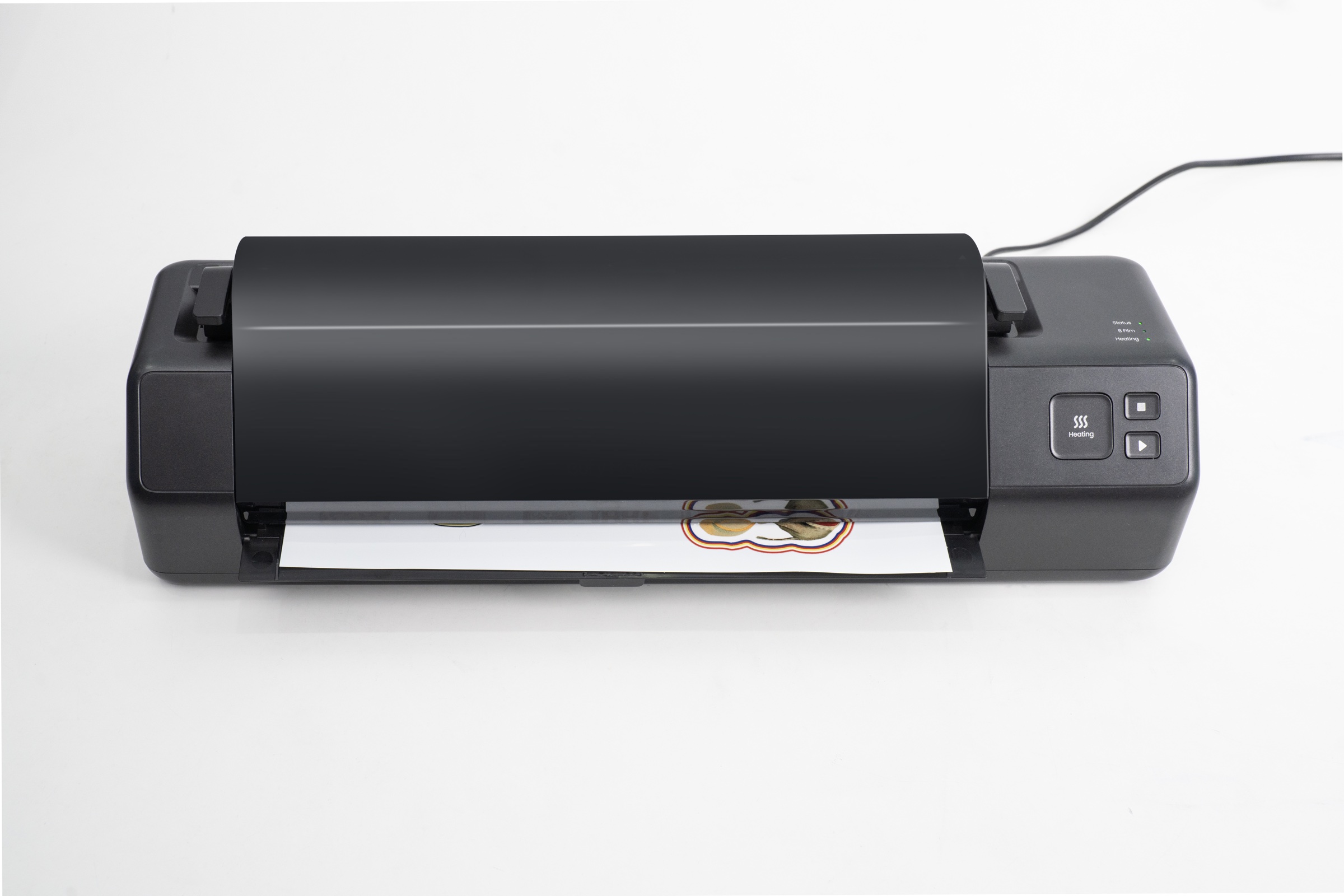
Hold Film A by its non-adhesive edge with both hands, align the left side with the laminator entrance, and feed it in slowly.
The laminator will automatically complete the lamination process.
¶ Step 5 - Cut the corners of Film B
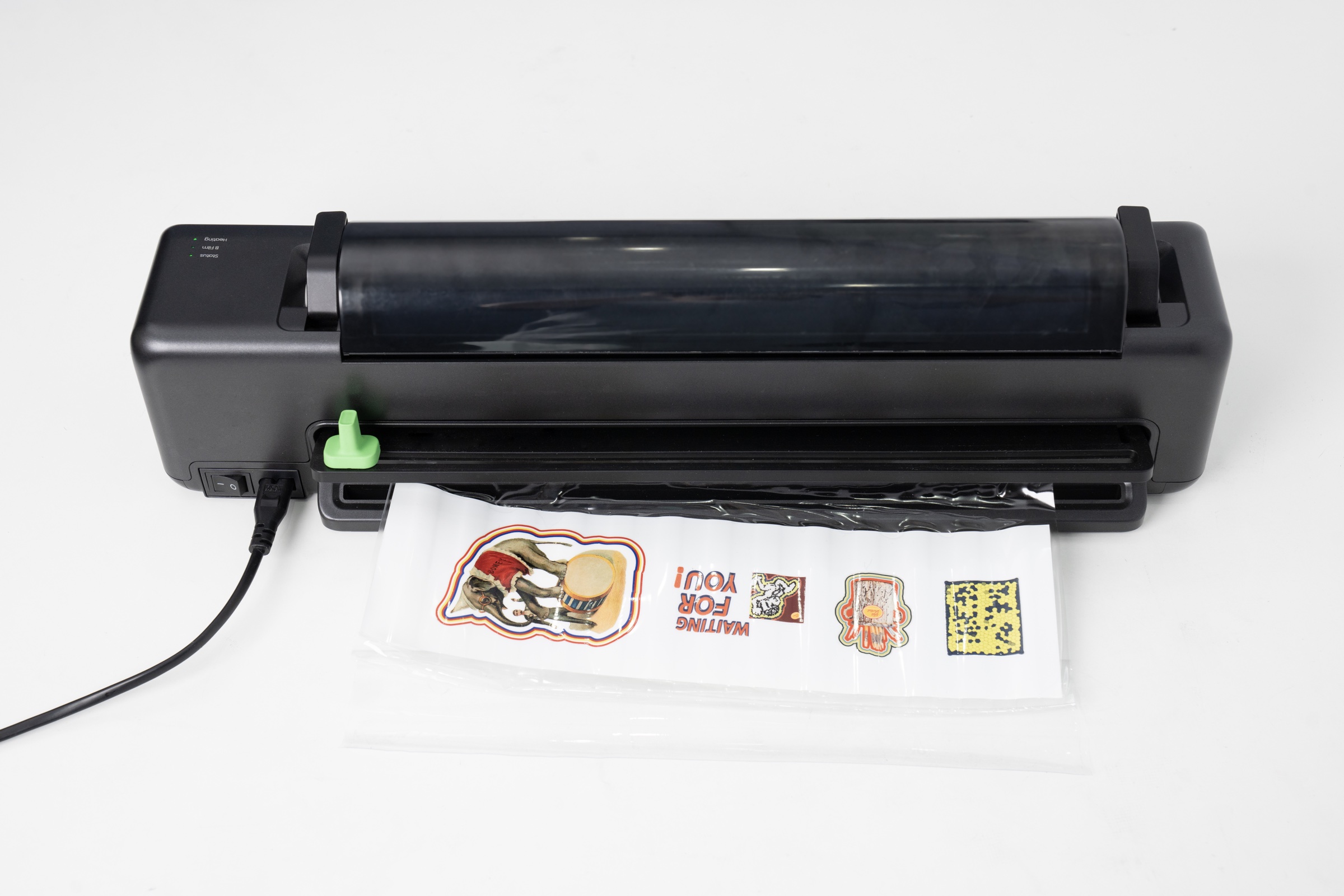
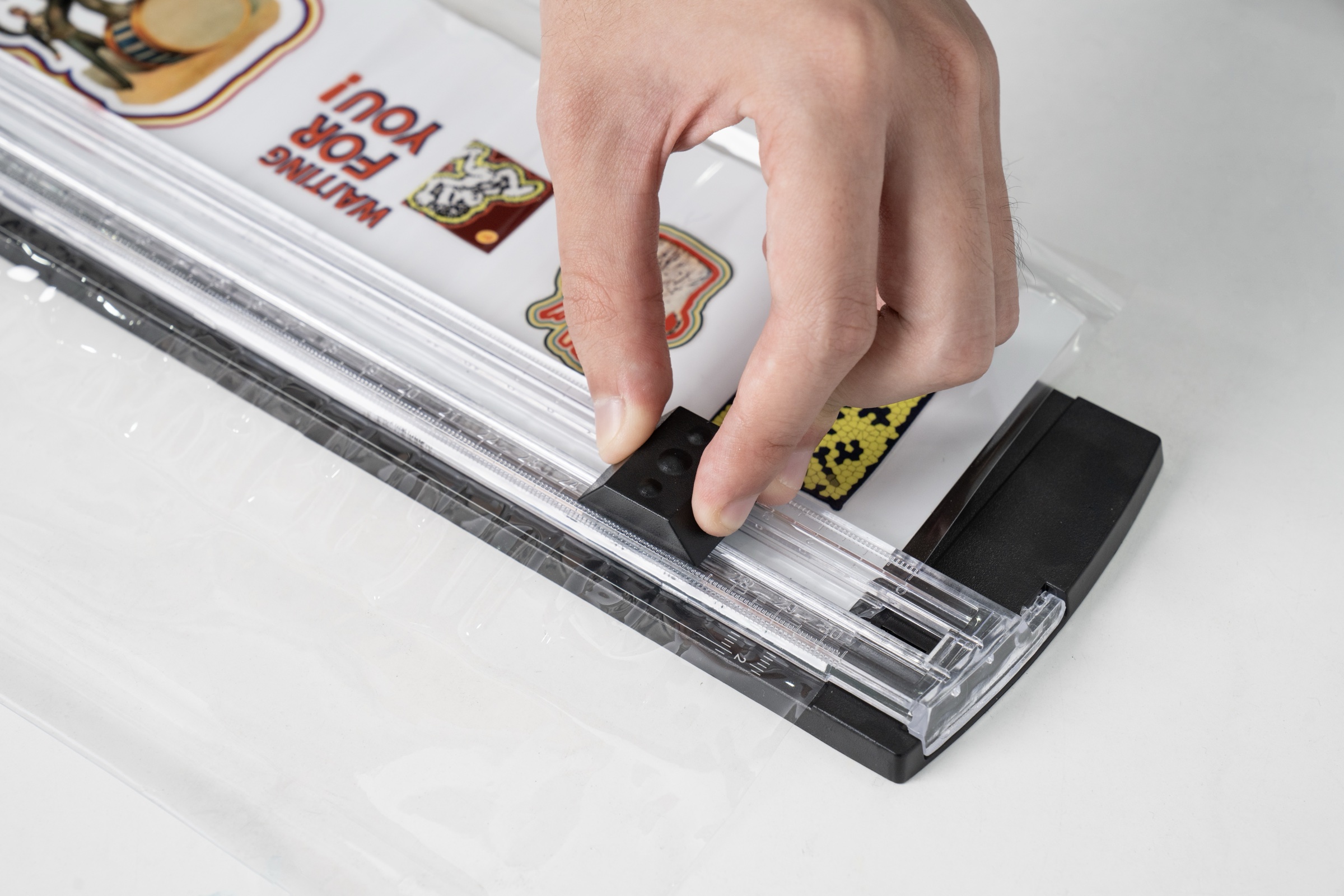
- After lamination, use the cutter to remove the laminated section of Film B, then use a paper cutter to trim excess edges and corners.
¶ Step 6 - Apply the UV DTF Sticker
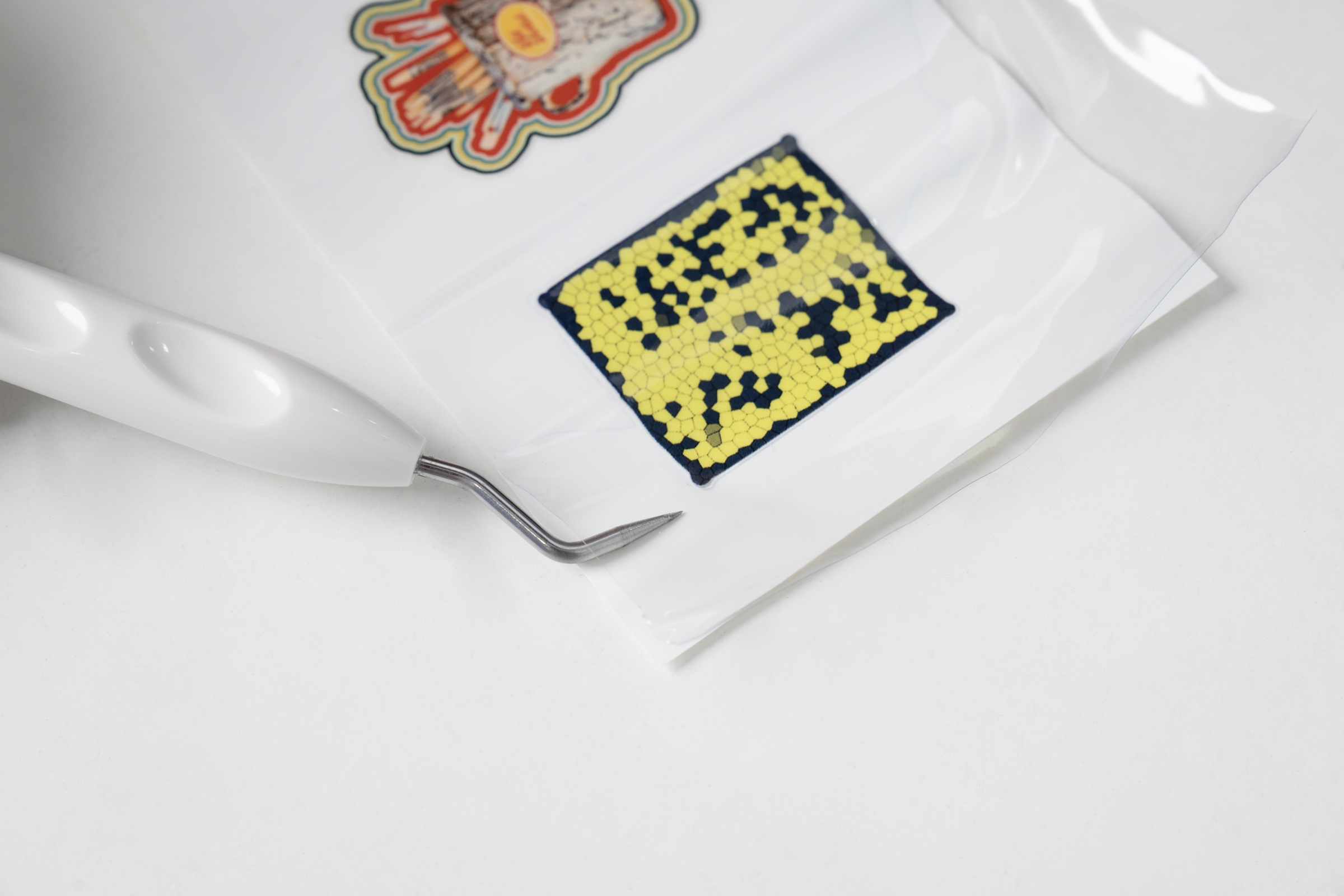
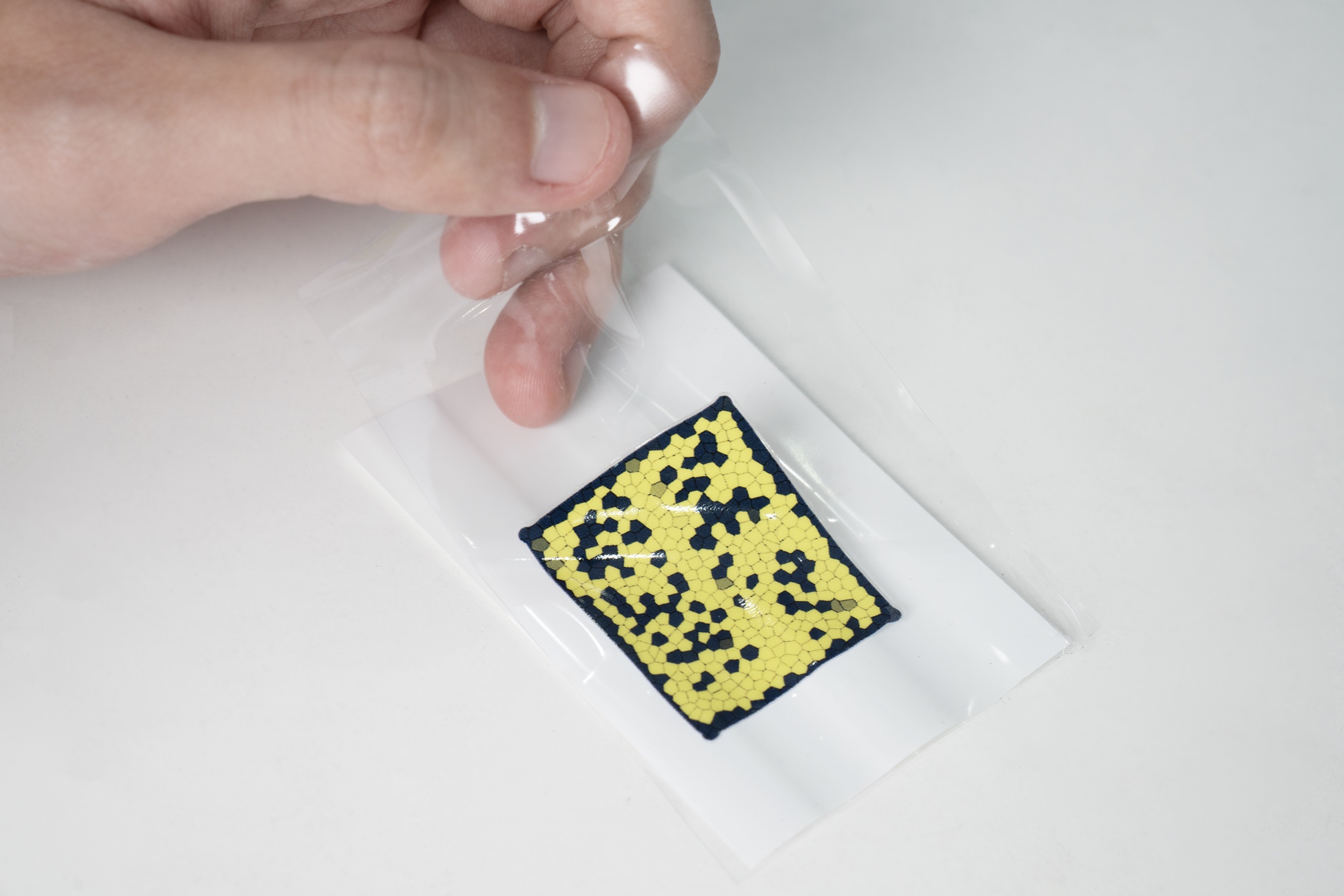
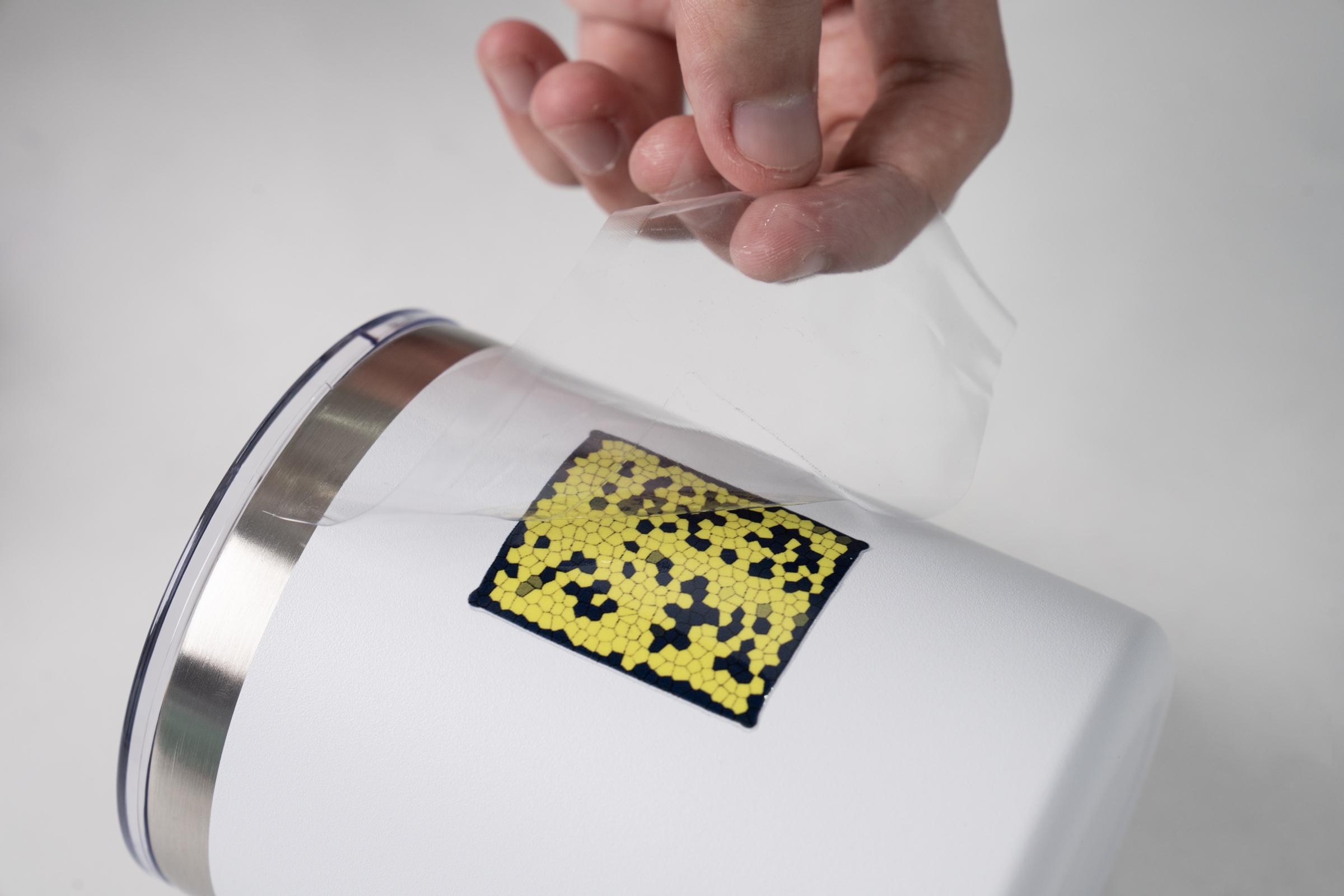
Cut out the UV DTF sticker pattern using scissors.
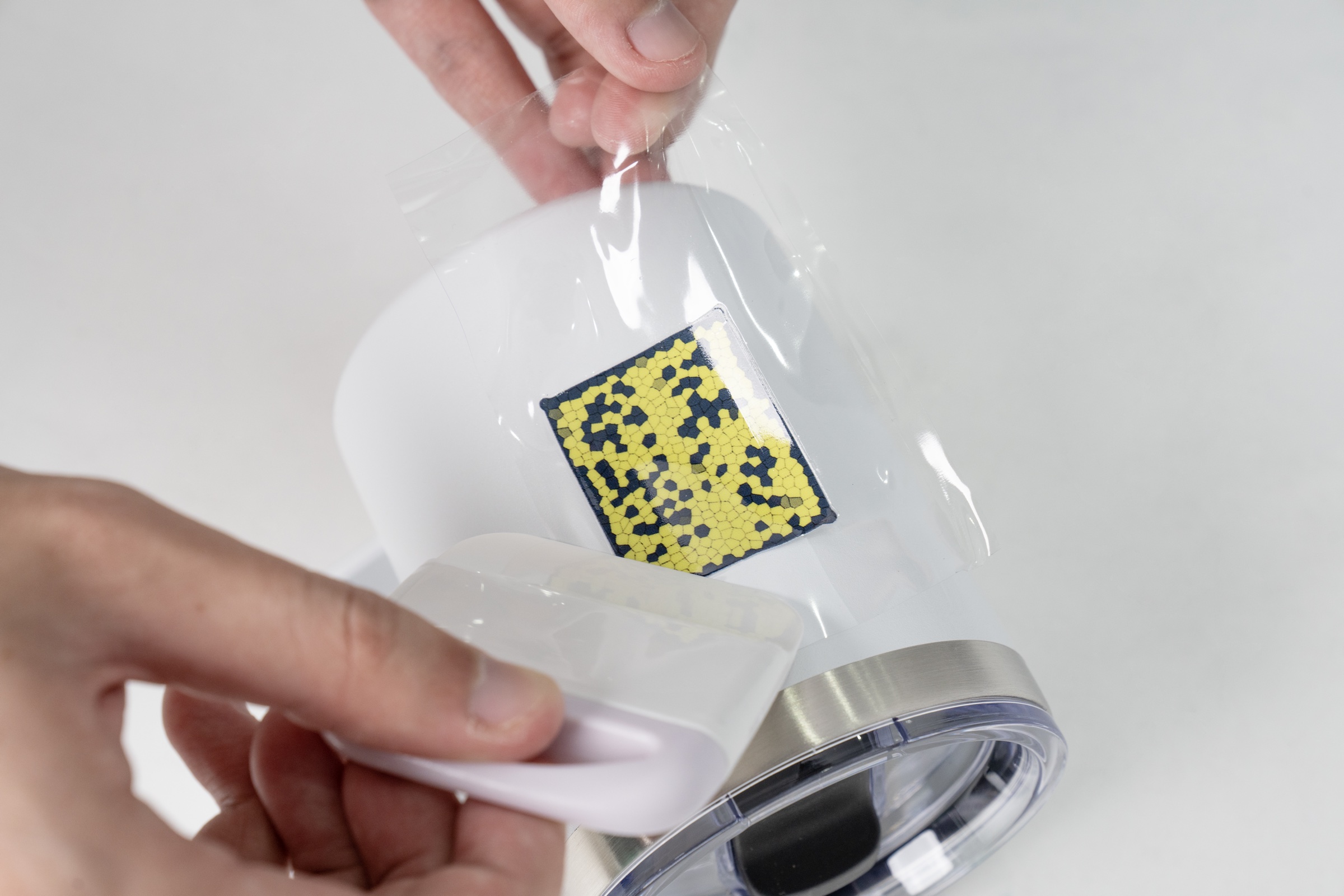
Use the included crochet hook to lift a corner, apply the sticker to the target surface, and press it firmly with a squeegee.
¶ Common Faults & Solutions
¶ Film Jams or Gets Blocked
Please Follow this Tutorial:
If the film becomes jammed or blocked during operation, follow these steps:
1. Press the Stop button to halt the lamination process.
2. Wait for the heating roller to cool down to room temperature.
3. Open the maintenance cover.
4. Open the ABS release switch.
5. Manually pull out the B film along the roller axis.
6. Close the ABS switch.
7. Reload the B film before resuming operation.
¶ Indicator Light Codes
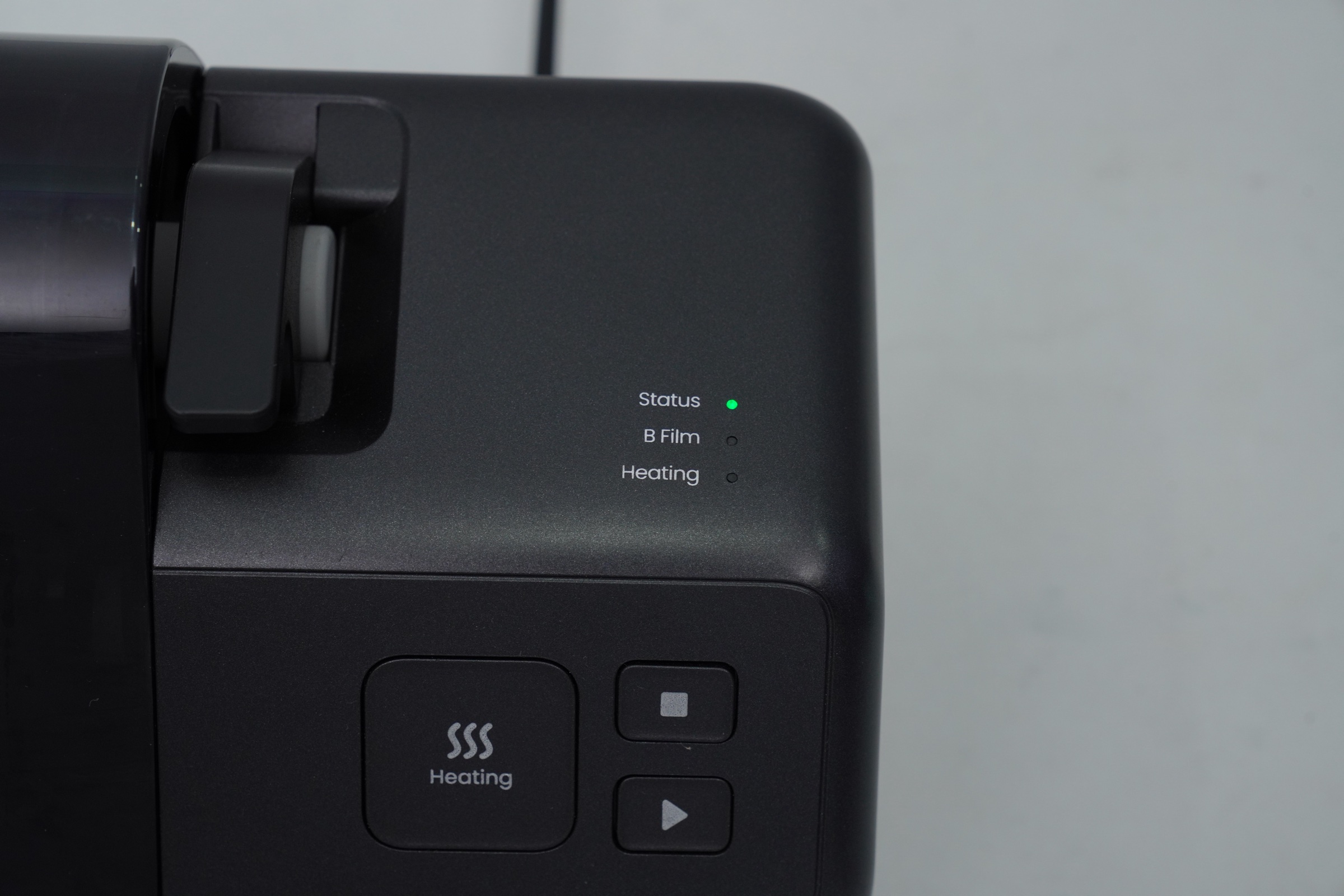
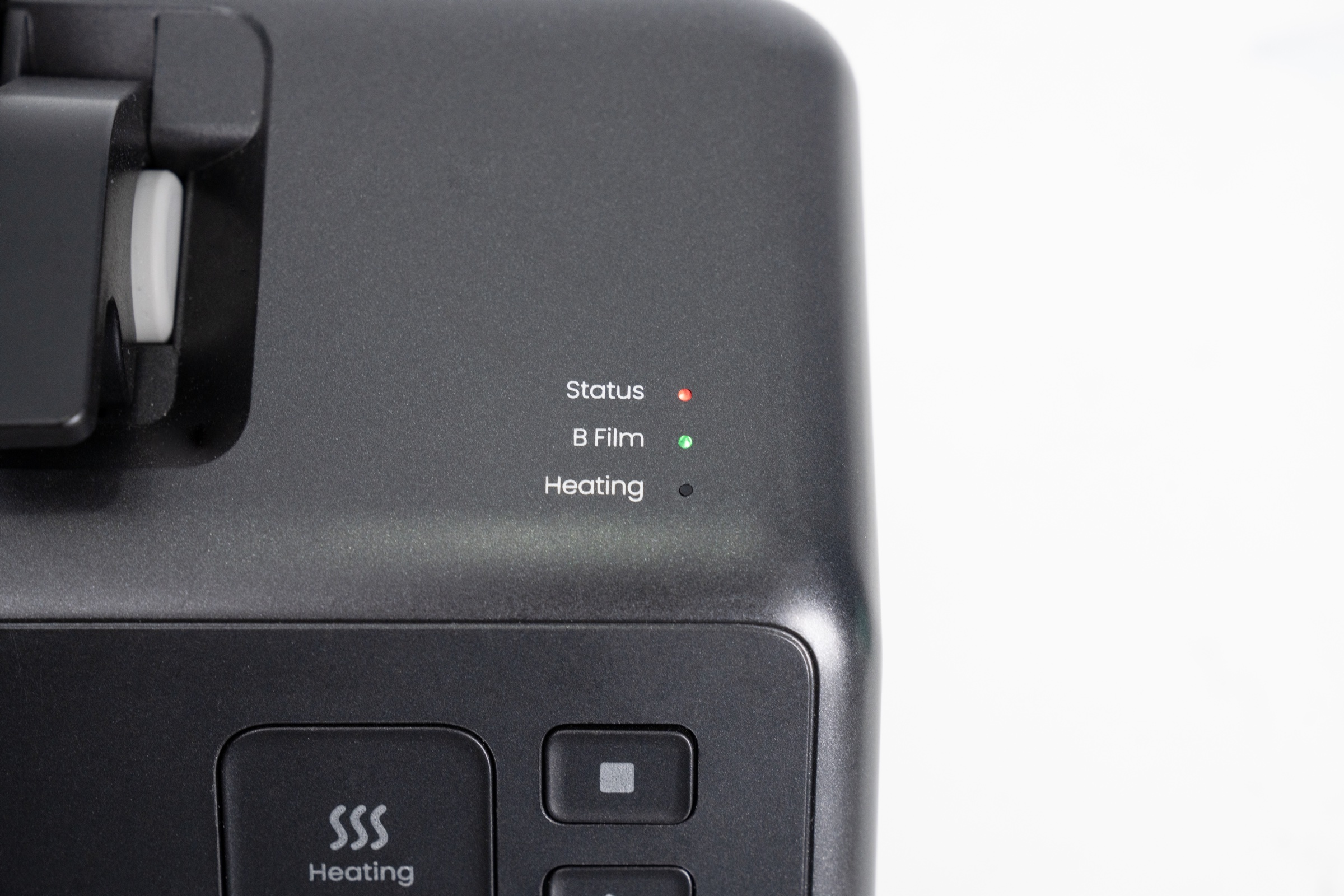
Status indicator : shows standby (green) / abnormal (red)
B Film Indicator : displays B Film not installed (off) /abnormal (red) /installation completed (green)
Heating indicator : shows not heated (off) / heating (orange) / heating completed (green)
¶ Important Safety Instructions
Do not leave the laminator unattended during operation.
Keep away from children and do not allow unsupervised use.
Avoid touching the heating roller to prevent burns.
Do not operate near water sources, unstable surfaces, or in poorly ventilated environments.
The operating temperature range is 15 °C – 35 °C.
¶ Frequently Asked Questions
¶ Q1: The status light flashes red during startup or lamination.
The device has entered protection mode.
If the preheat light also flashes red, the roller may be overheating.
- Turn off the device and restart it after it cools naturally.
If a film jam occurs:
- Press the Forward button to eject the material.
- Open the baffle.
- Remove the jammed Film B.
- Restart the device.
¶ Q2: The status light flashes red when Film B is inserted before self-test completion.
After powering on, the laminator automatically performs a self-check. Wait for the beep prompt before operating.
If the sensor is blocked during self-check, the device may misread the signal and enter protection mode. Refer to Q1 for recovery.
¶ Q3: The pattern does not transfer completely after peeling Film B.
Possible causes:
Films A and B installed incorrectly or printed in the wrong direction.
Inadequate lamination pressure or contact.
Confirm that:
The printing surface is the adhesive layer on Film A.
The film combination is correct.
Lamination pressure and duration are sufficient.
¶ Q4: Gold/Silver stamping transfer is incomplete or contaminated.
Incomplete or damaged transfer:
- Verify soft white ink printing is complete.
- Extend pressing time and peel the film only after cooling.
Foil adhesion in non-pattern areas:
- Check that the white ink output is normal and that the pattern edges are intact.
- Run a nozzle test if necessary.