As a creative tool, the eufyMake UV Printer E1 includes several moving parts, such as fans and motors. It’s normal to hear a range of operating sounds while the machine is running. The sections below outline the components that may produce noise and the types of sounds you may hear.
|
Type |
Device |
Timing of sound generation |
Sound Position |
Pictures |
Sound Types |
Possible Abnormal Noise Types |
|
Fan |
Motherboard Cooling Fan |
After turning on the device |
Seam between the front air filter cover plate and the top cover |
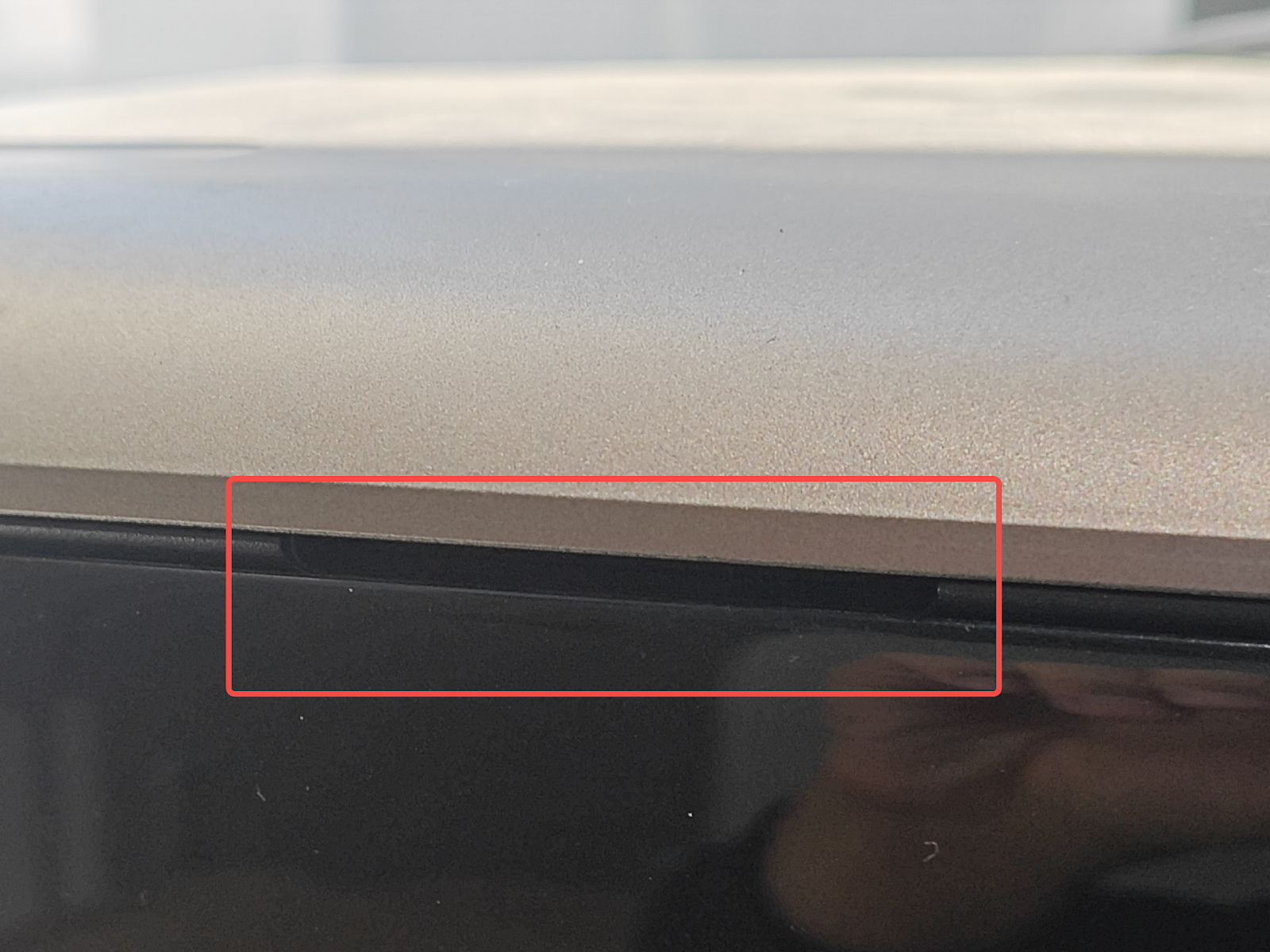 |
Continuous fan sound |
Fan damage causes abnormal noise |
|
UV lamp cooling fan |
From the initiation of printing to the end of printing |
Spray Head UV Lamp |
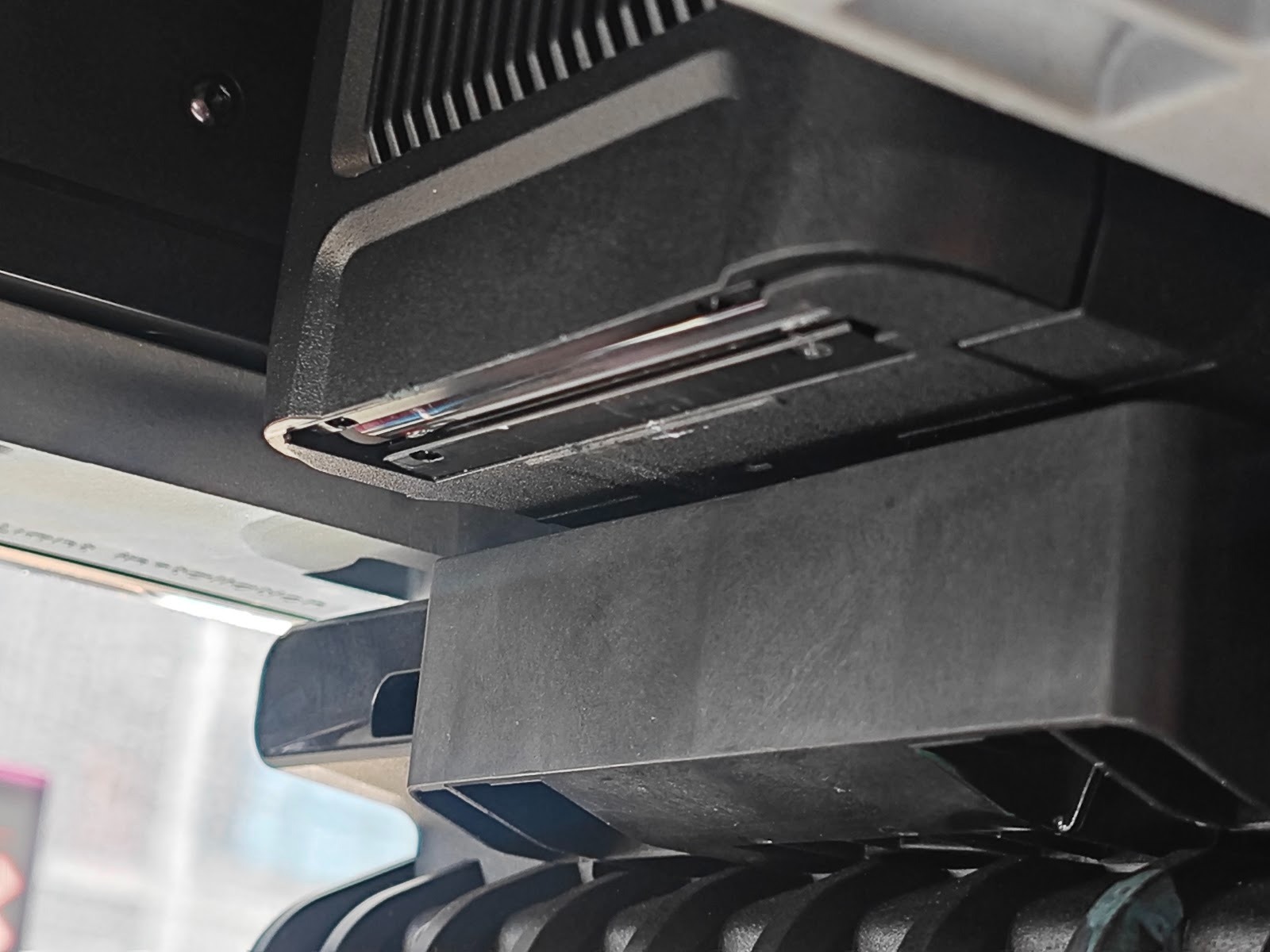 |
|||
|
Air Filter Fan |
After turning on the device |
Below the front air filter cover plate |
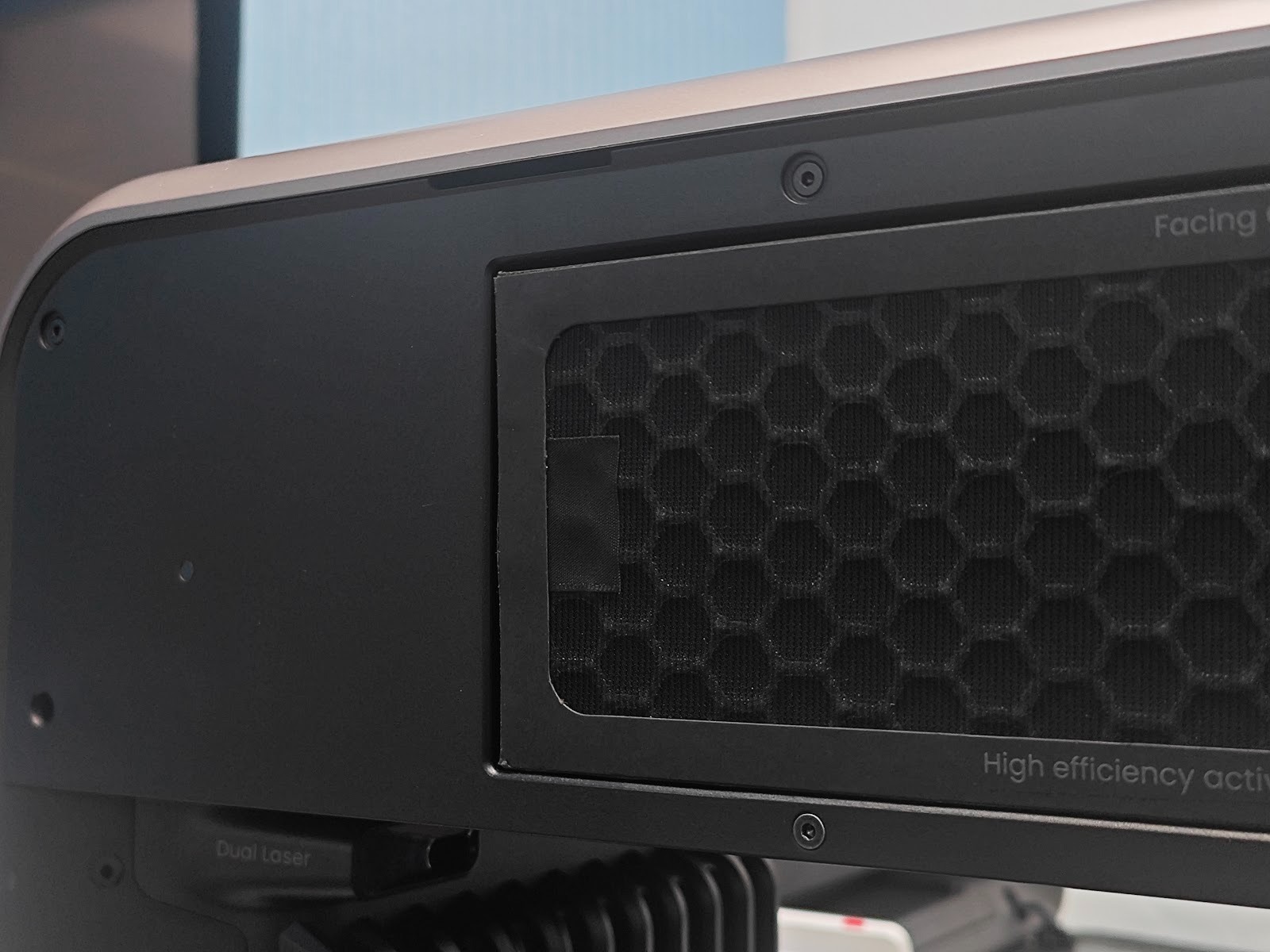 |
|||
|
Motor |
X-axis |
During self-check and printing process |
Inside the crossbeam |
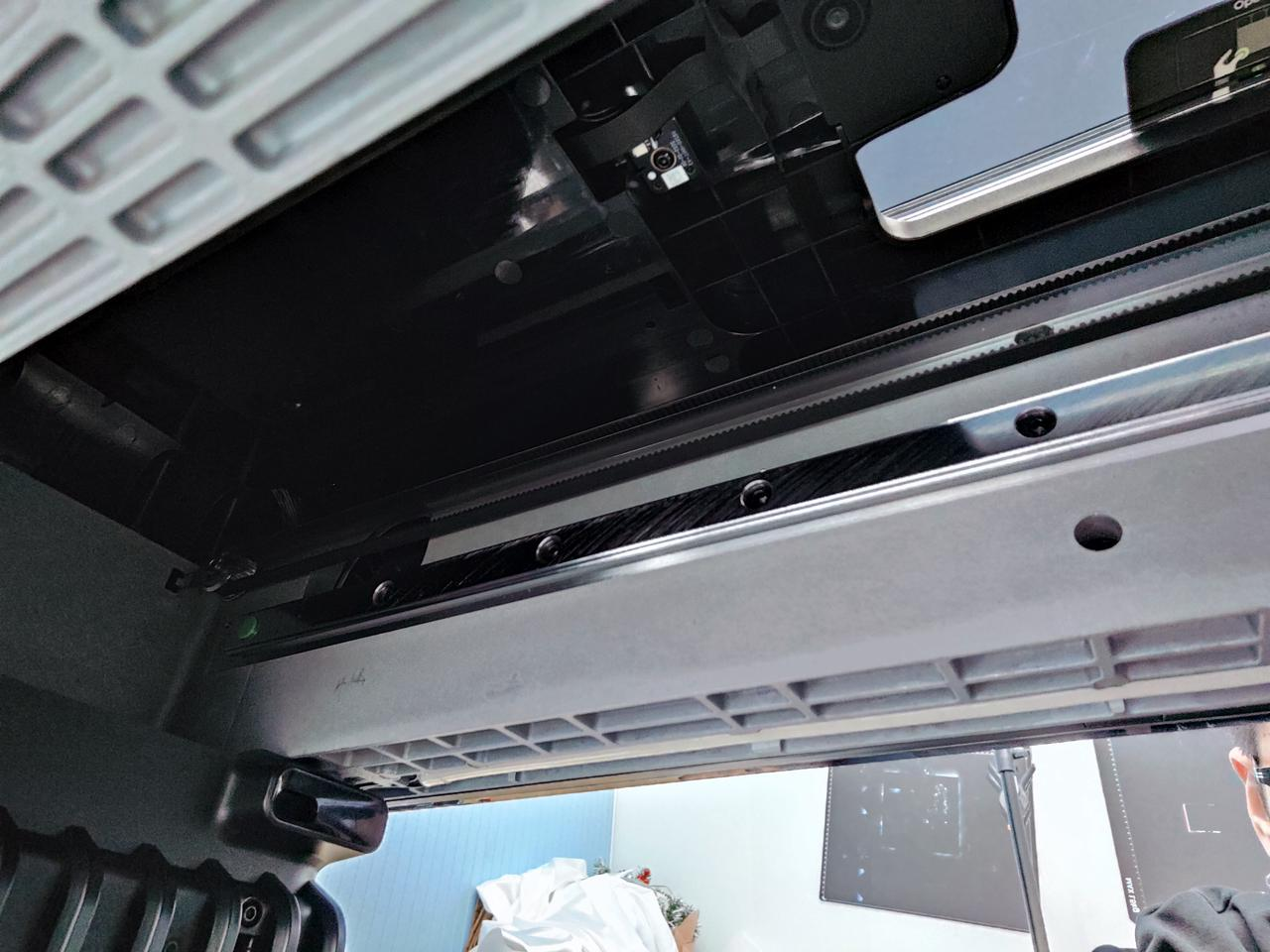 |
Periodically regular friction noise |
Harsh, irregular noise caused by lack of lubrication or abnormal motor and guide rail |
|
Y-axis |
During the process of taking photos and printing |
Below the platform board |
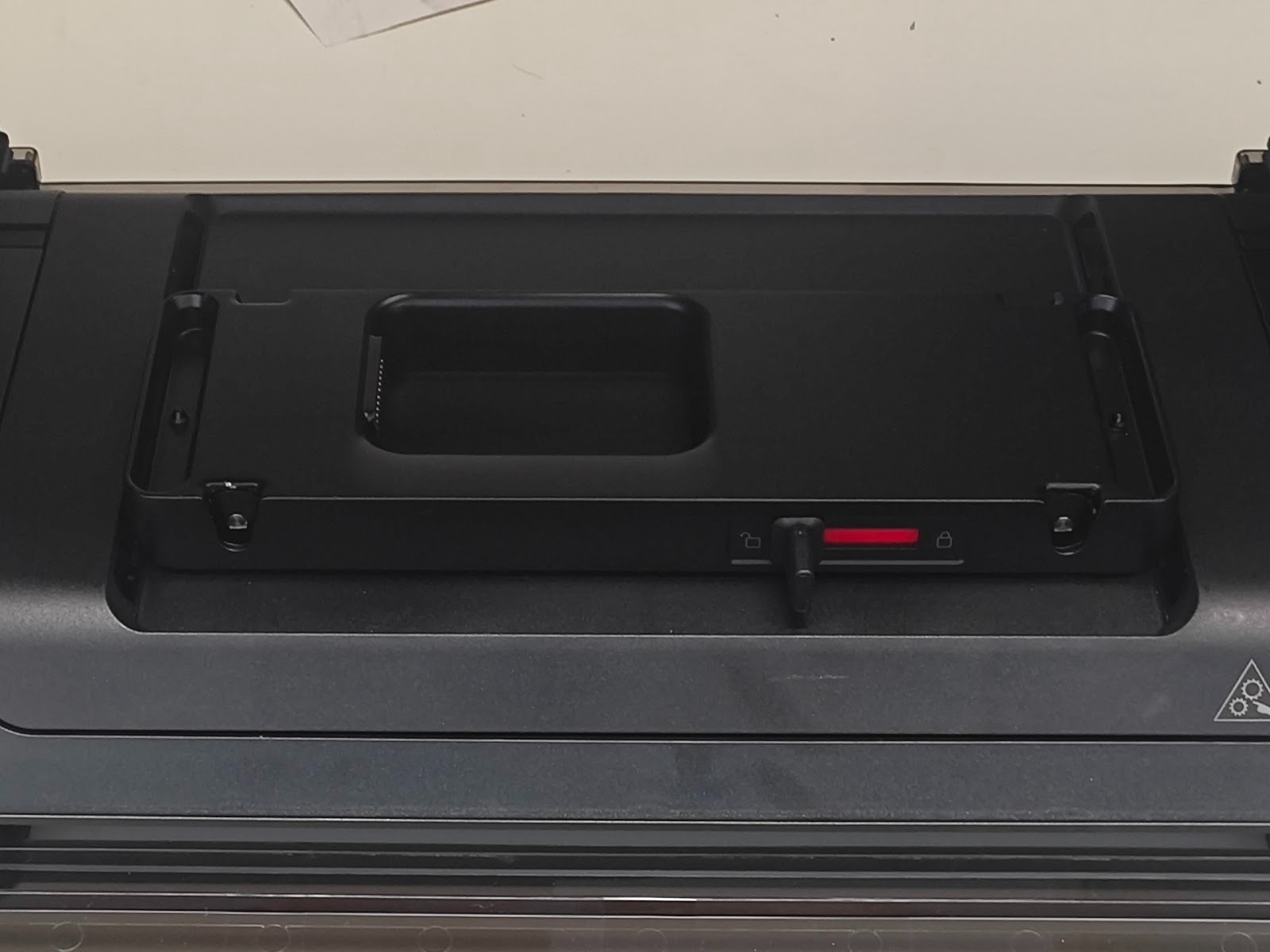 |
|||
|
Z-axis |
During the process of taking photos and printing |
At the striped covers on both sides |
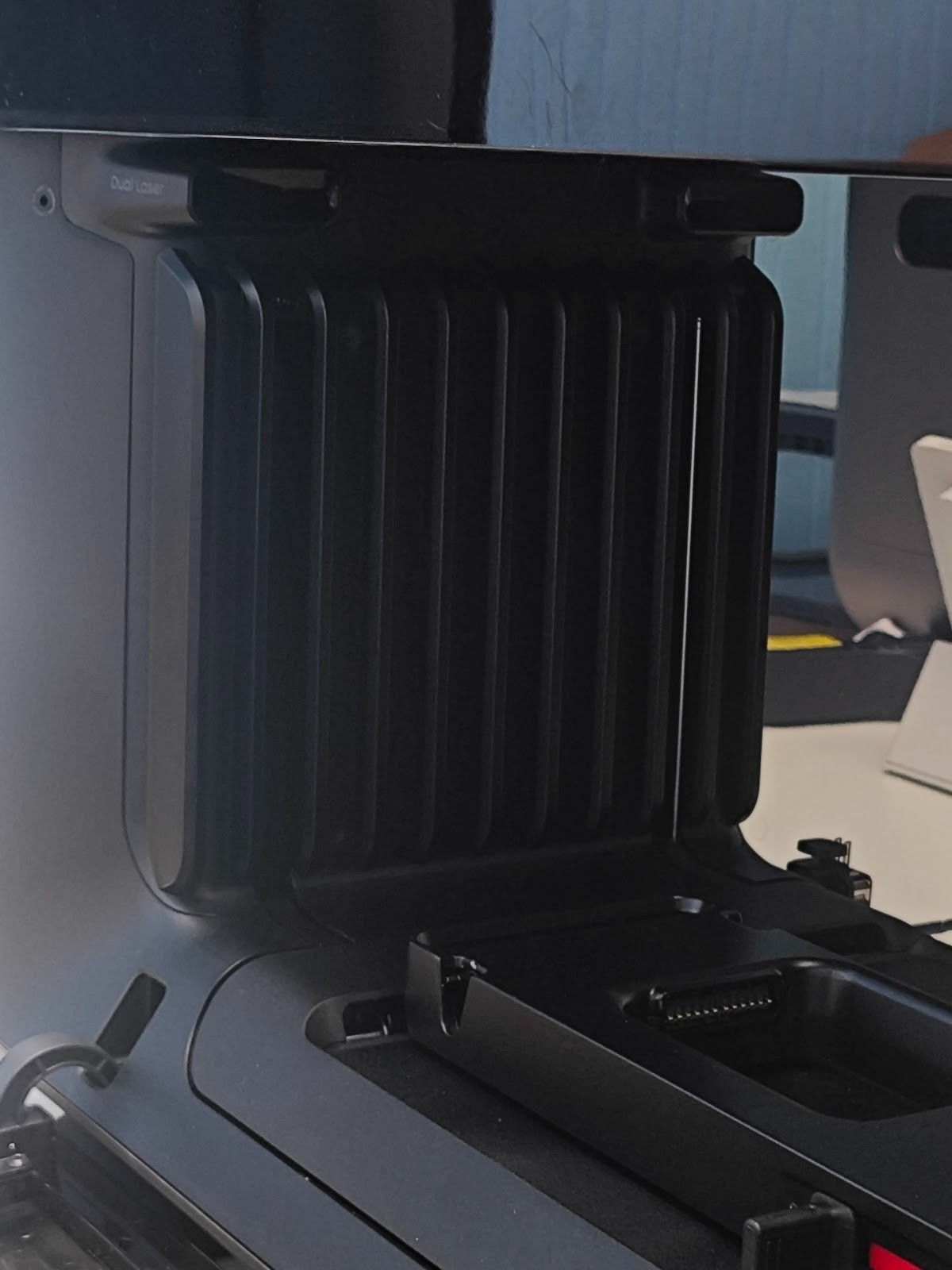 |
|||
|
Solenoid Valve |
Scraper |
Before preparing to print, during nozzle maintenance |
Below the nozzle |
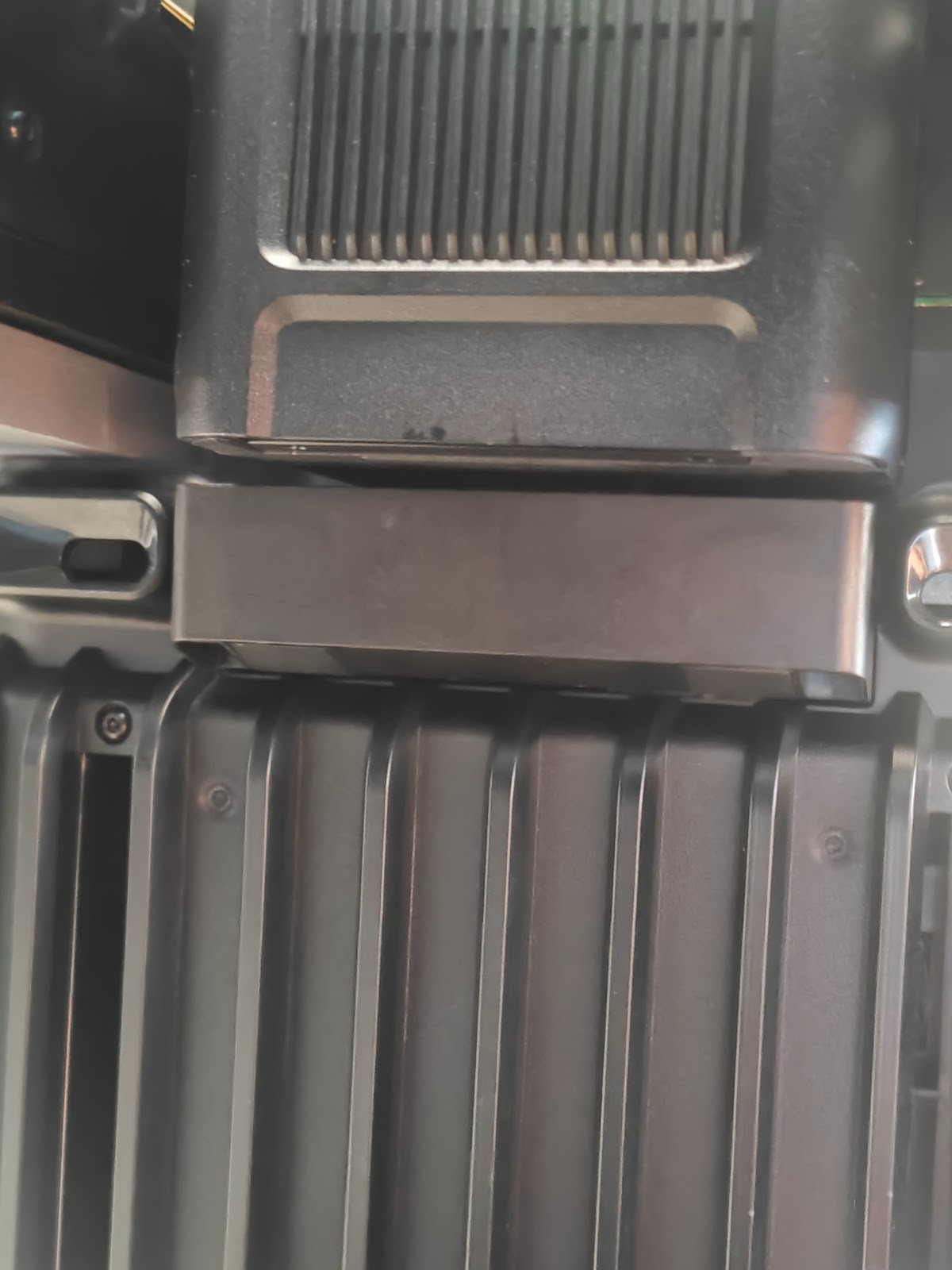 |
A distinct "click" sound |
|
|
Ink path switching |
Before maintenance, before ink extraction |
Spray Head |
||||
|
pump |
Waste Ink Pump |
Before printing, complete maintenance |
Below the cleaning box |
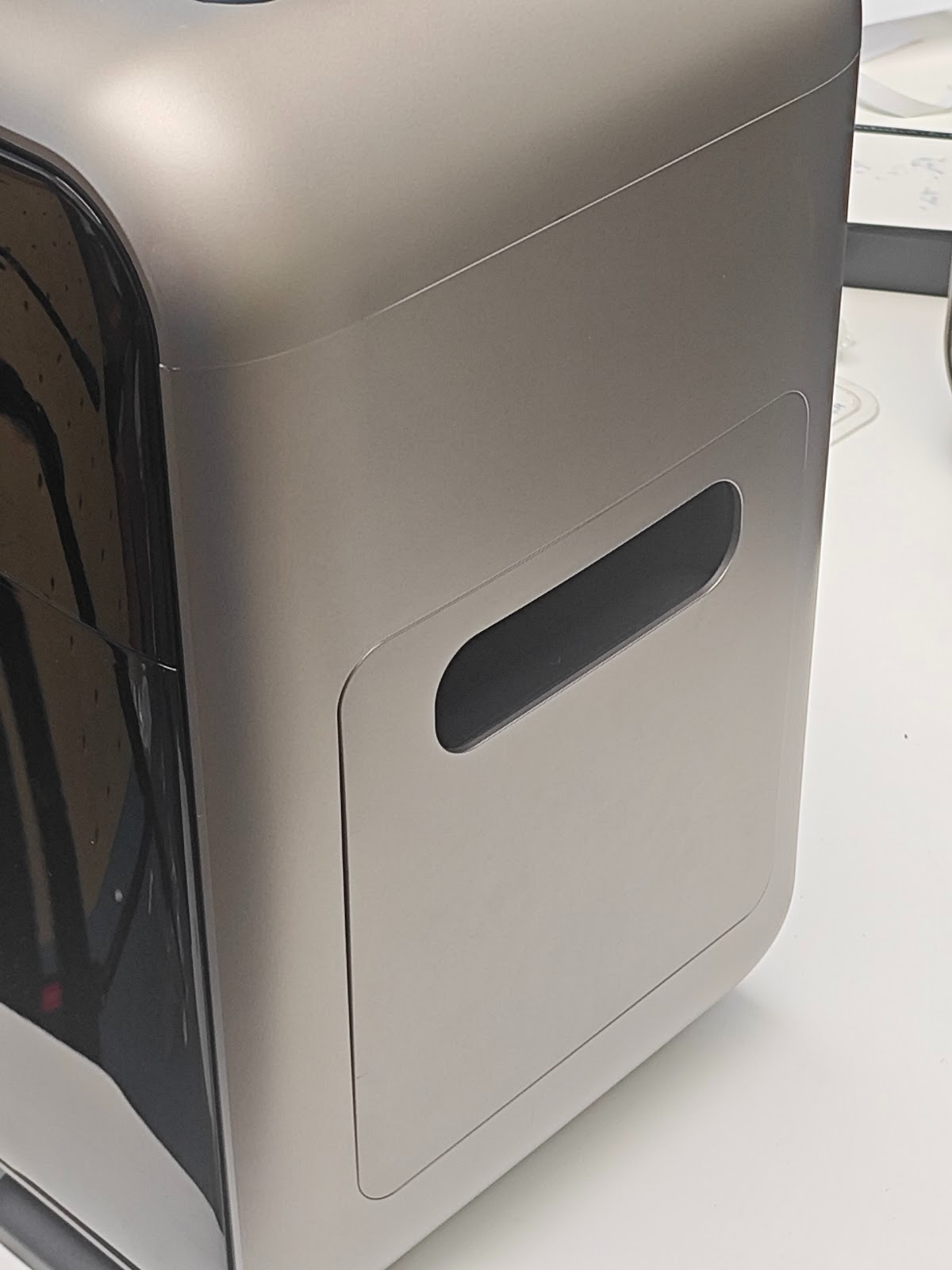 |
Regular, motor-like vibrations |
Abnormal noise is generated due to motor damage or ink path blockage |
|
Cleaning Fluid Pump / Moisturizing Fluid Pump |
When filling cleaning solution and moisturizing lotion |
Below the cleaning box |
¶ Support Contact
The theoretical decibel value of the above sounds at a distance of 1M or more should not exceed 60dB at most. If there are sounds that exceed the listed types or abnormal high-frequency and high-decibel noises, please contact eufyMake Customer Support at support@eufymake.com and include the following information:
Your purchase order information
Printer SN, please refer to How to check Sn
For printer and APP logs, please refer to Upload Log
Please provide the specific location of sound generation in the video