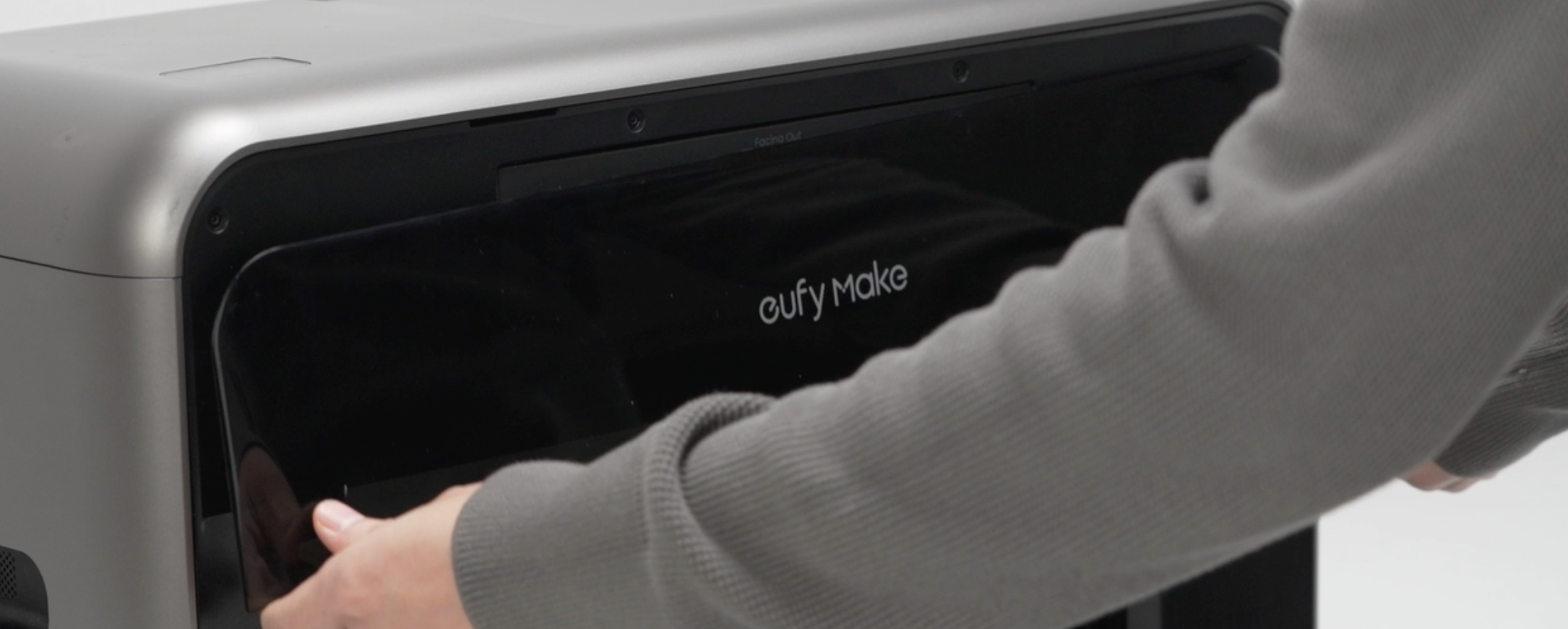
¶ UV Printer E1 Installation Guide
Video link:https://www.youtube.com/watch?v=DfWXuxoxJFo&list=PL_aDMkCH-68yWfXs3bCObg95QSWqcr1Y3&index=1
Installation instructions after unpacking the printer
¶ Step 1 - Connect the power supply
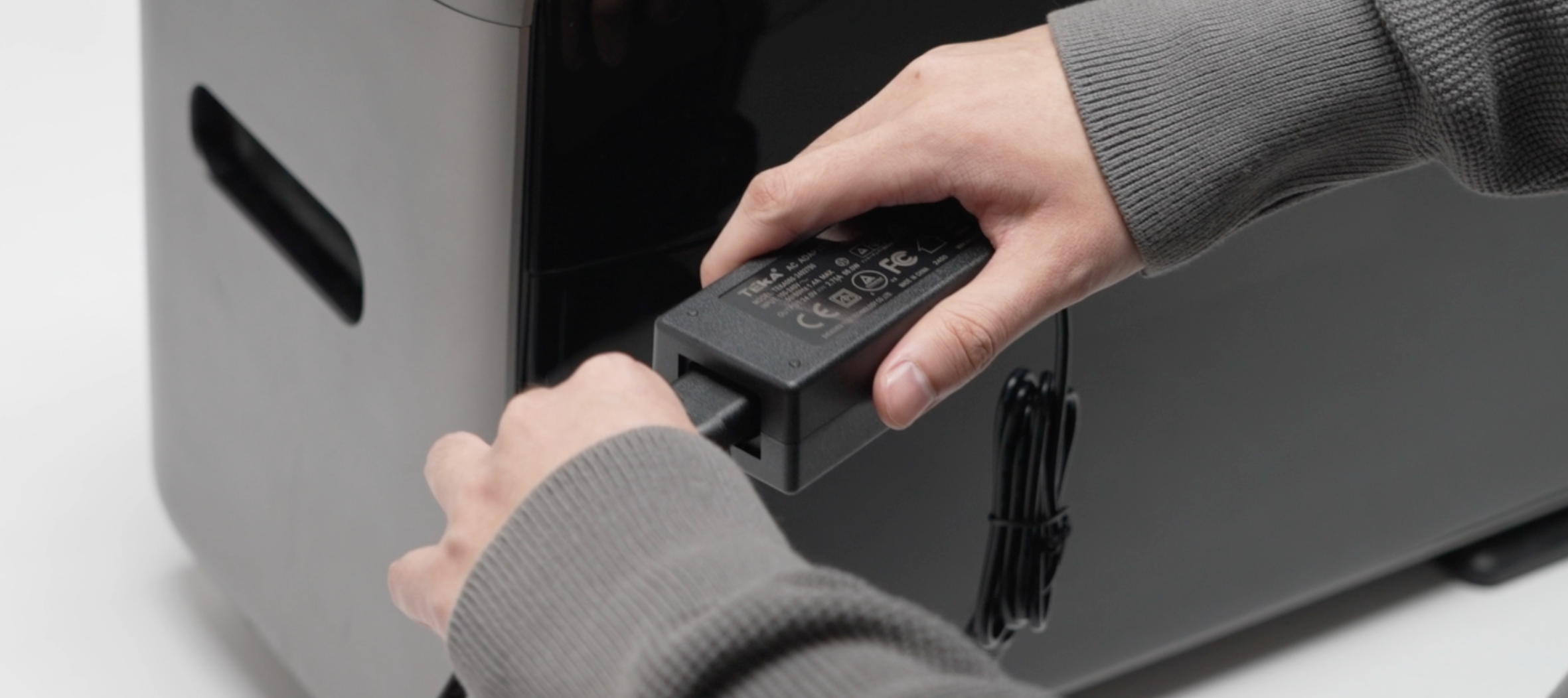
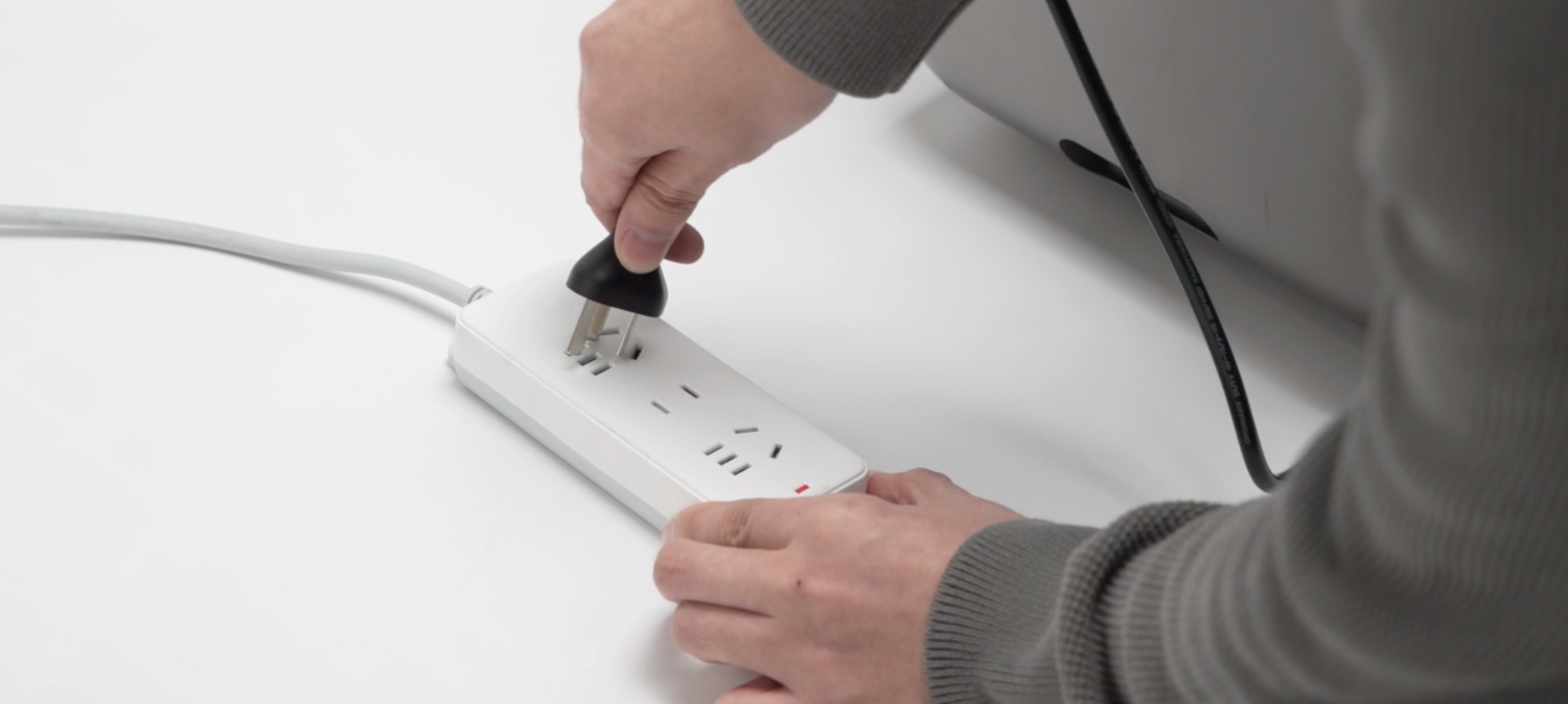
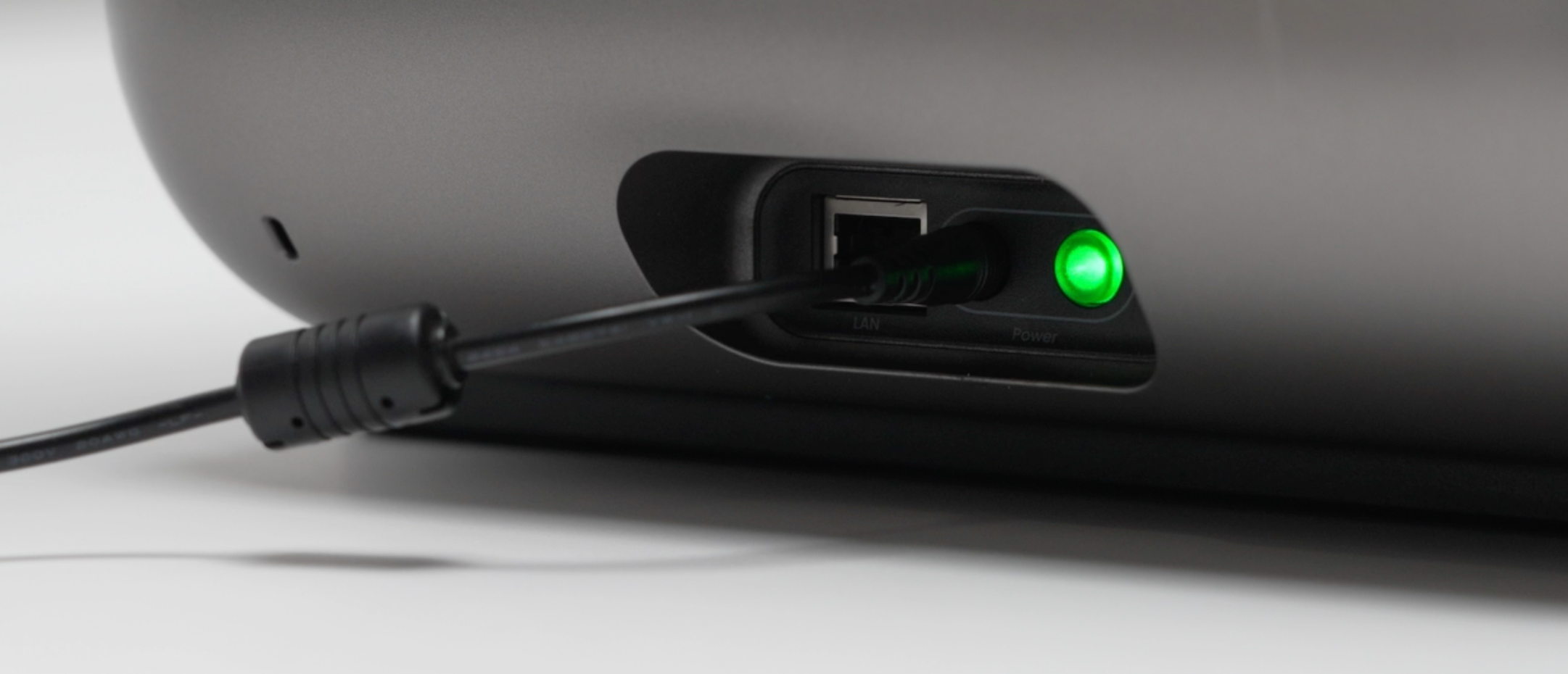
Connect the adapter and power cord - the device will power on automatically once connected.
⚠️Note: Double check that the power supply and plug type match your region’s requirements.
¶ Step 2 - Install the Ink Cartridge
-
Check the ink cartridge for its expiration date, ensure the packaging is intact, and confirm there are no signs of ink leakage.
-
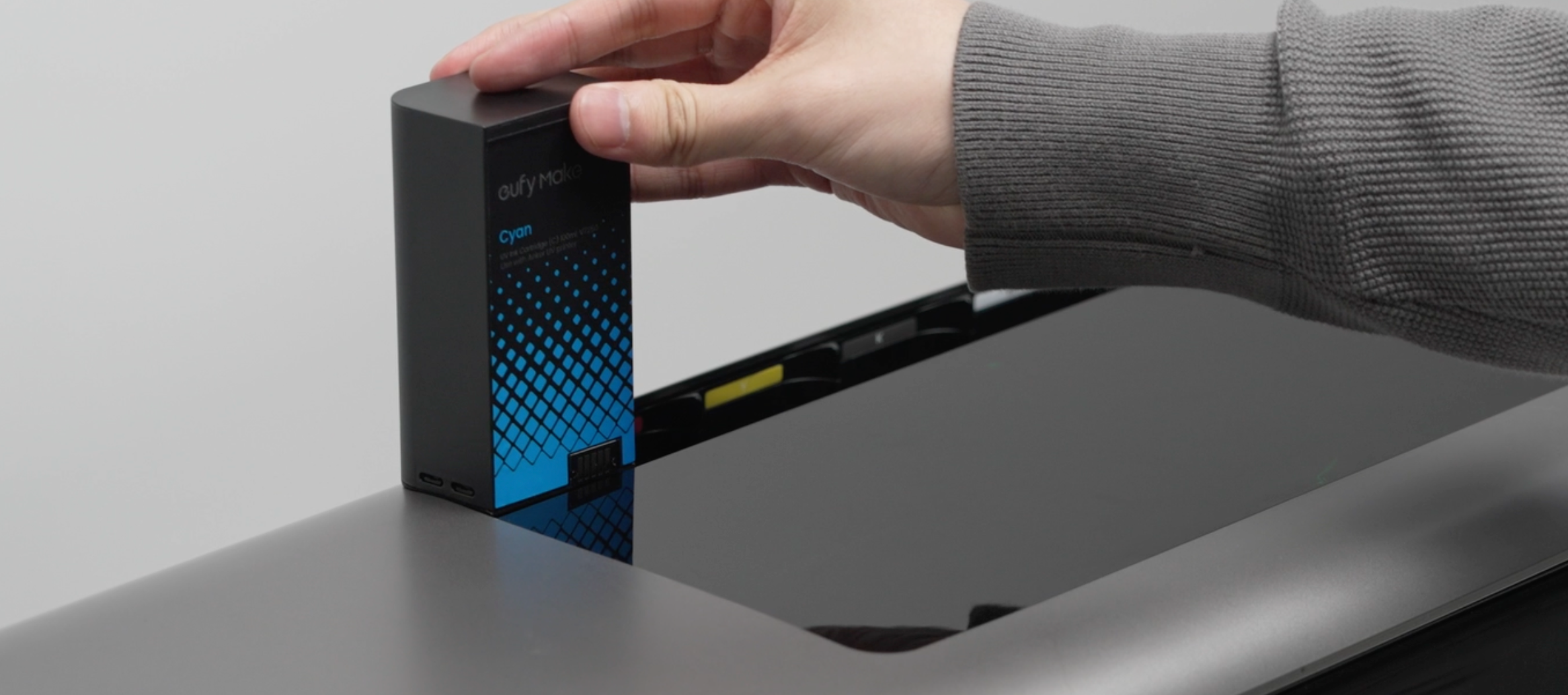
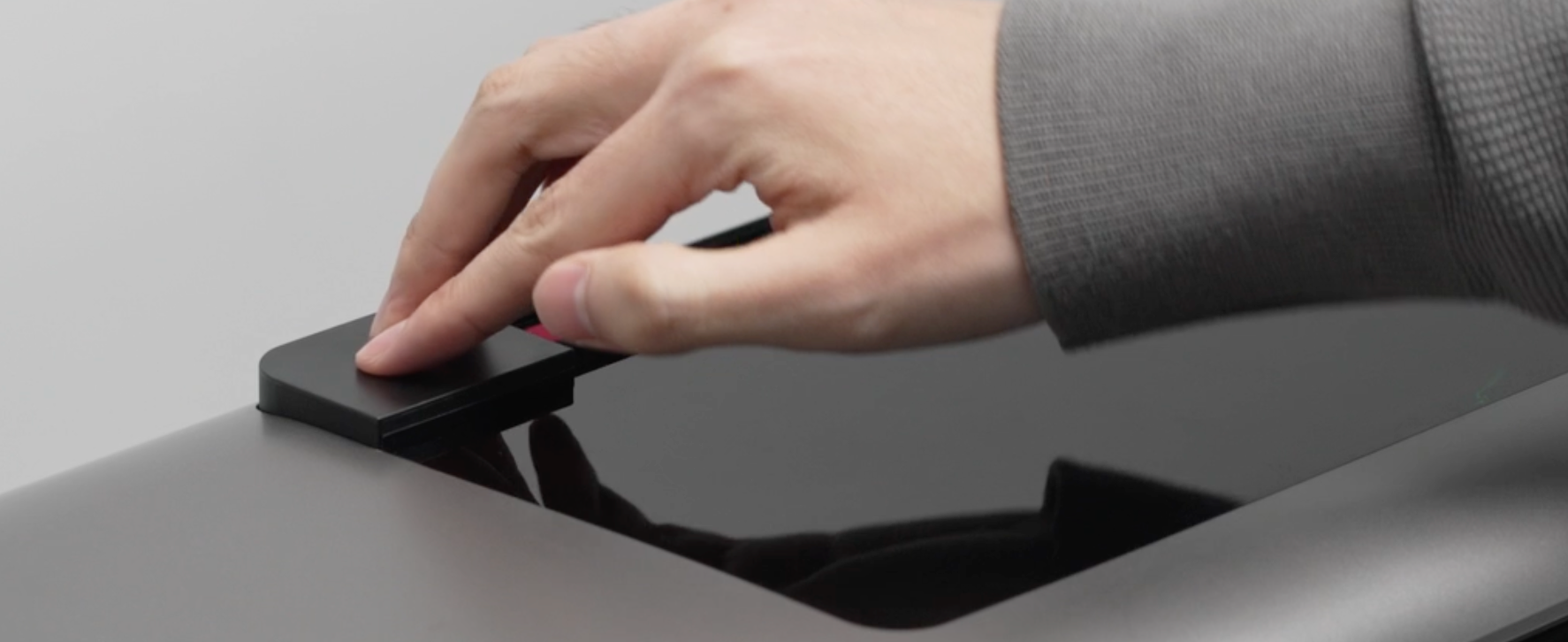
Install the ink cartridge: After removing it from the packaging, refer to the figure below and press to insert the cartridge into place.
⚠️ Note: If the cartridge does not slide in smoothly, do not force it — doing so may cause damage.
¶ Step 3 - Install the cleaning cartridge
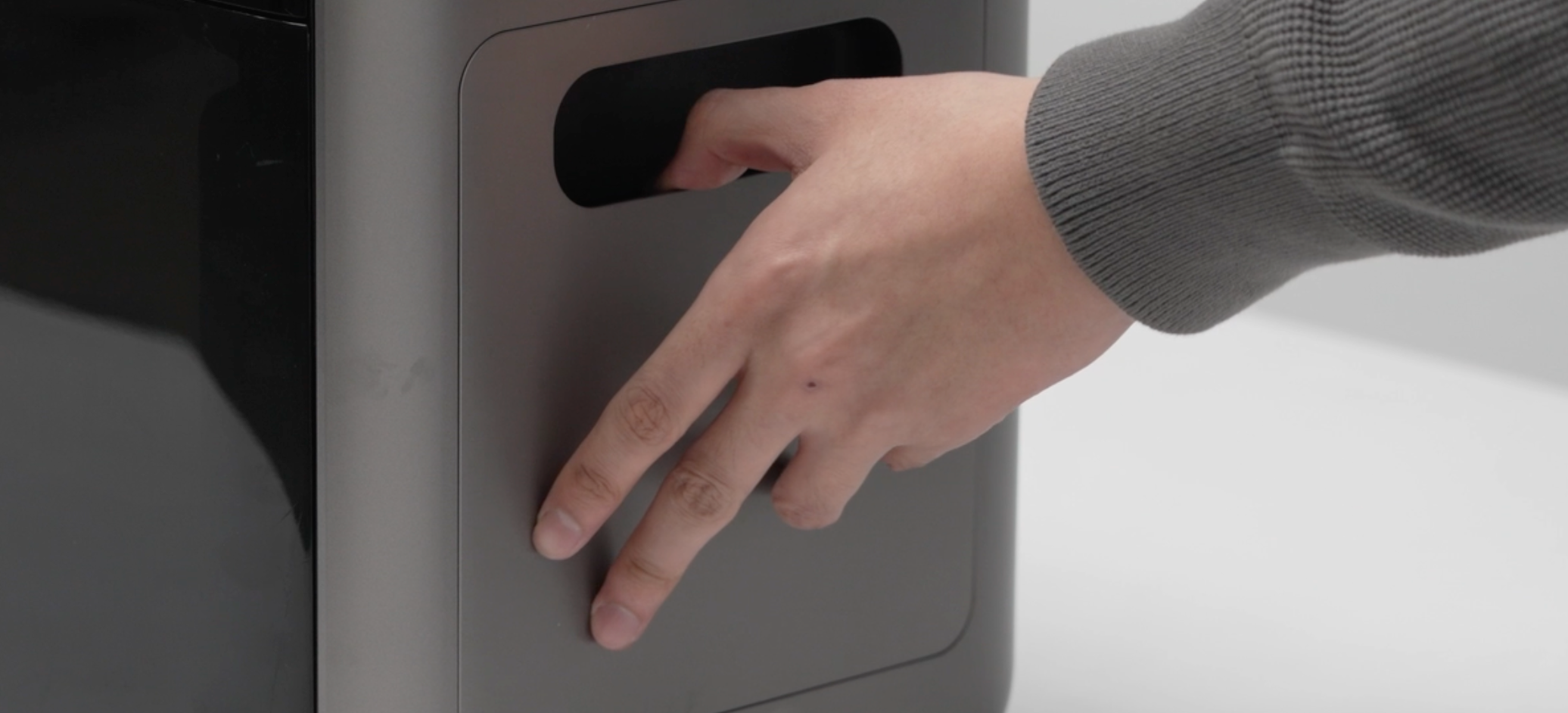
- Remove the cleaning cartridge exterior panel by pulling it outward from the handle, as shown below.
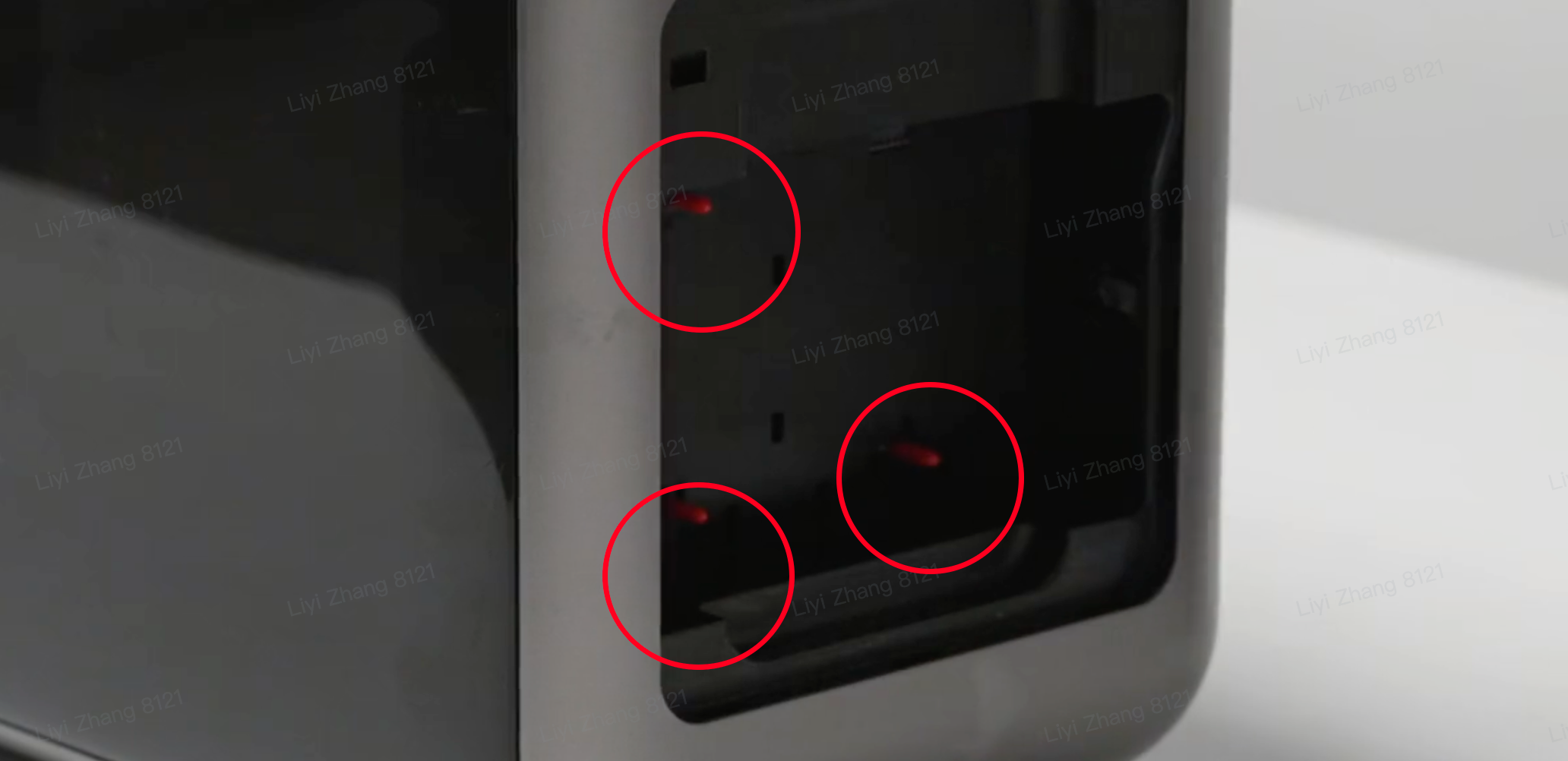
- Pull out the rubber plugs inside the cleaning box.
⚠️The cleaning cartridge cannot be installed without removing the rubber plugs. Do not skip this step!
- Install the cleaning cartridge, ensuring that the cartridge is oriented correctly.
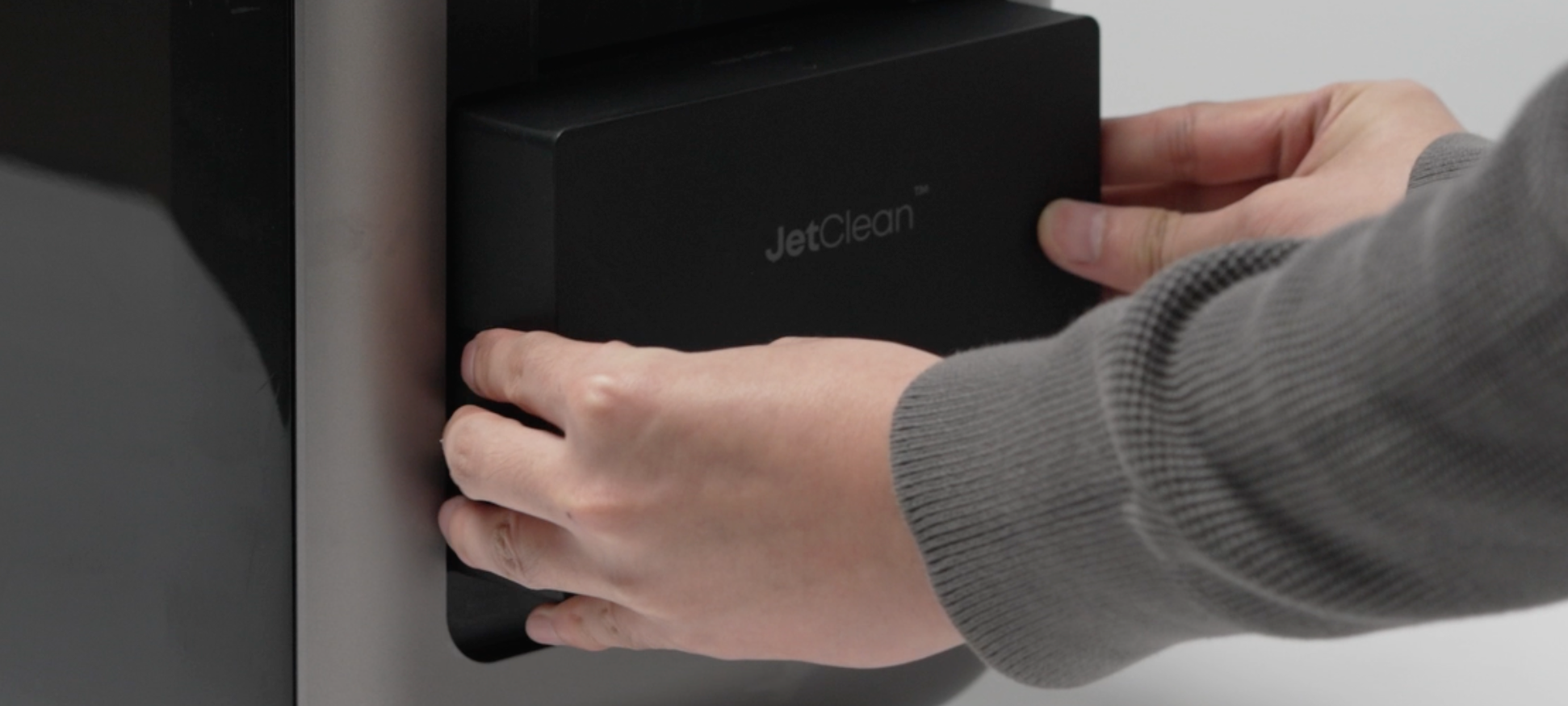
- Snap the cleaning cartridge exterior panel back on.
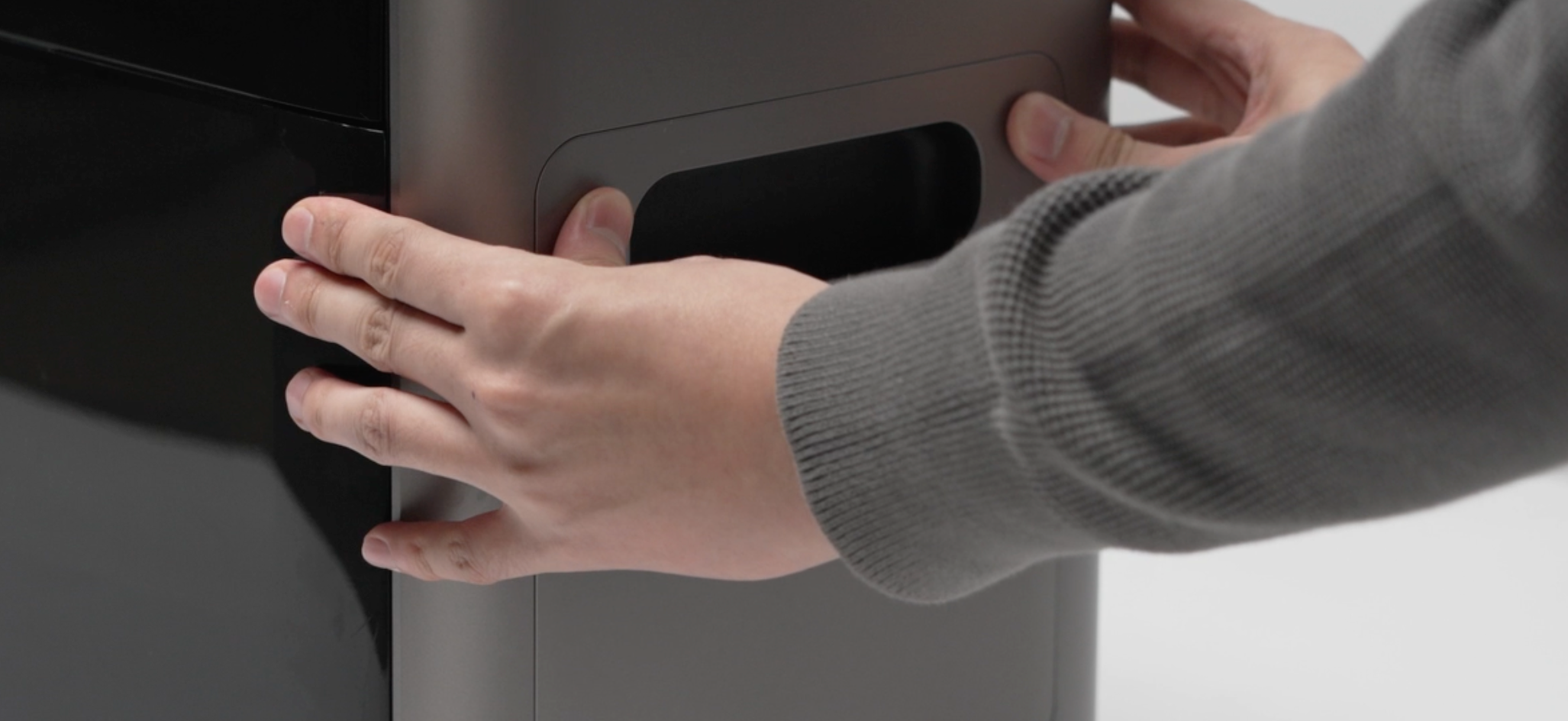
¶ Step 4 - Install the air filter
- Remove the magnetic front cover of the device.
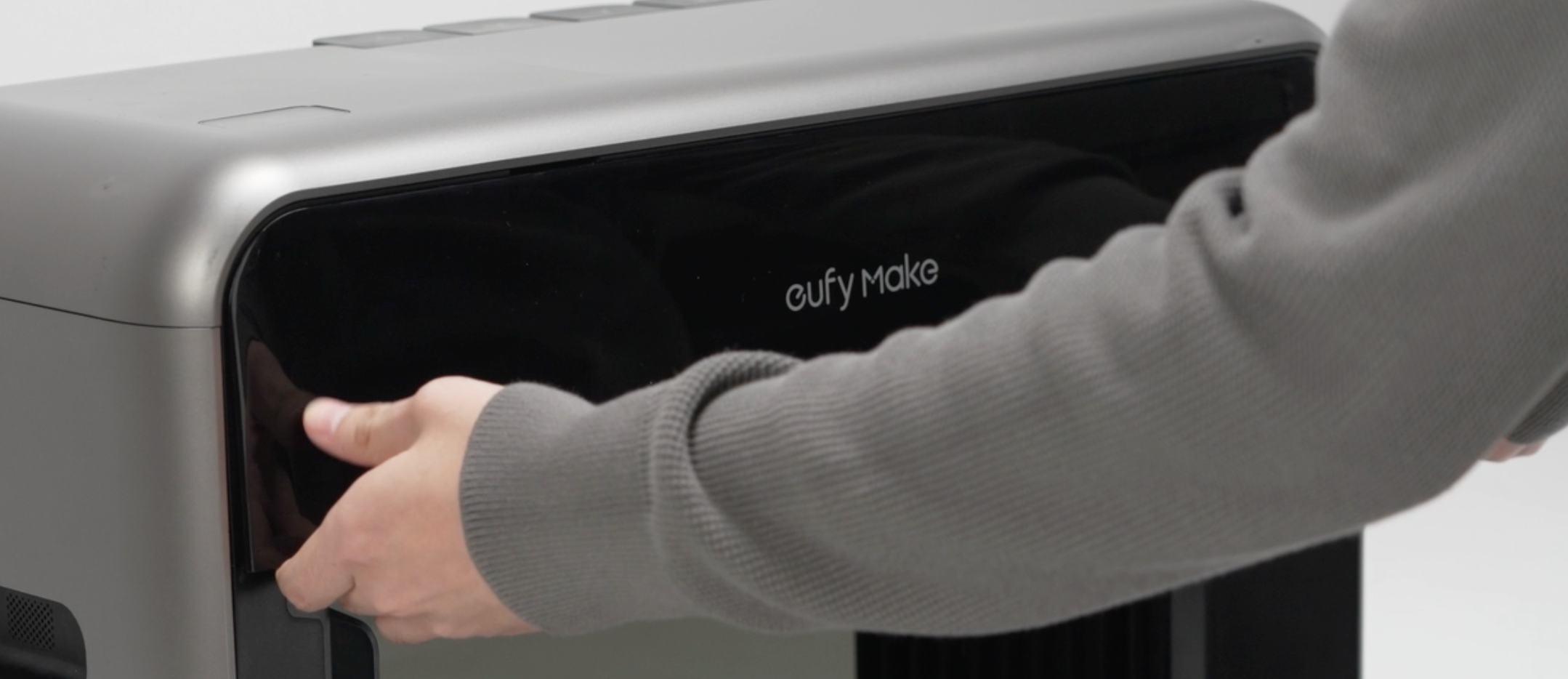
-
Push in the air filter.
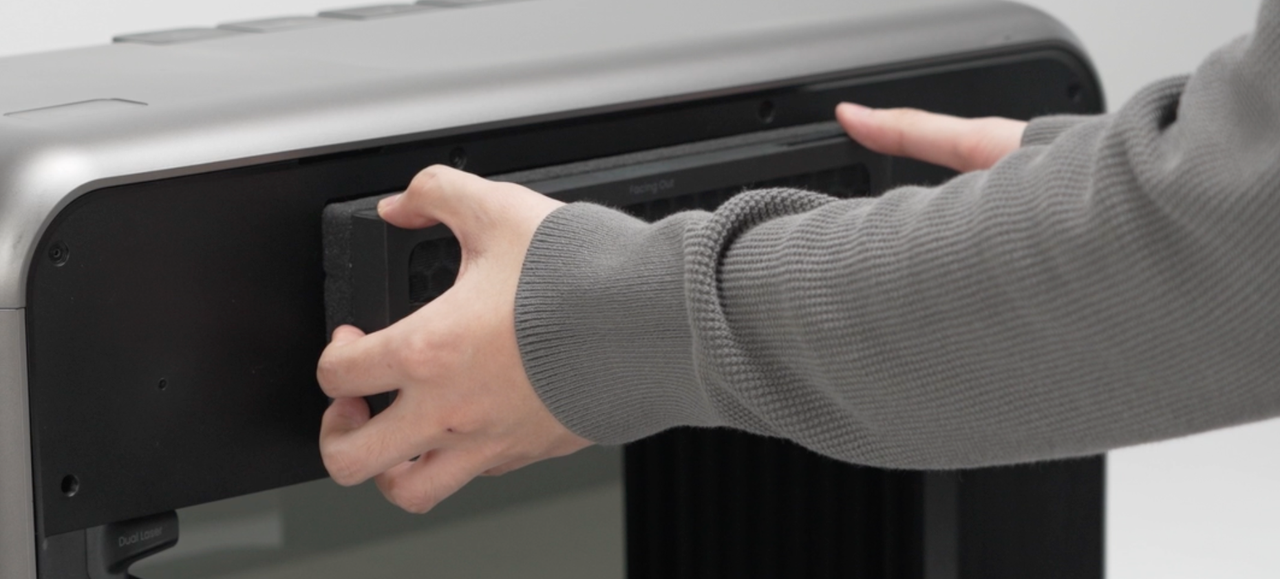
-
Snap the magnetic front cover back on and listen for a click to complete the installation.