¶ Flatbed Installation Guide
¶ Introduction to flatbed Accessories
The platform plate is used to hold substrates of different sizes for printing and is installed on the Y-axis base.
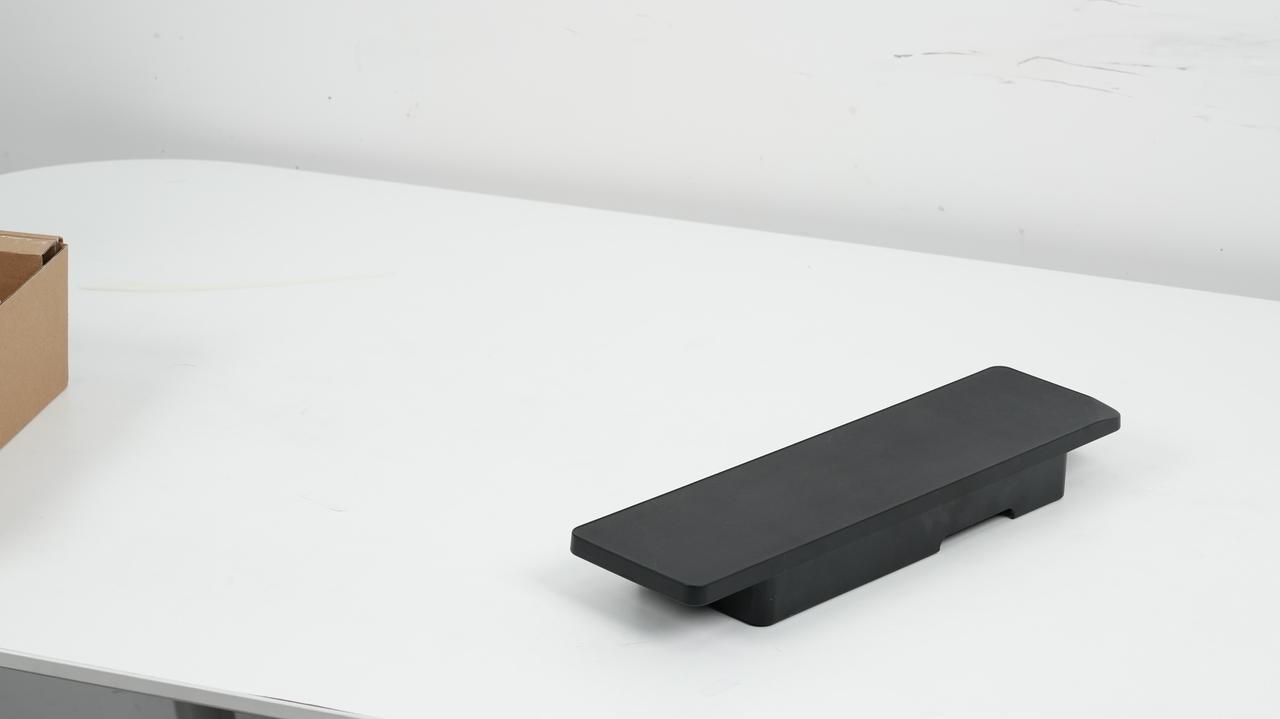
¶ Mini flatbed
Usage Scenario: Suitable for printing small-sized substrates such as small photo frames and refrigerator magnets. Used together with the mini adhesive board.
Appearance and Print Range: Color is black with a matte surface finish. Dimensions are 373.84 × 101.34 × 42 mm, printable range is 335 × 90 mm, and the maximum load capacity is 1.5 kg.
¶ Standard flatbed
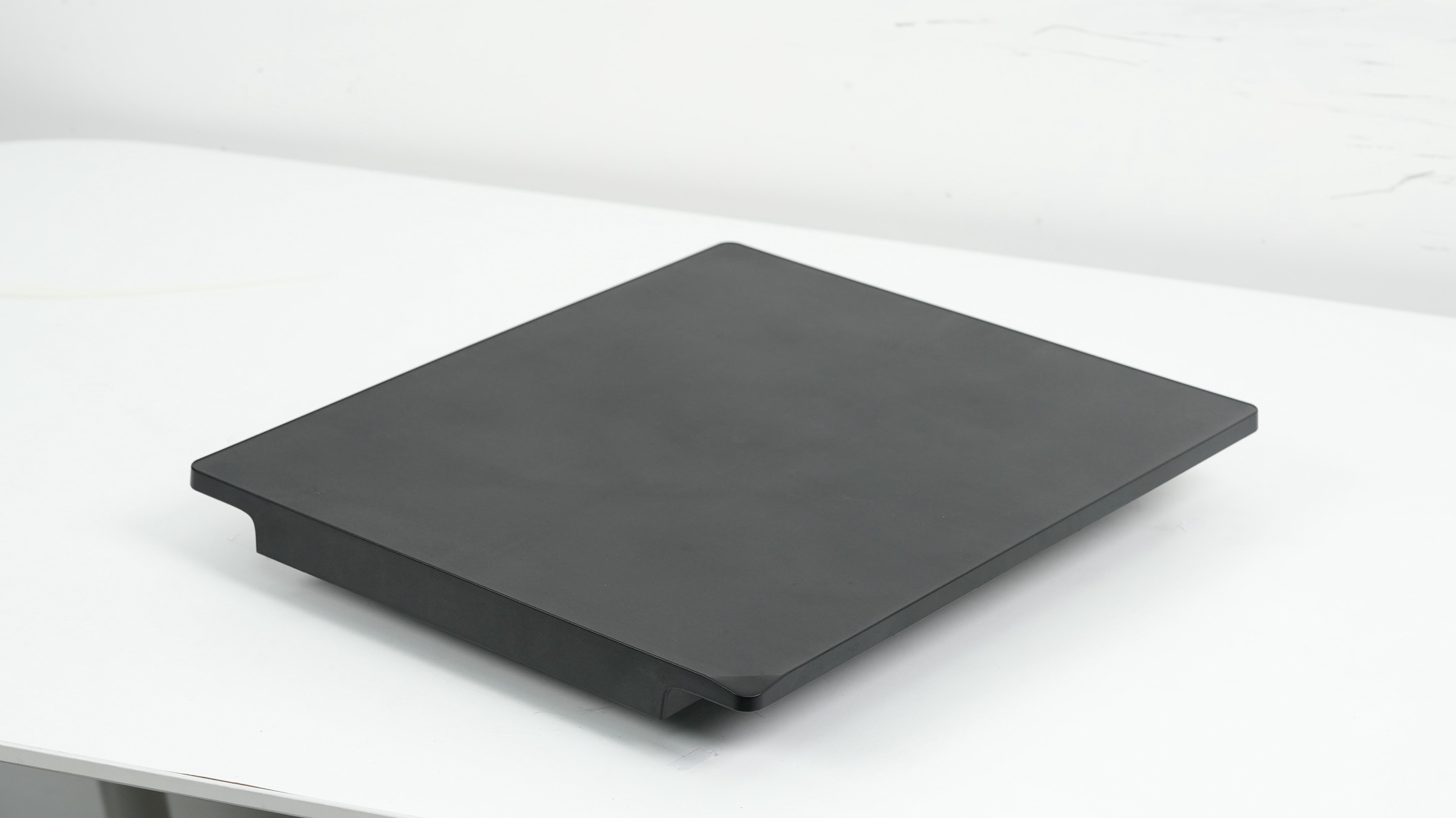
Usage Scenario: Suitable for printing large flat objects such as photo frames and large decorative artworks. It supports printing requirements for large substrates in flatbed mode.
Structural Composition: Contains built-in motion components, including a motor, timing belt, motion base, and A3 flat panel. It has built-in control touchpoints that allow individual motion control. Installed on the Y-axis base, it enables motion in the Y direction.
Appearance and Print Range: Color is black with a matte surface finish. Dimensions are 446 × 373.9 × 31.5 mm, printable range is 335 × 420 mm, and the maximum load capacity is 1.5 kg.
¶ Steps for Flatbed Replacement
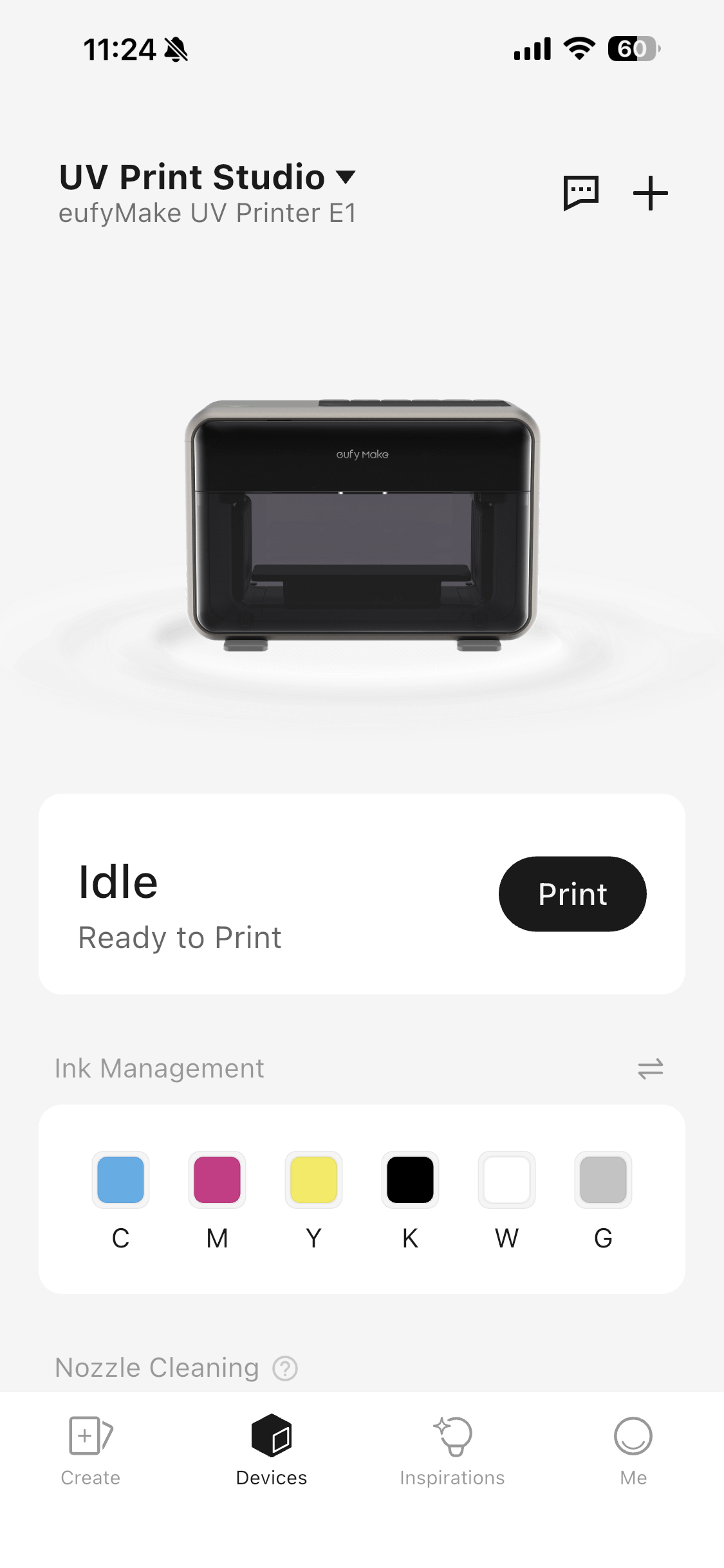
¶ Step 1 - Ensure the machine is idle and remove any printed items
Only replace flatbed accessories when the machine is in an idle state. If there is a printed item, remove it first.
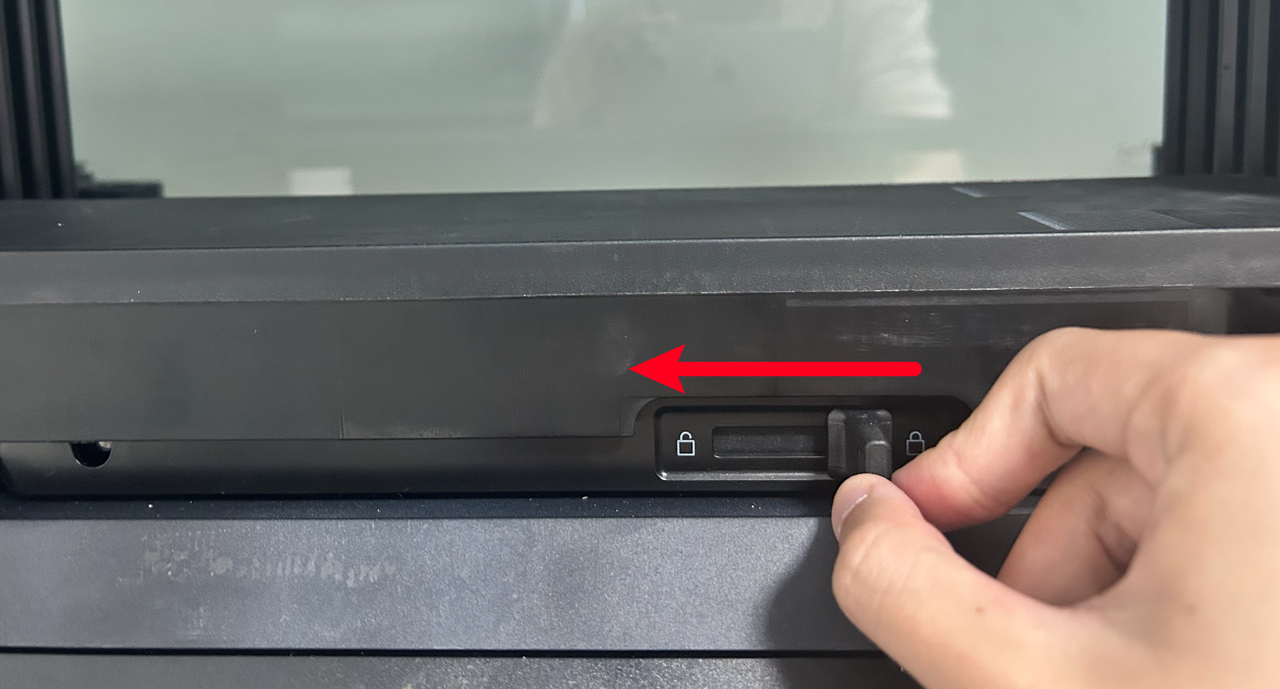
¶ Step 2 - Locate the bottom lever and slide it to unlock the original flatbed
Open the front door of the machine, locate the lever at the bottom of the platform, and slide it to the unlock icon to release the original flatbed.
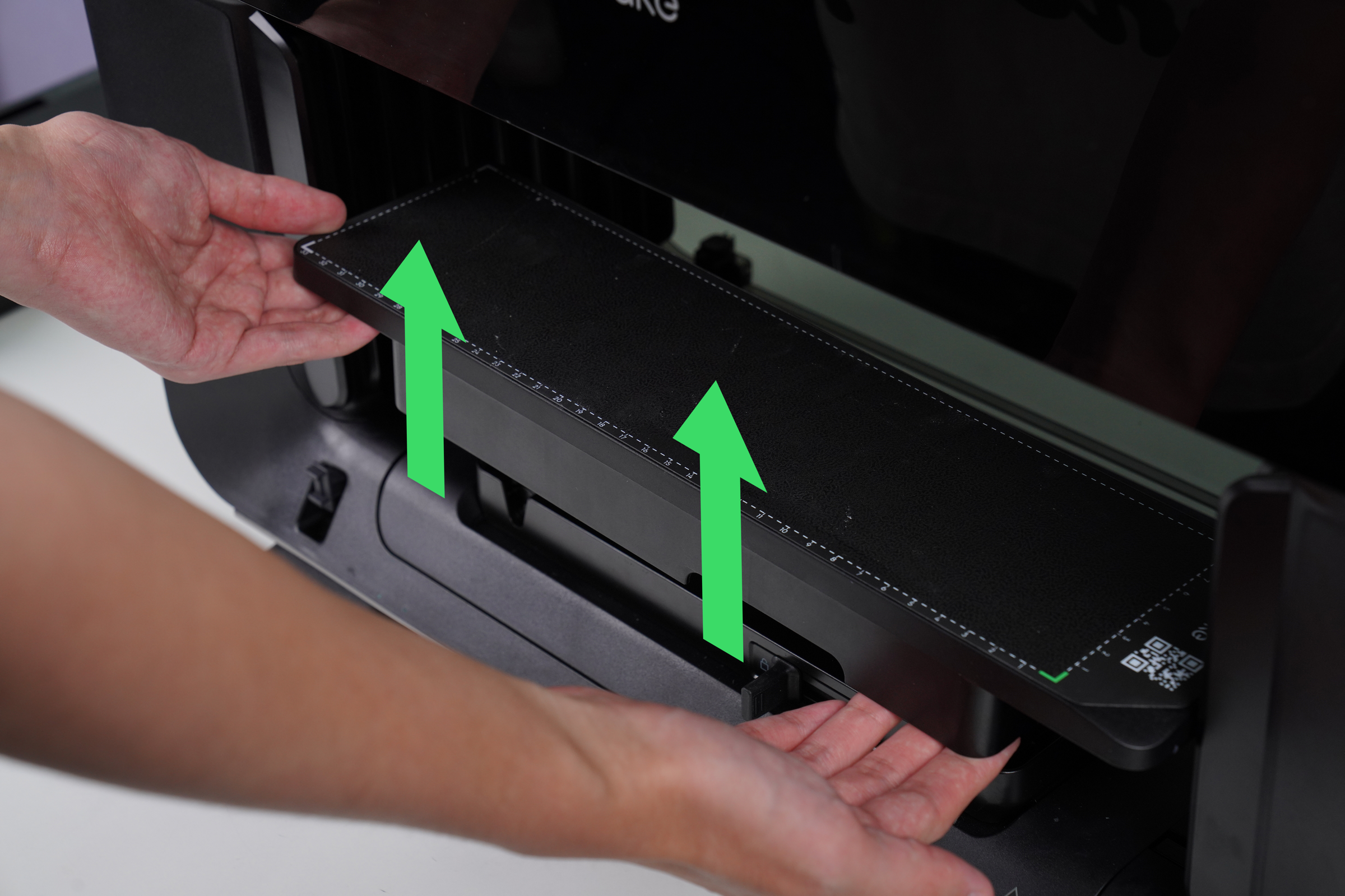
¶ Step 3 - Remove the original flatbed
After unlocking, firmly grasp the flatbed and lift it vertically upward to remove it.
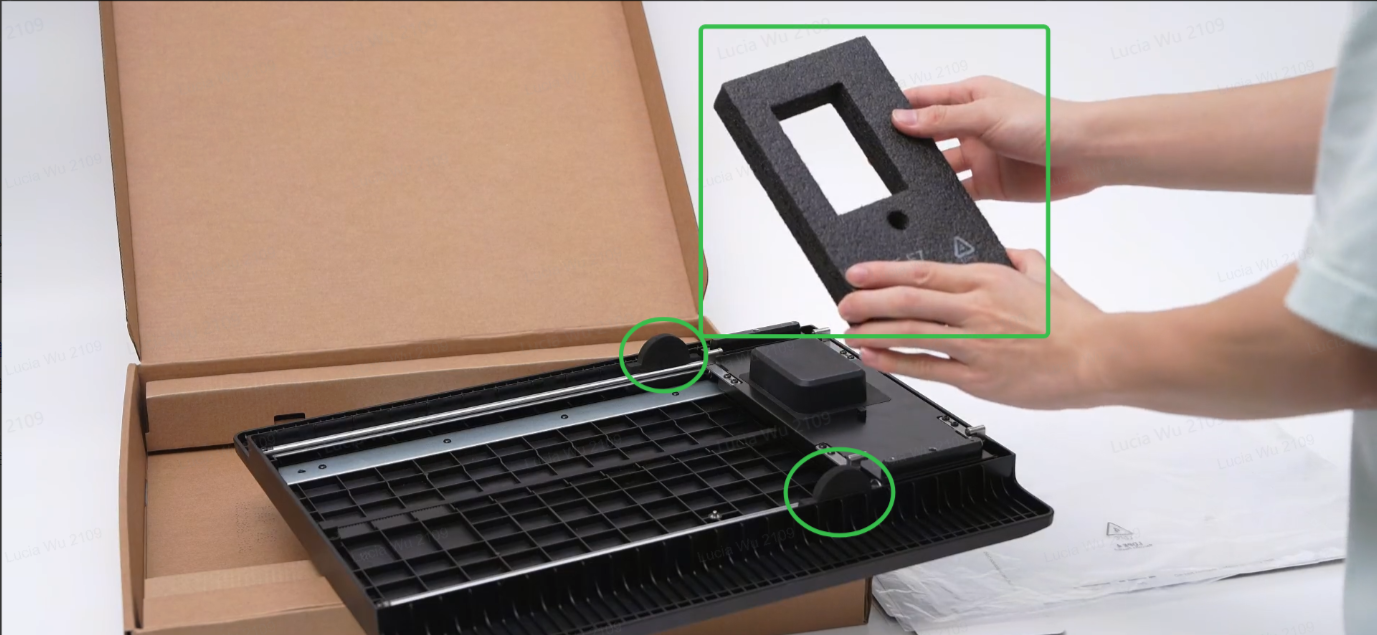
¶ Step 4 - Prepare the standard flatbed for installation
Remove the three foam pads as shown to ensure normal operation of the flatbed.
¶ Step 5 - Align and install the standard flatbed
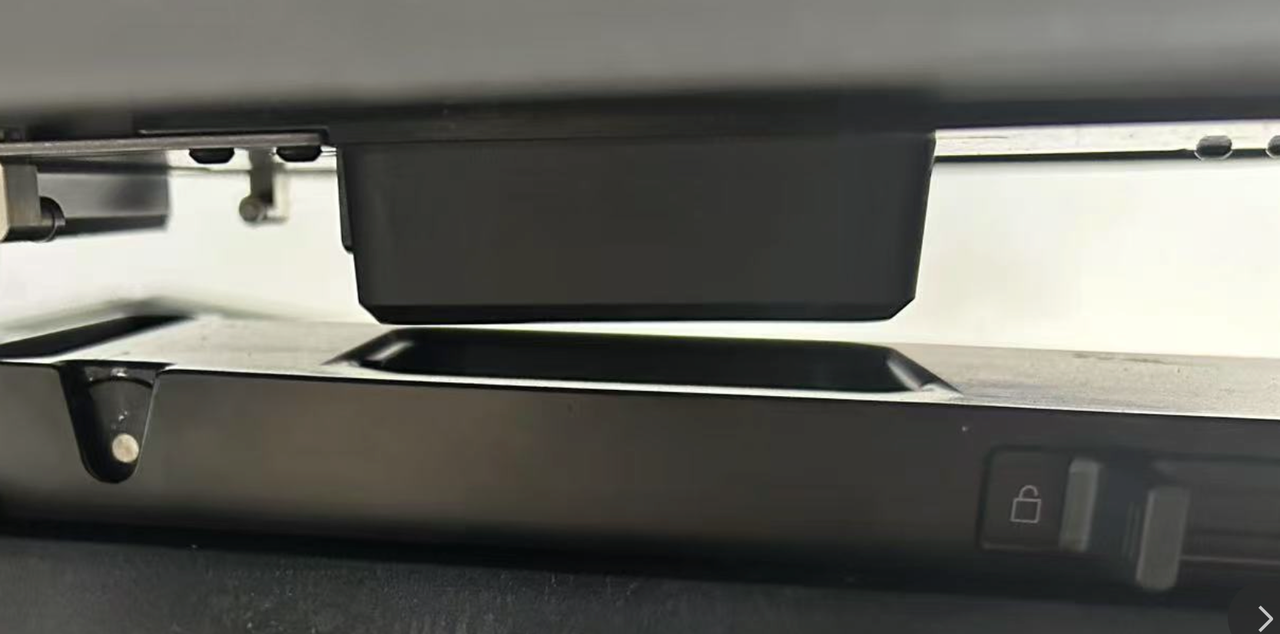
Align the base of the standard flatbed with the base of the machine. Locate the bottom limit slot and align the flatbed with the installation interface slot.
¶ Step 6 - Lock the lever on the device
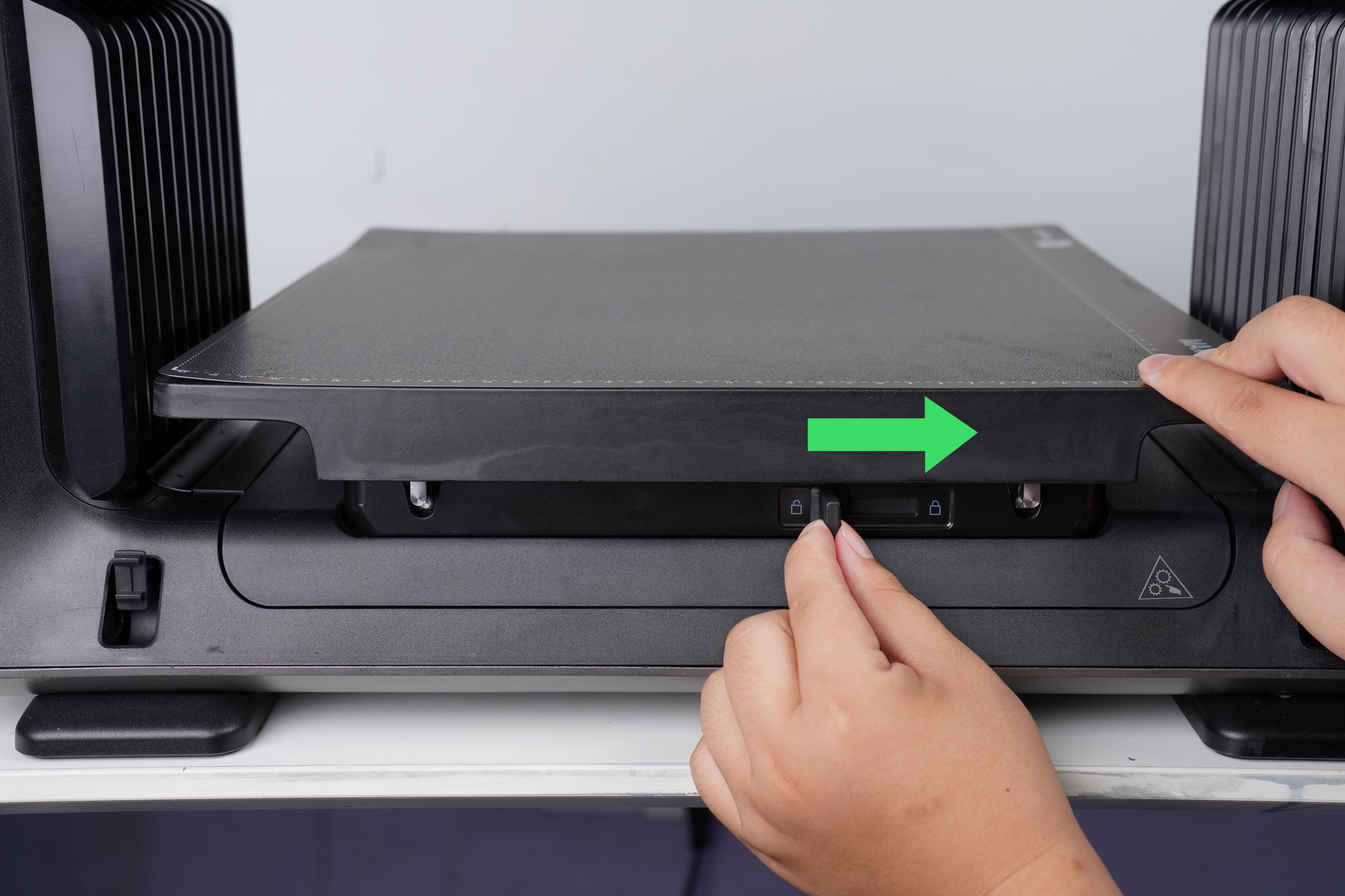
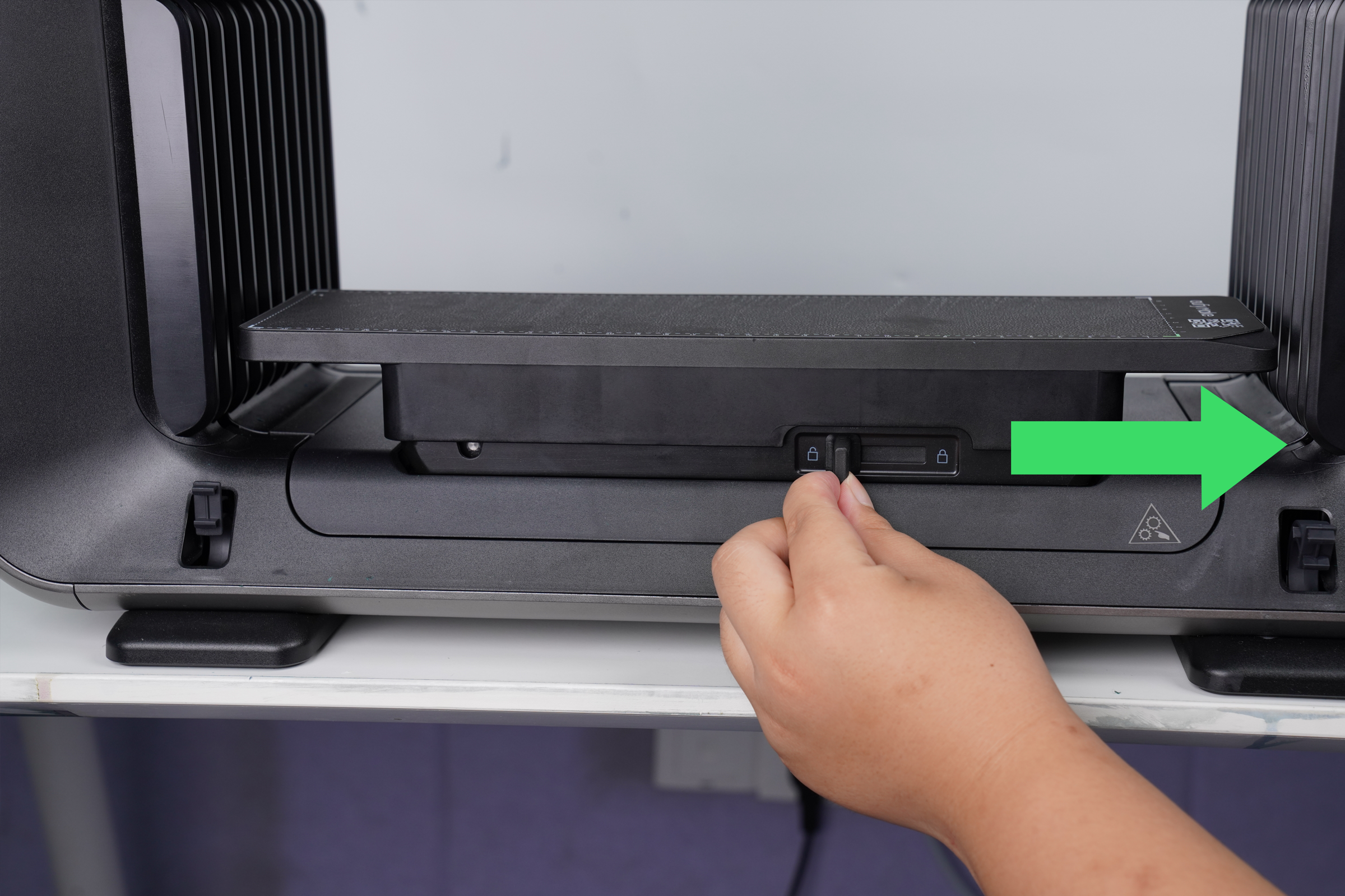
⚠️Caution: Locking the standard flatbed before it is placed horizontally may cause damage. Ensure the flatbed is fully seated before locking.
Slide the lever to the lock position to secure the flatbed. Gently shake the platform to confirm it is stable and does not loosen or shift.
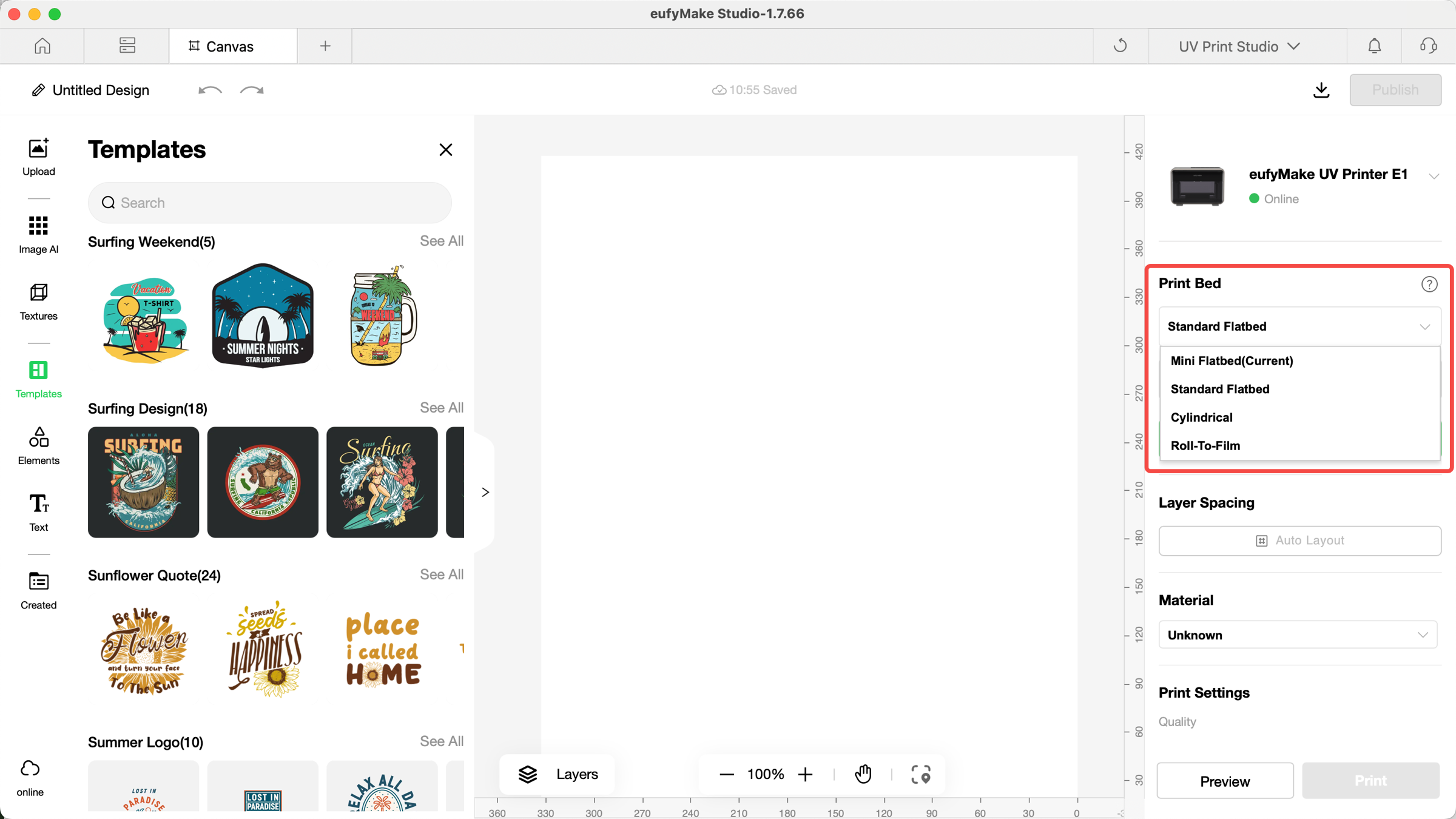
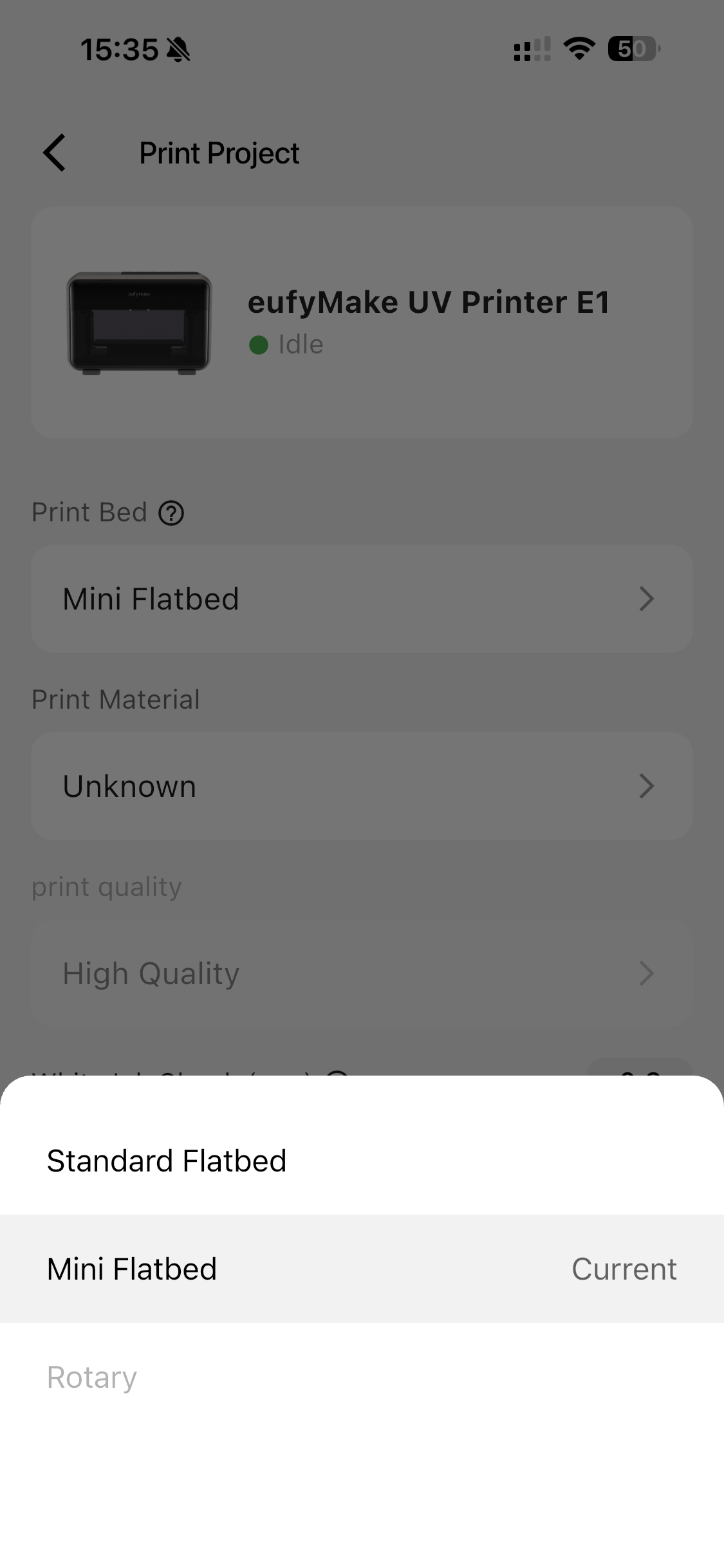
¶ Step 7 - Select the corresponding flatbed before printing
When printing, select the correct flatbed option in the interface.