¶ Rotary Attachment Error: Handle Measurement Failed
Fault Phenomenon
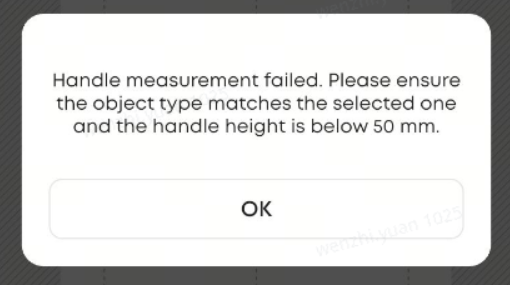
Pop-up prompt appears on the App or PC: Handle measurement failed. Please ensure the objecttype matches the selected one and the handle height is below 50 mm.
¶ Cause Analysis
-
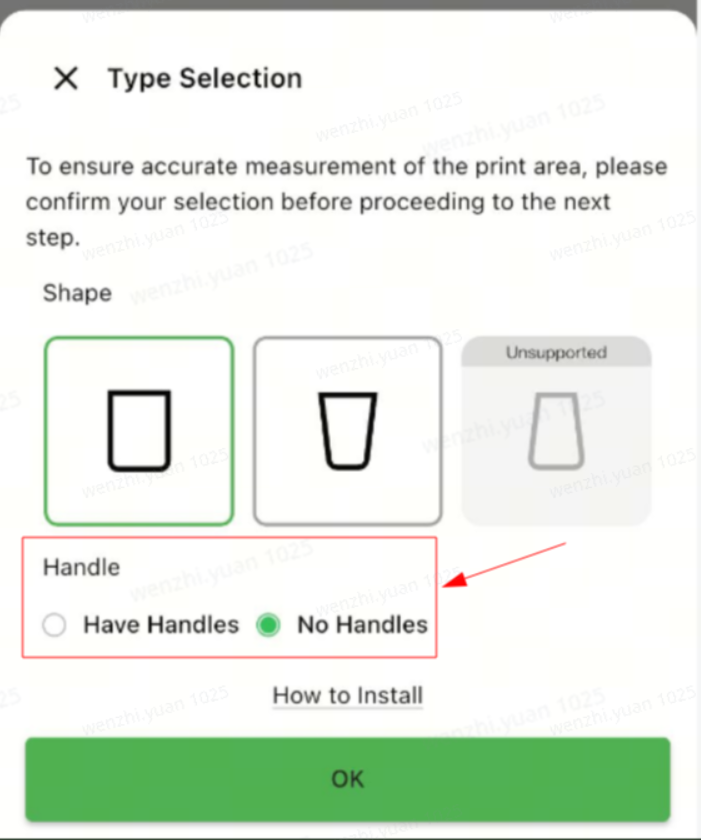
The cup does not have a handle, but “with handle” measurement mode was selected.
-
The cup has a handle, but the rotary tool laser is misaligned.
¶ Troubleshooting Steps
- Confirm that the selected measurement mode matches the actual cup type:
- If handle measurement is selected, the cup must have a handle.
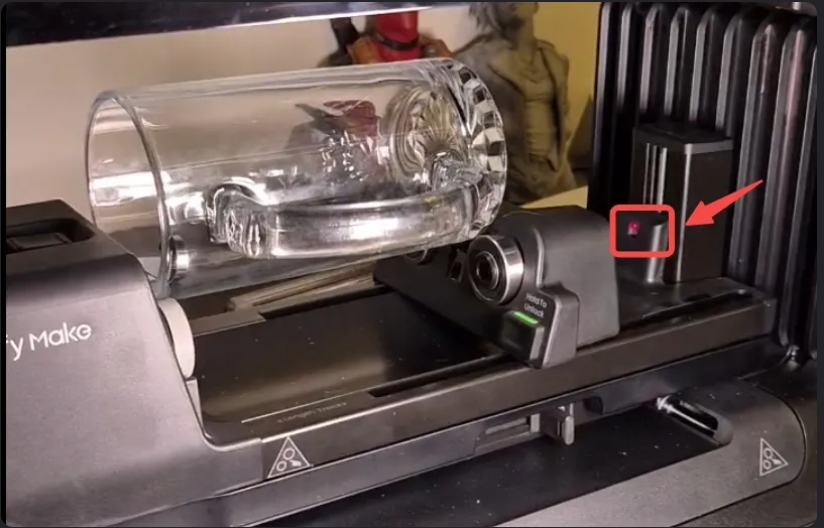
- Inspect the laser receiver at the rear of the rotating fixture (red box shown below):
- During measurement, the laser beam must land inside the circular groove of the receiver.
- If the laser spot falls outside the groove, a laser alignment fault is present.
- Stop operation immediately and contact after-sales service.