¶ Diameter Measurement Failed
¶ Fault Phenomenon
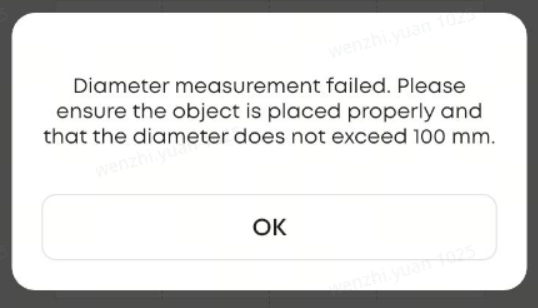
Pop-up prompt appears on the App or PC during measurement.
Diameter measurement failed. Pleaseensure the object is placed properly and that the diameter does not exceed 100 mm.
¶ Cause Analysis
-
The cup mouth diameter exceeds the supported measurement range.
-
The measurement laser is misaligned.
¶ Troubleshooting Steps
- Measure the cup mouth diameter using a ruler or caliper. If the diameter exceeds this range, the cup is not supported.
- Conical cup mouth diameter must be ≤ 97 mm
- Cylindrical cup mouth diameter must be ≤ 100 mm
- Initiate a device self-check from the App:
- If the self-check reports errors such as “laser anomaly” or “sensor anomaly” , this indicates a hardware alignment issue.
- Stop operation and contact after-sales service with the relevant information.