¶ Fault Symptom
The printer reports error code 0xFD0119001F (UV Curing Light Error) in the eufyMake App or in eufyMake studio.
¶ Cause Analysis
The UV curing light may have experienced a hardware malfunction.
¶ Troubleshooting Steps
1.Restart the Printer
Disconnect and reconnect the power cable. The printer will automatically perform a self-check during startup.
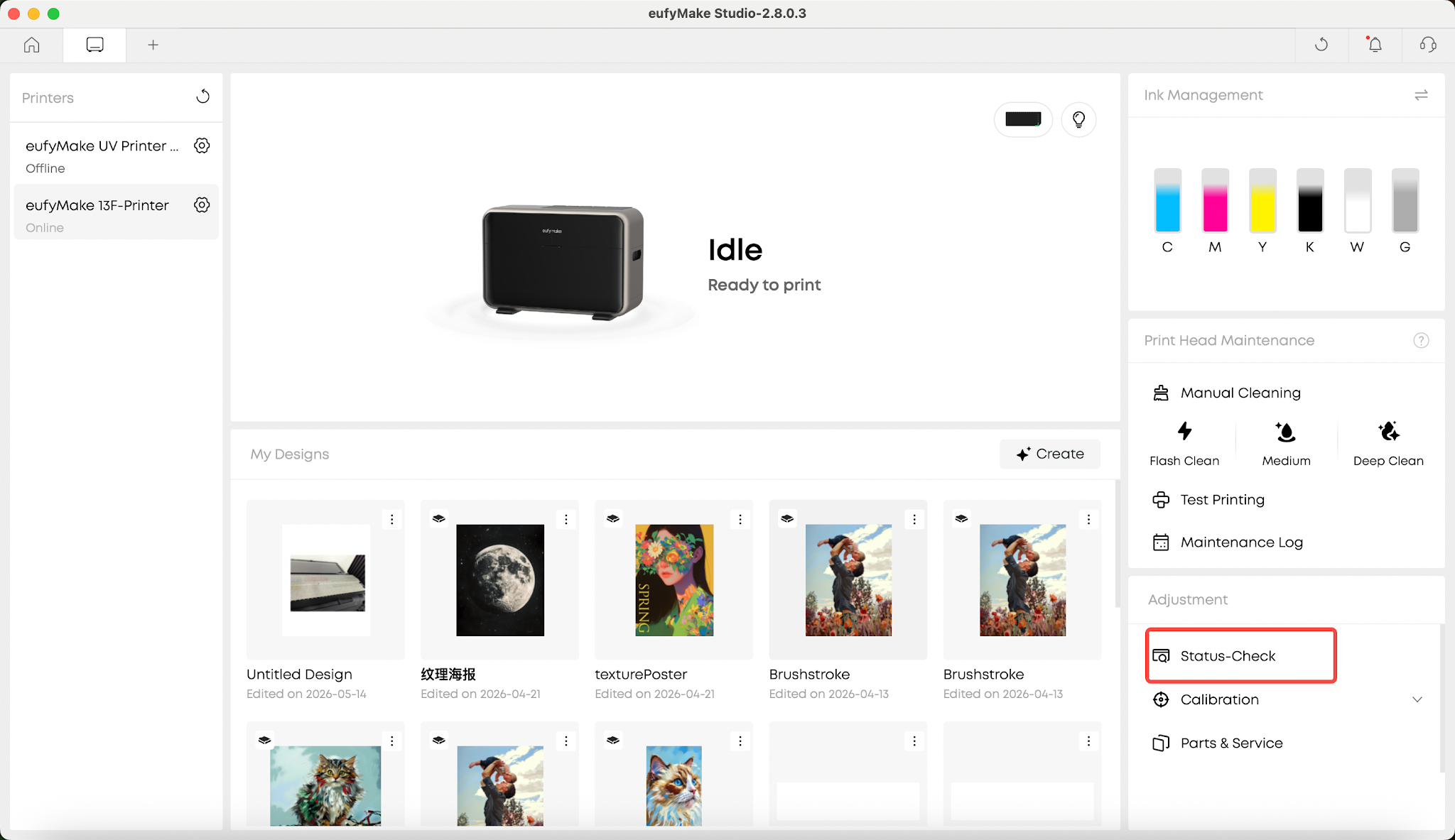
2.Check the UV Curing Light
During the self-check process, observe whether the UV curing light turns on normally and record a video of the process.
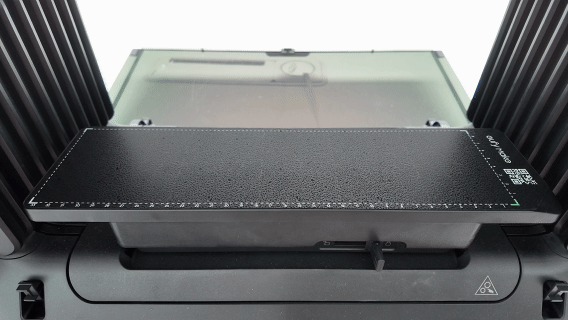
3.Verify the Result
If the UV curing light turns on normally as shown above, the UV curing light is functioning correctly and the error may have been a false alarm.
Restart the printer and check whether the error appears again.
¶ Support Contact
If the issue persists after completing the above steps, please contact eufyMake Customer Support at support@eufymake.com with the following information:
- Your Order Information
- Printer SN. Please refer to: check sn
- Printer and App Logs. Please refer to Log Upload
- Relevant photos and videos.