¶ 1. Fault Symptom
The printer reports error code 0xFD01190010 (Scraper Solenoid Open Circuit Error) in the eufyMake App or eufyMake Studio.
¶ 2. Cause Analysis
- Scraper solenoid open circuit
- Scraper not installed properly
- Abnormal wiring connection
¶ 3. Troubleshooting Steps
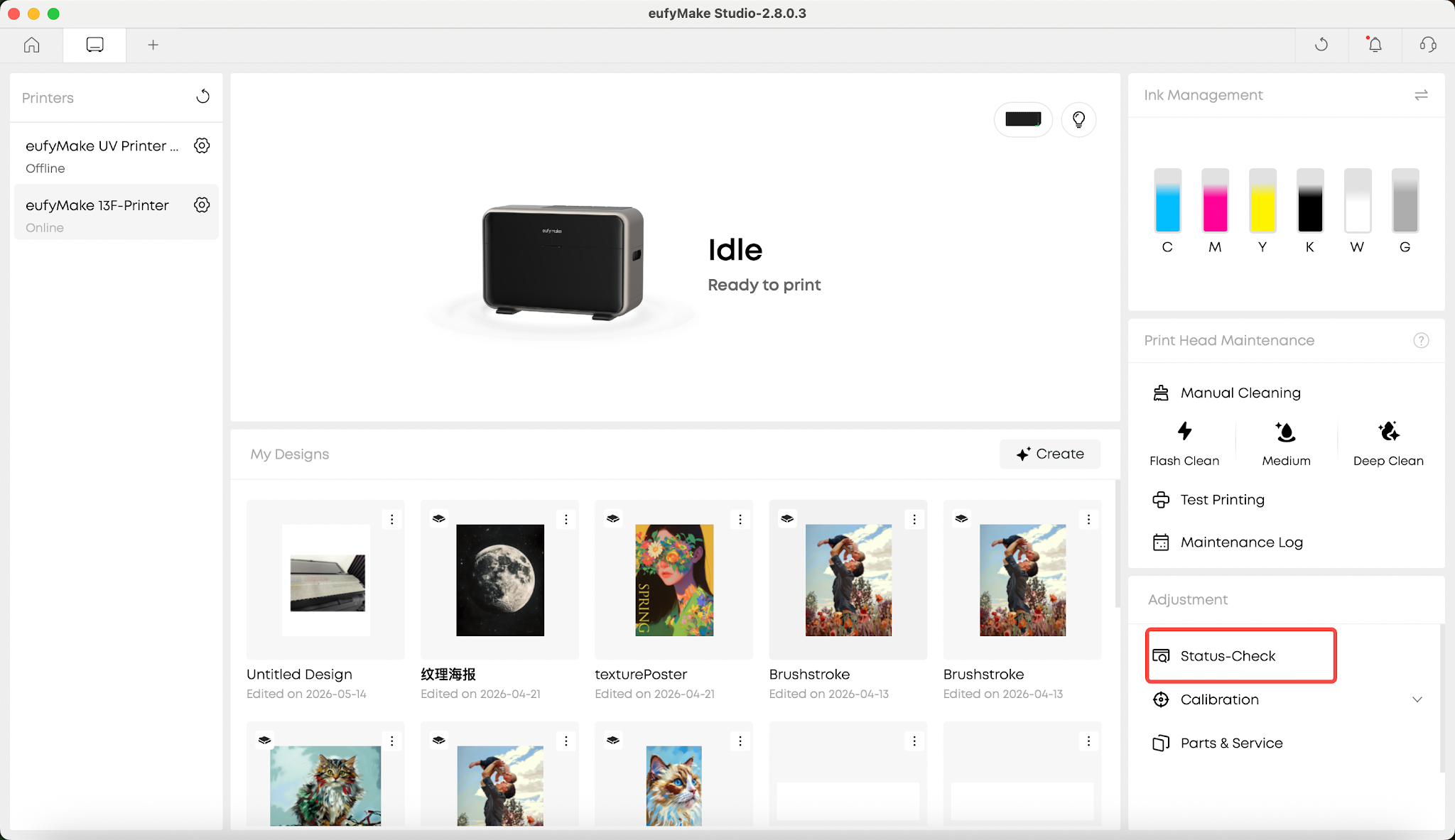
1.Run a Self-Check
Start a self-check through the eufyMake App, or disconnect and reconnect the printer's power cable. The printer will automatically perform a self-check during startup.
2.Observe the Scraper Solenoid
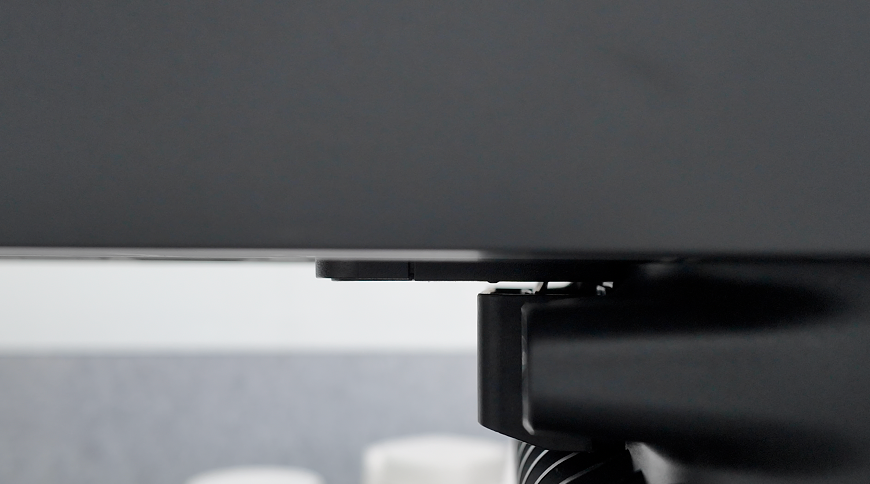
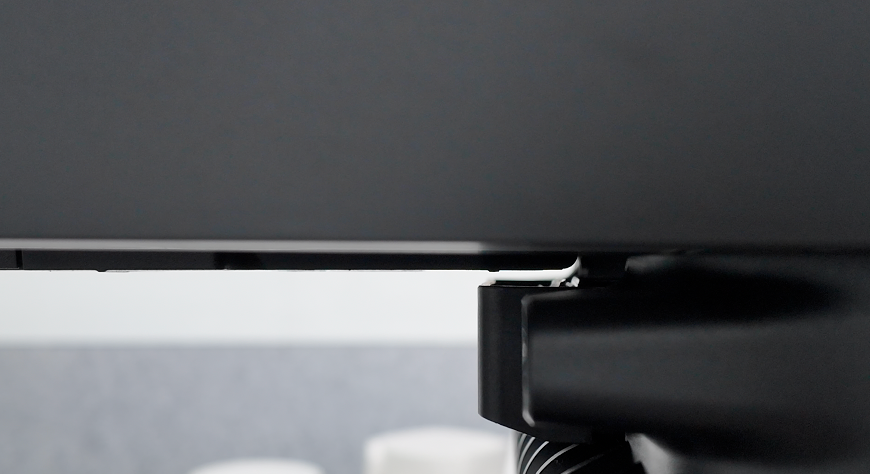
After the UV curing light self-check is complete, the printer will automatically perform the scraper solenoid self-check.
Scraper solenoid not actuating
Scraper solenoid actuating normally
3.Verify Solenoid Movement
If the scraper raises and lowers normally, the hardware is functioning correctly and the error may be a false software alarm.
Please upload the printer logs for further analysis.
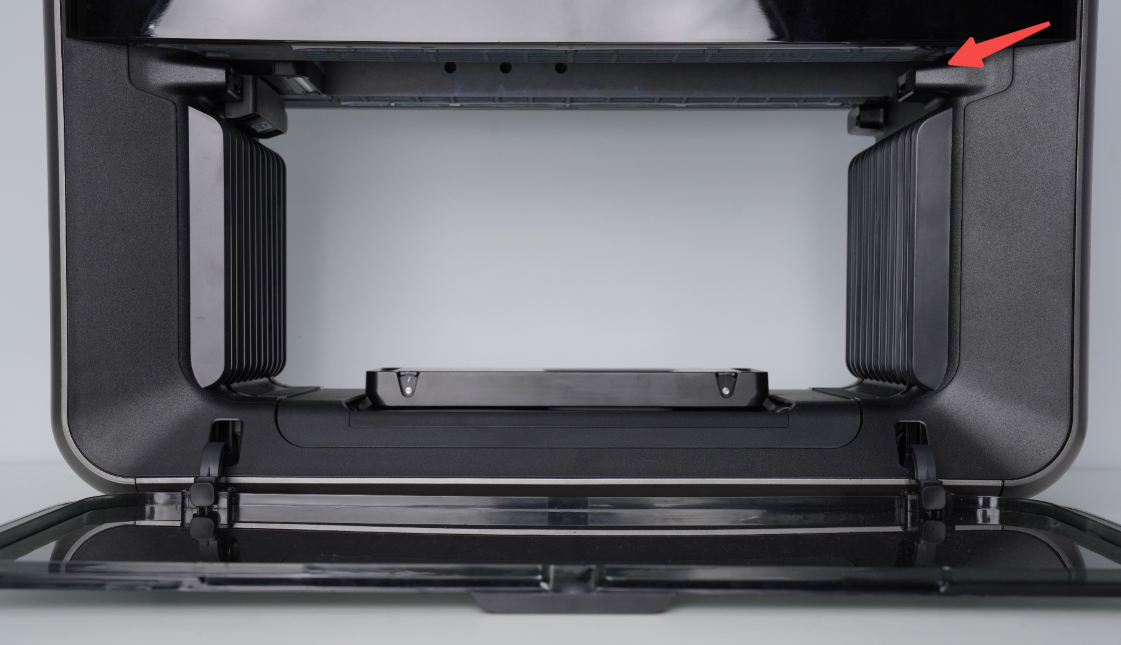

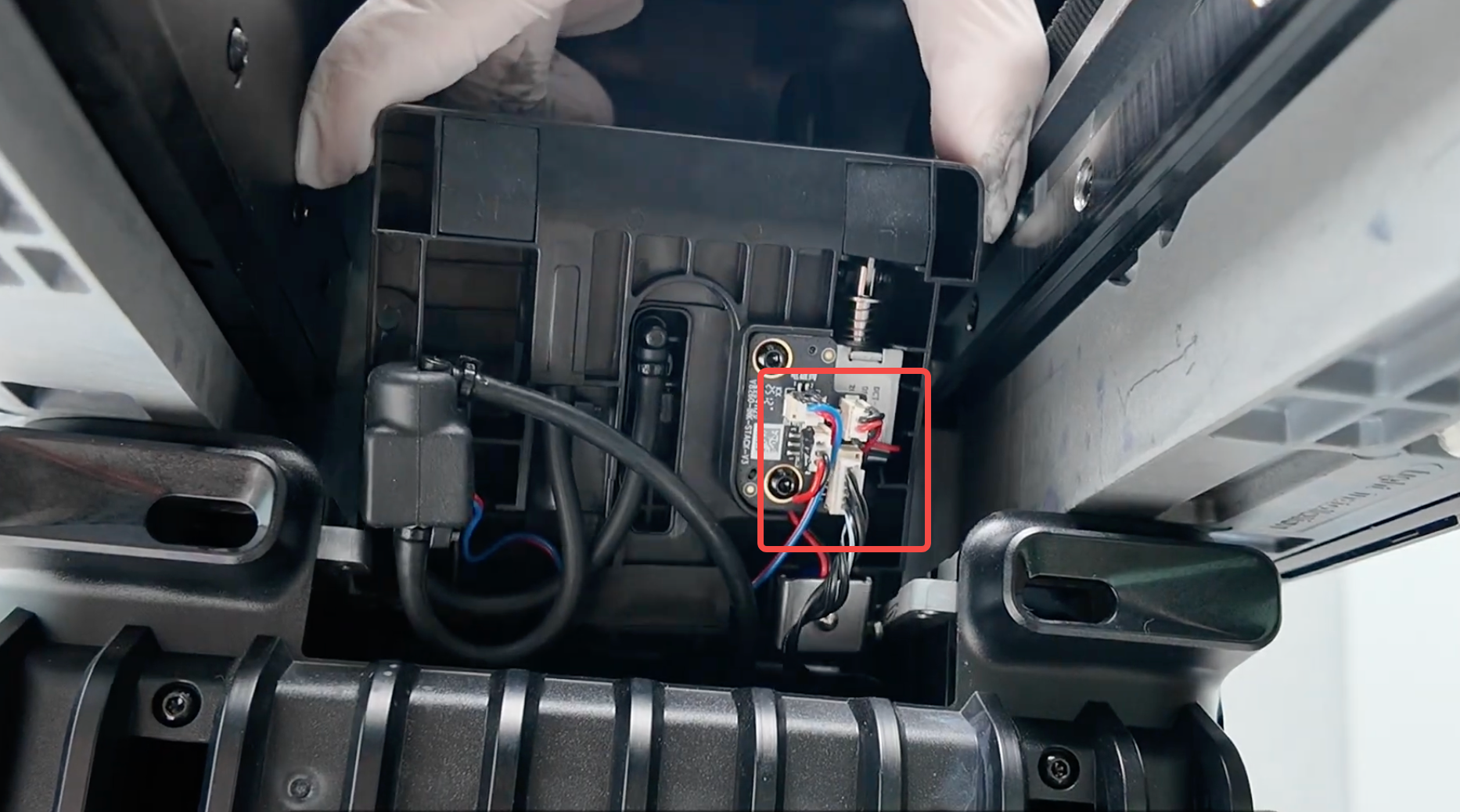
4.Inspect the Scraper and Wiring
If the error persists after restarting the printer and completing the self-check, a false software alarm can generally be ruled out.
Please perform the following checks:
1.Refer to the Printer Scraper Replacement Kit SOP to verify that the scraper is installed correctly:
2.If the scraper is installed correctly, refer to the Ink Stack replacement video below to inspect the Ink Stack assembly and verify that all wiring connections are secure:https://www.youtube.com/watch?v=TvLlBtrvelI
¶ Support Contact
If the issue persists after completing the above steps, please contact eufyMake Customer Support at support@eufymake.com with the following information:
- Your Order Information
- Printer SN. Please refer to: Check-sn
- Printer and App Logs. Please refer to Log Upload
- Relevant photos and videos.