Troubleshooting for Z-axis zeroing failure
Video link:https://youtu.be/HCas6-62su8?si=Y35vogsZc446qD-5
¶ Fault Phenomenon
During printer homing, the system reports Z-axis homing failure with error code 0xFD010D0003.
¶ Cause Analysis
]The Z-axis motion system is abnormal and cannot transmit power correctly.
]The Z-axis limit switch is abnormal, preventing the Z-axis from returning to the zero position.
¶ Troubleshooting
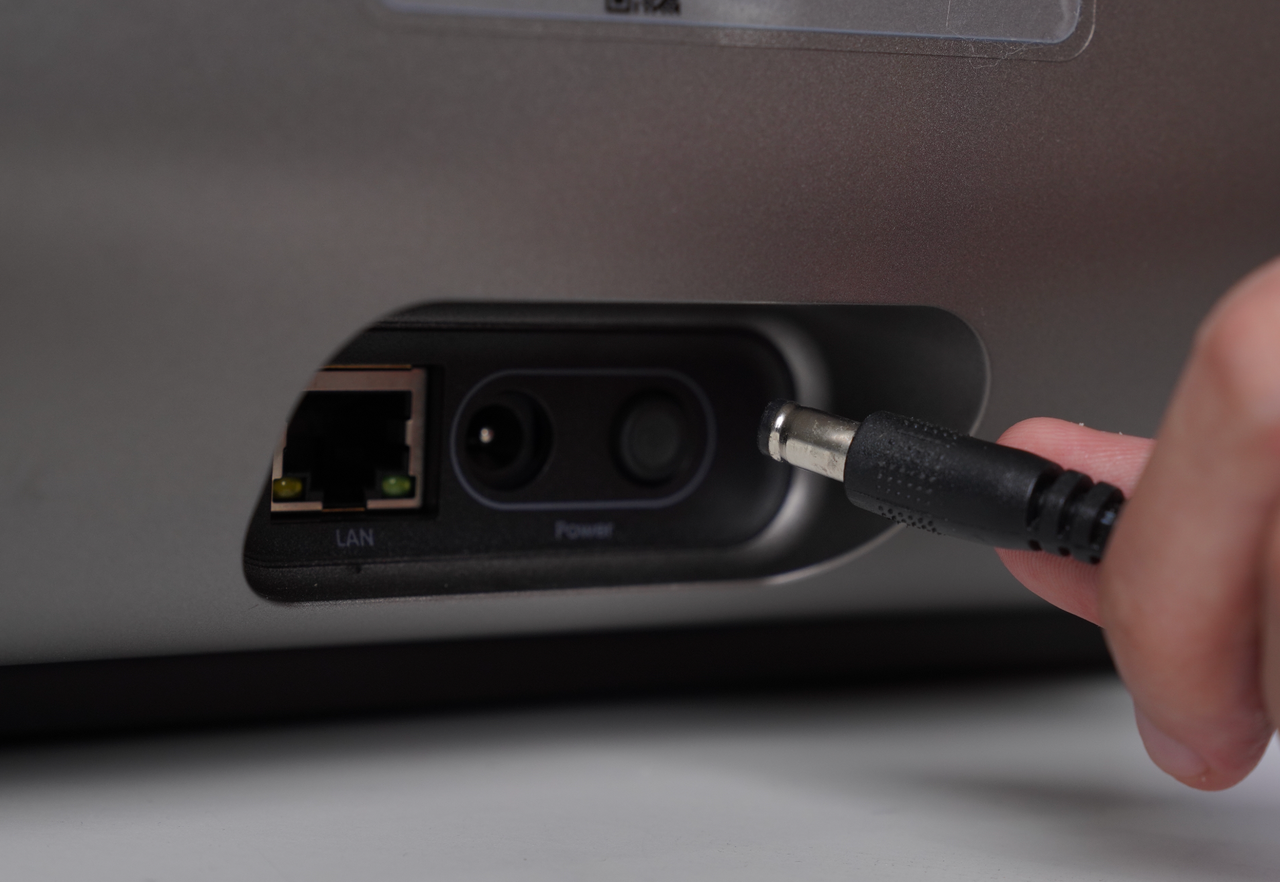
]Power off the printer.
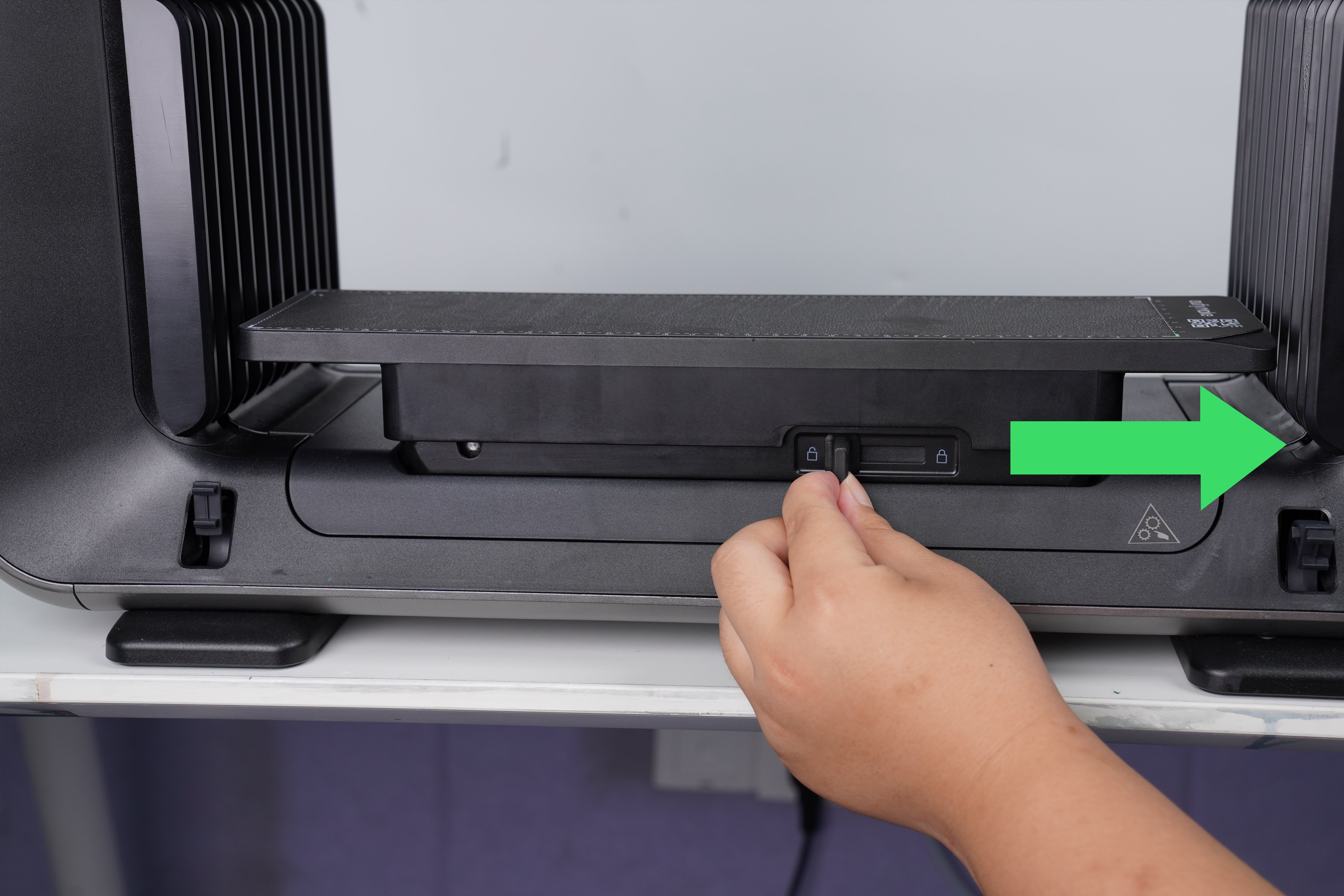
]Check whether the mini platform plate is installed on the printer.
- ]If the mini platform plate is not installed, install it correctly before proceeding.
]Hold both sides of the mini platform plate with your hands and lift it upward to check whether it can be lifted smoothly.
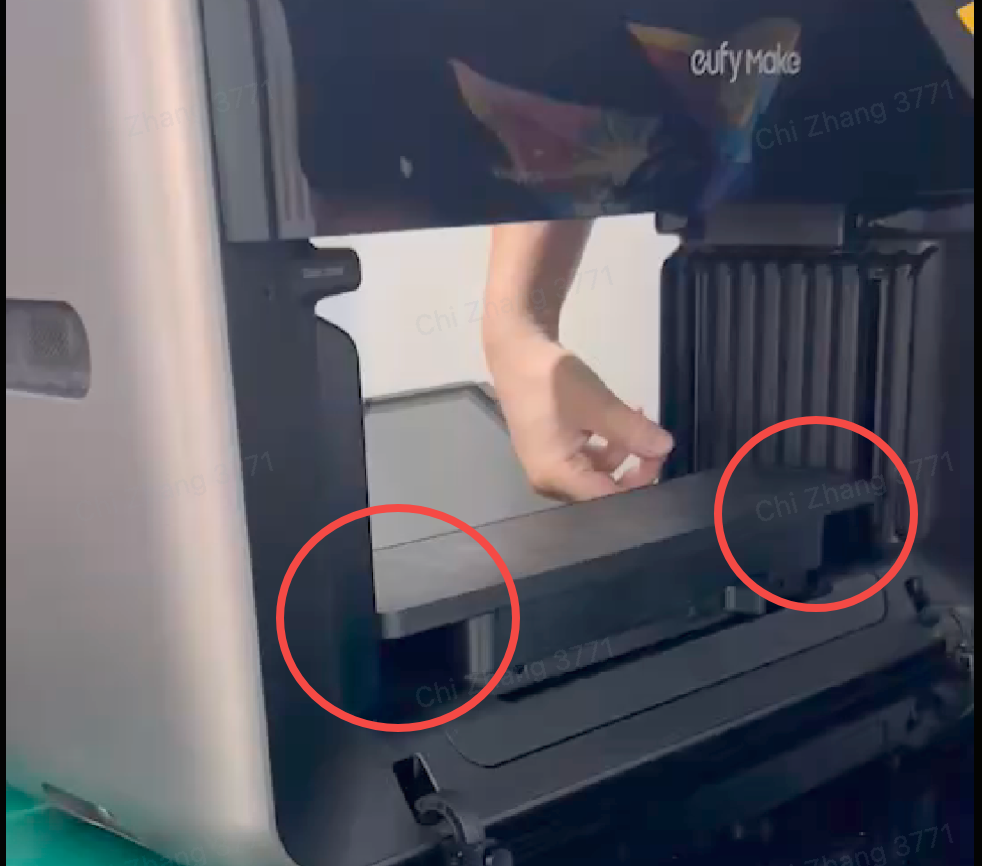
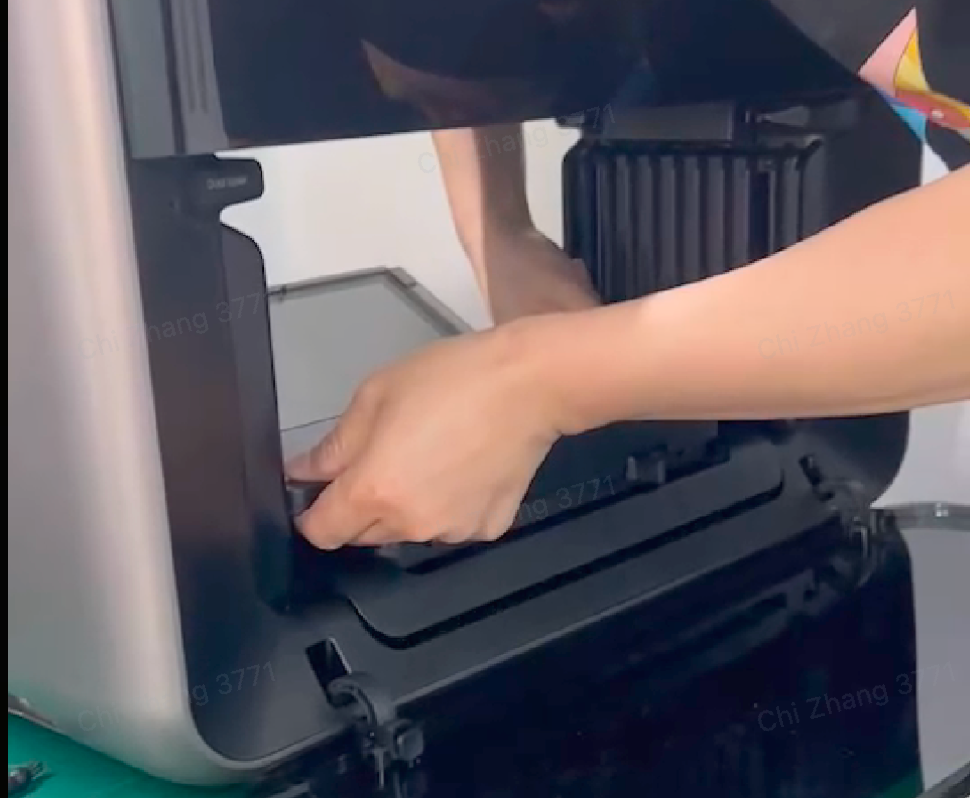
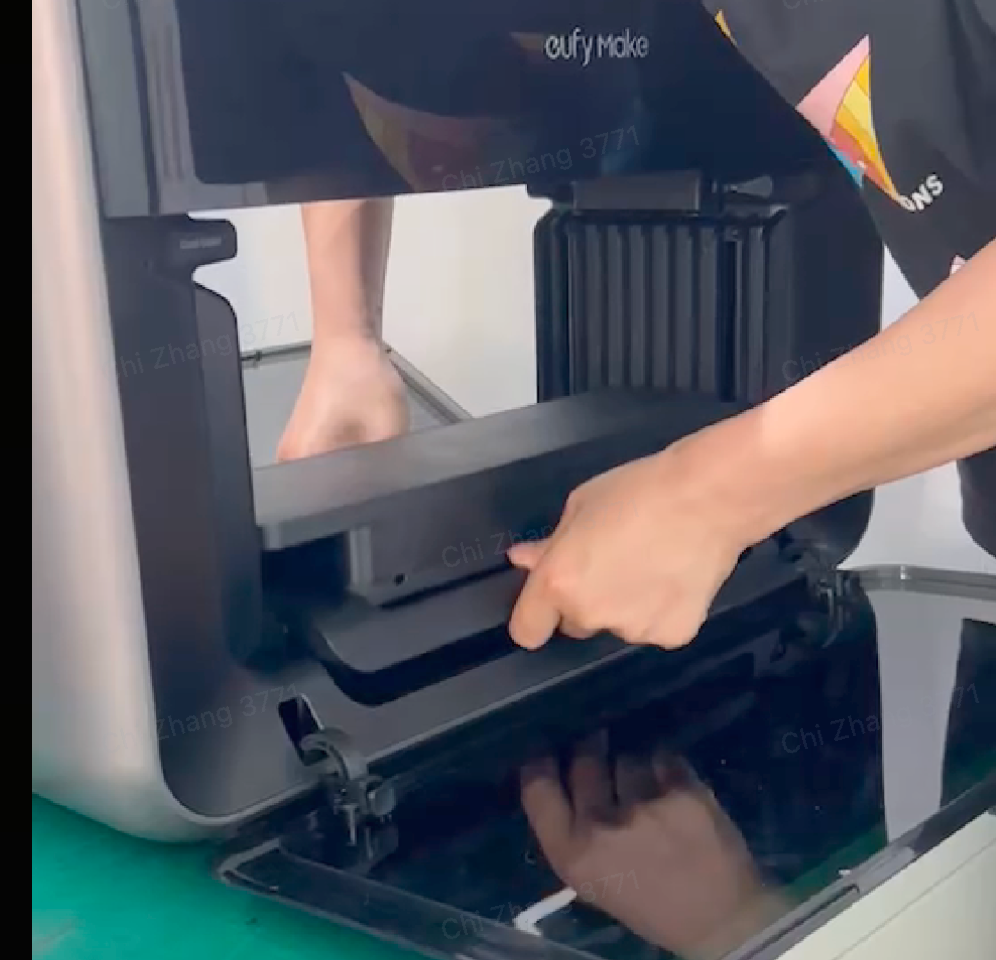
]If the platform plate can be lifted normally:
]Remove the left and right side shells of the printer.
]Check whether the wiring of the Z-axis limit switch is properly connected and functioning normally.
]Refer to the casing removal SOP:
https://support.eufymake.com/s/article/Printer-Cover-Disassembly-and-Assembly-SOP
Note: Only the left and right side shells need to be removed.
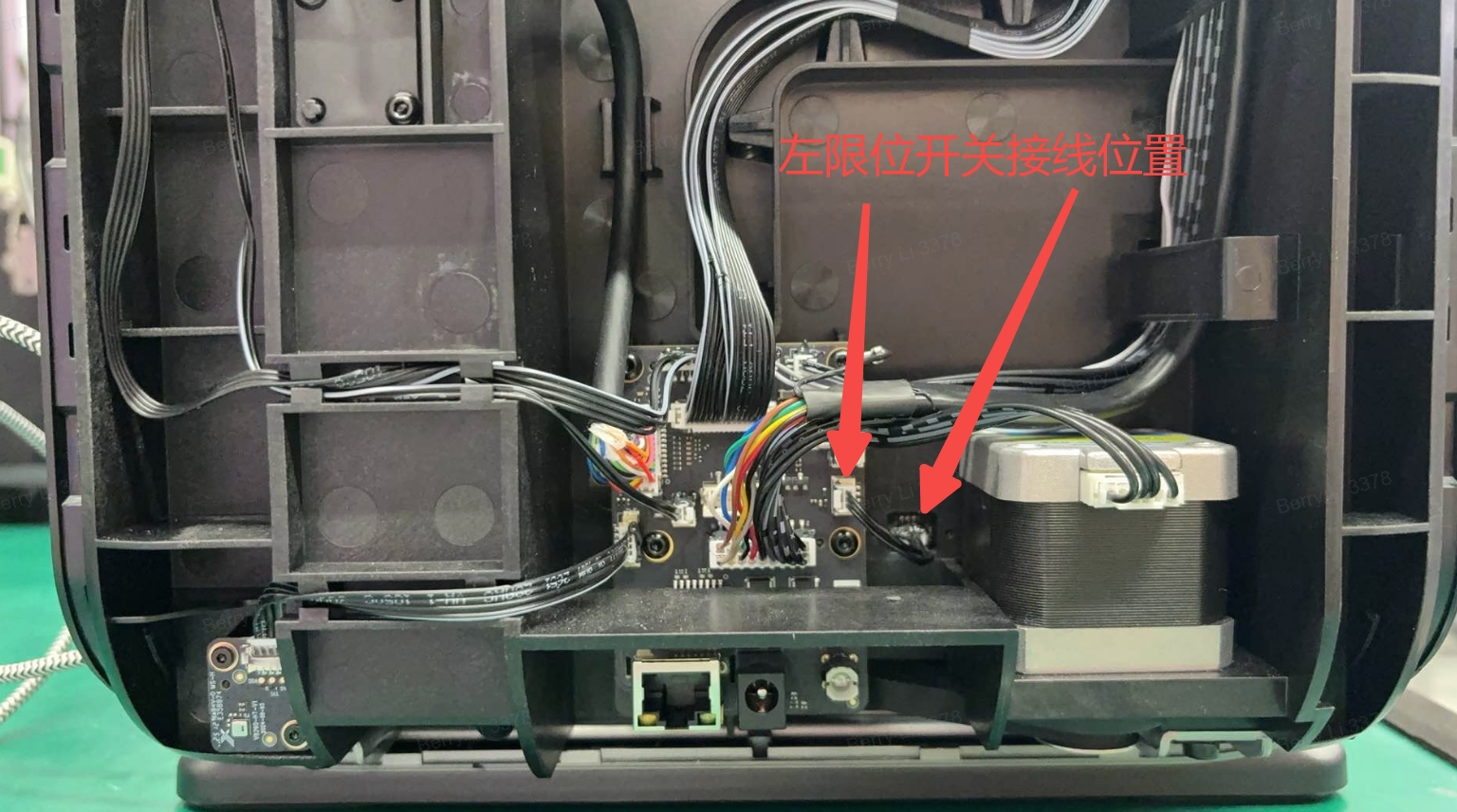
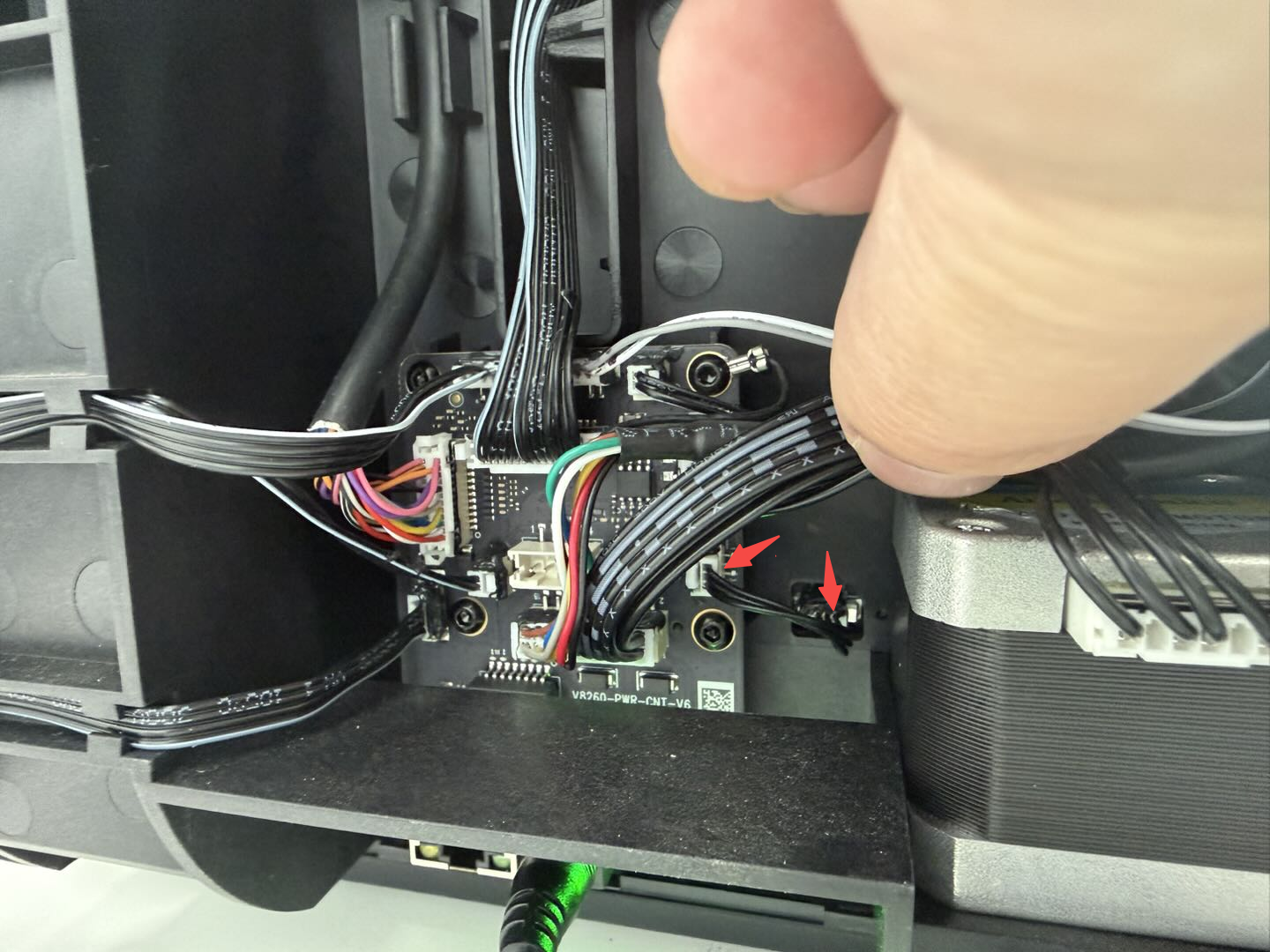
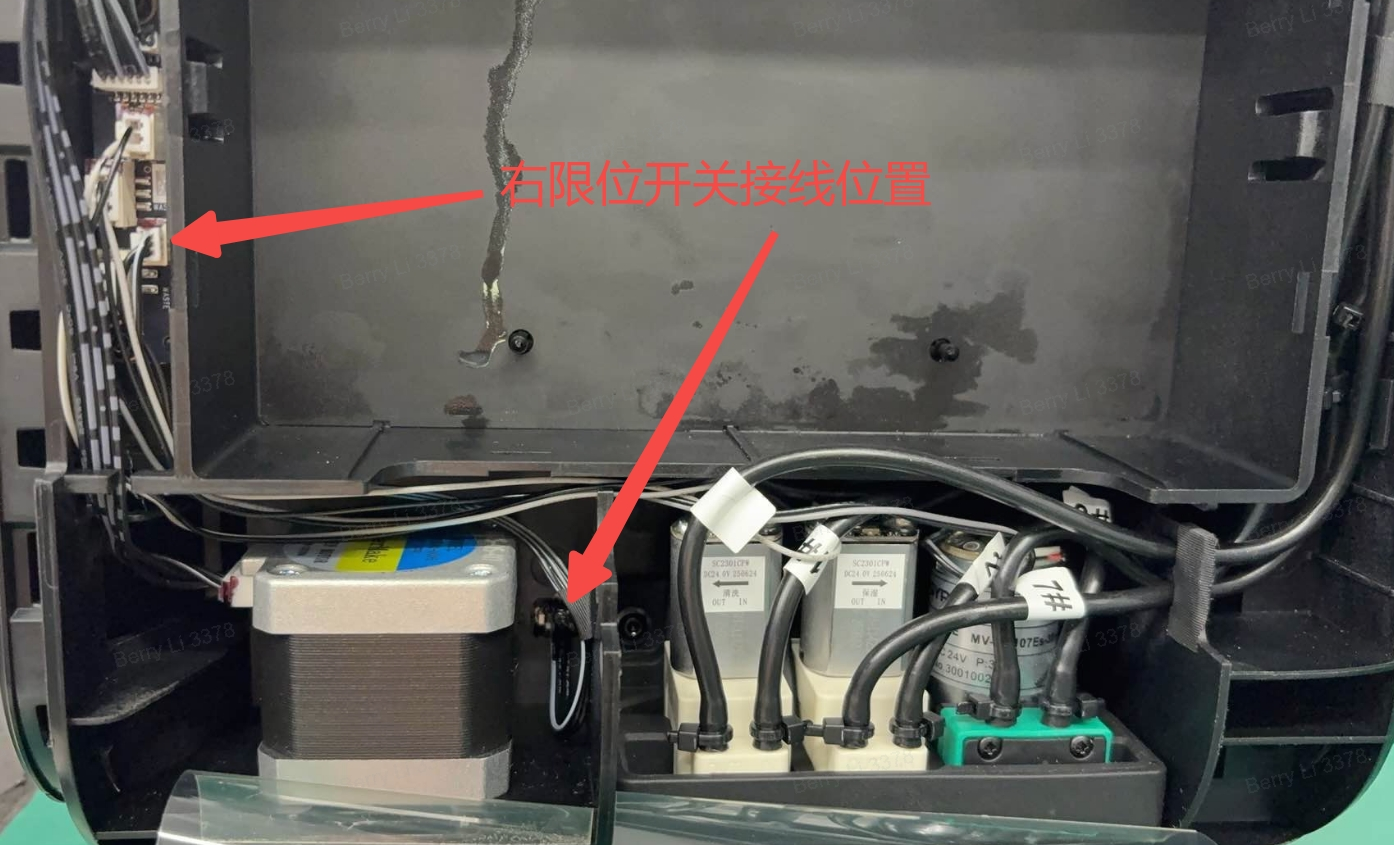

]If the platform plate cannot be lifted normally:
]Record relevant videos showing the issue.
]Contact eufyMake Customer Support and provide the following information:
-
]Device serial number (SN)
-
]Uploaded printer logs
-
]Recorded videos demonstrating the platform issue