¶ Fault type
The user receives an error message on the APP/PC:
Laser sensor error: 0xFD01120001
¶ Cause Analysis:
The laser receiver sensor does not detect the beam from the laser transmitter, possibly due to blockage by a foreign object.
The laser alignment function is not enabled.
¶ Troubleshooting Steps:
1. Foreign object blocking the laser transmitter or laser receiver sensor
Inspect the ventilation ports on both sides of the machine to ensure that no foreign objects are obstructing the laser transmitter or receiver sensor. If blocked, remove the obstruction.
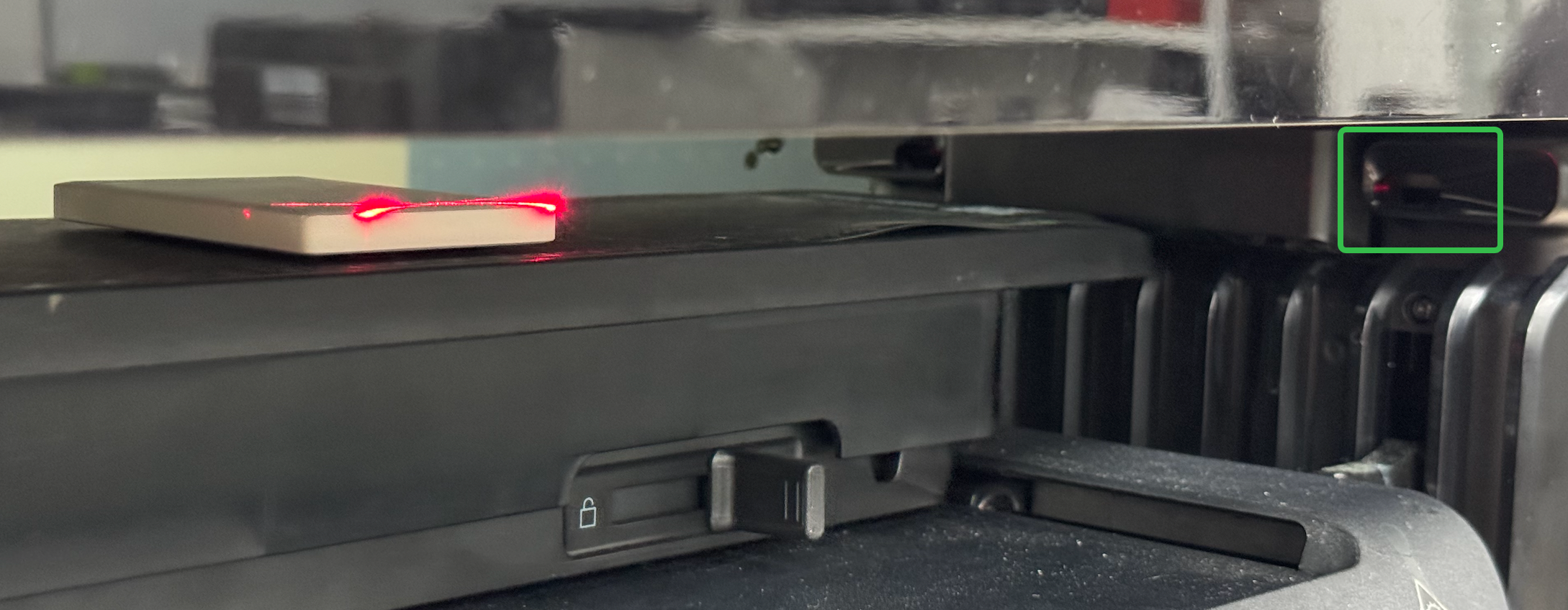
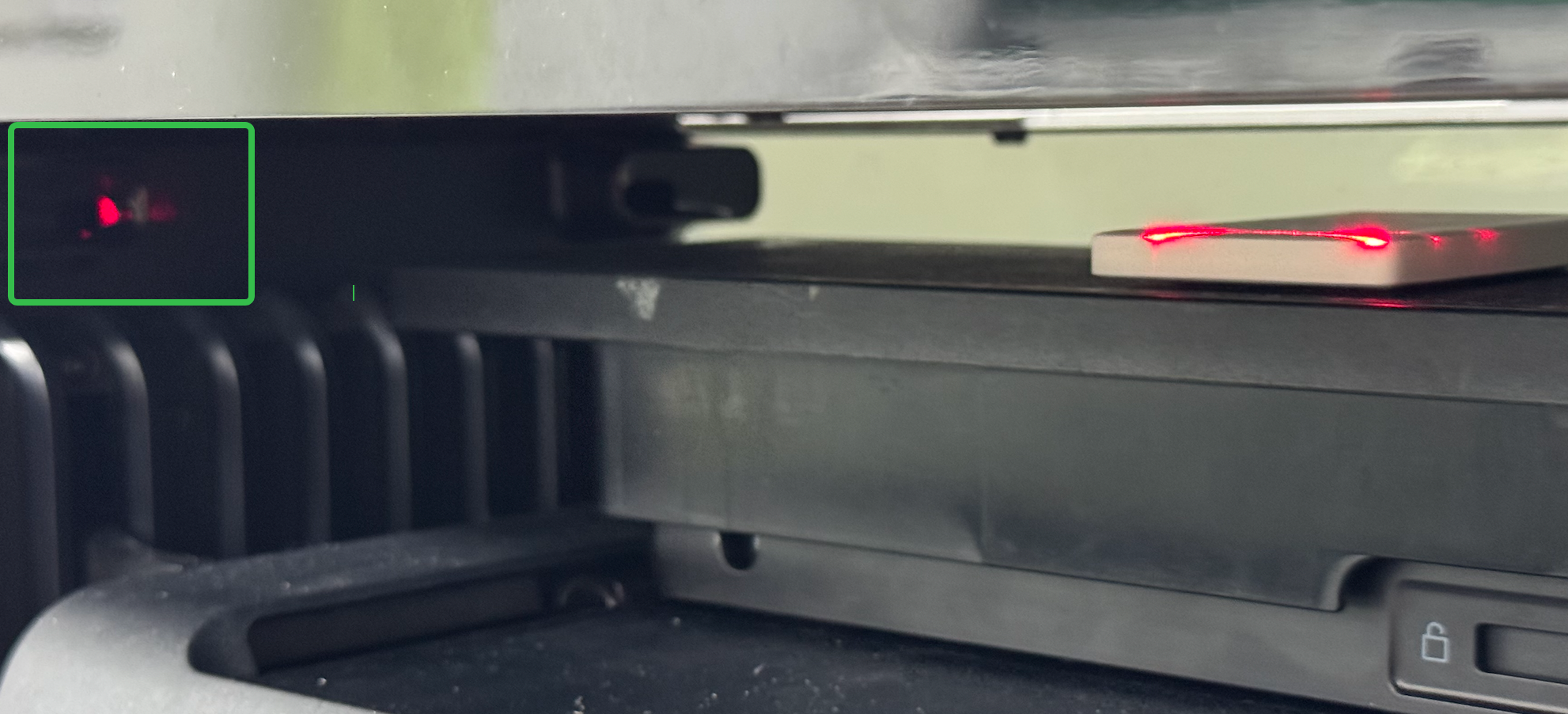
Thoroughly clean the platform. Run a Test Print and confirm that the lasers on both sides illuminate normally. If anything is blocking the beams, remove it.
2. Verify the laser transmitter is activated
- Disassemble the external casing on both sides (refer toPrinter-cover-disassembly-and-assembly-sop)).
- Check whether the transmitter and receiver wiring terminals are loose or detached. If so, reconnect them securely.
3. Contact Customer Support
If the above steps do not resolve the issue, please contact eufyMake Customer Support and provide the following information:
- Purchase order information
- Device SN Check SN
- Upload APP and Device Logs Upload Log