¶ Abnormal Texture of Crystal Sticker
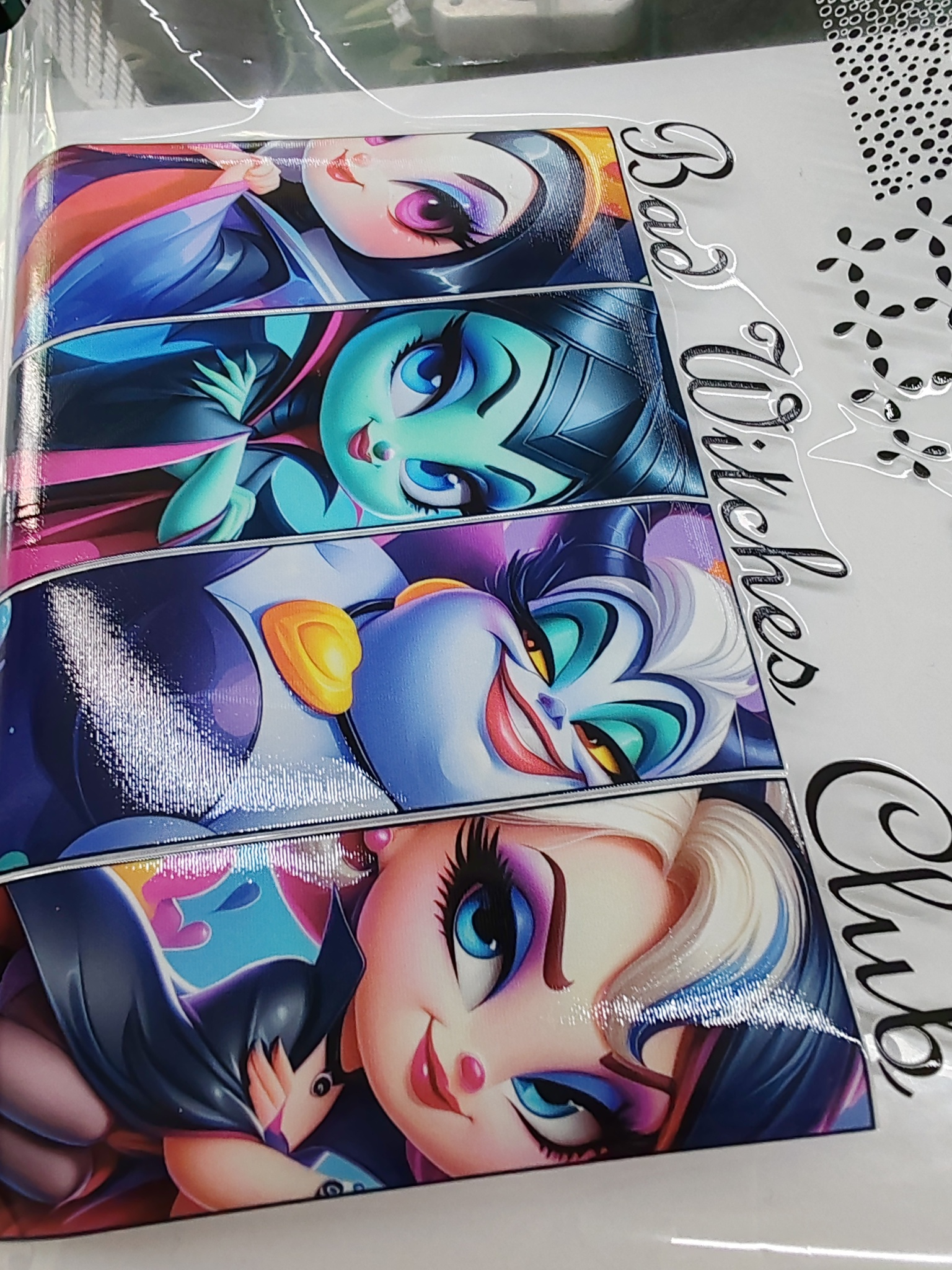
¶ Fault Phenomenon
-
During crystal sticker printing, irregular patterns, streaks, or wavy lines appear.
-
The printed surface is uneven, with obvious horizontal or vertical streaks.
¶ Cause Analysis
- Varnish nozzle broken needle:
A broken or partially clogged nozzle in the varnish channel causes uneven varnish ejection. This results in unstable ink output and visible streaks or banding on the printed surface.
¶ Troubleshooting Steps
-
Print the nozzle status diagram, check the overall nozzle condition, and focus on the varnish nozzle section. Carefully observe for broken lines, missing segments, blurring, or uneven output.
-
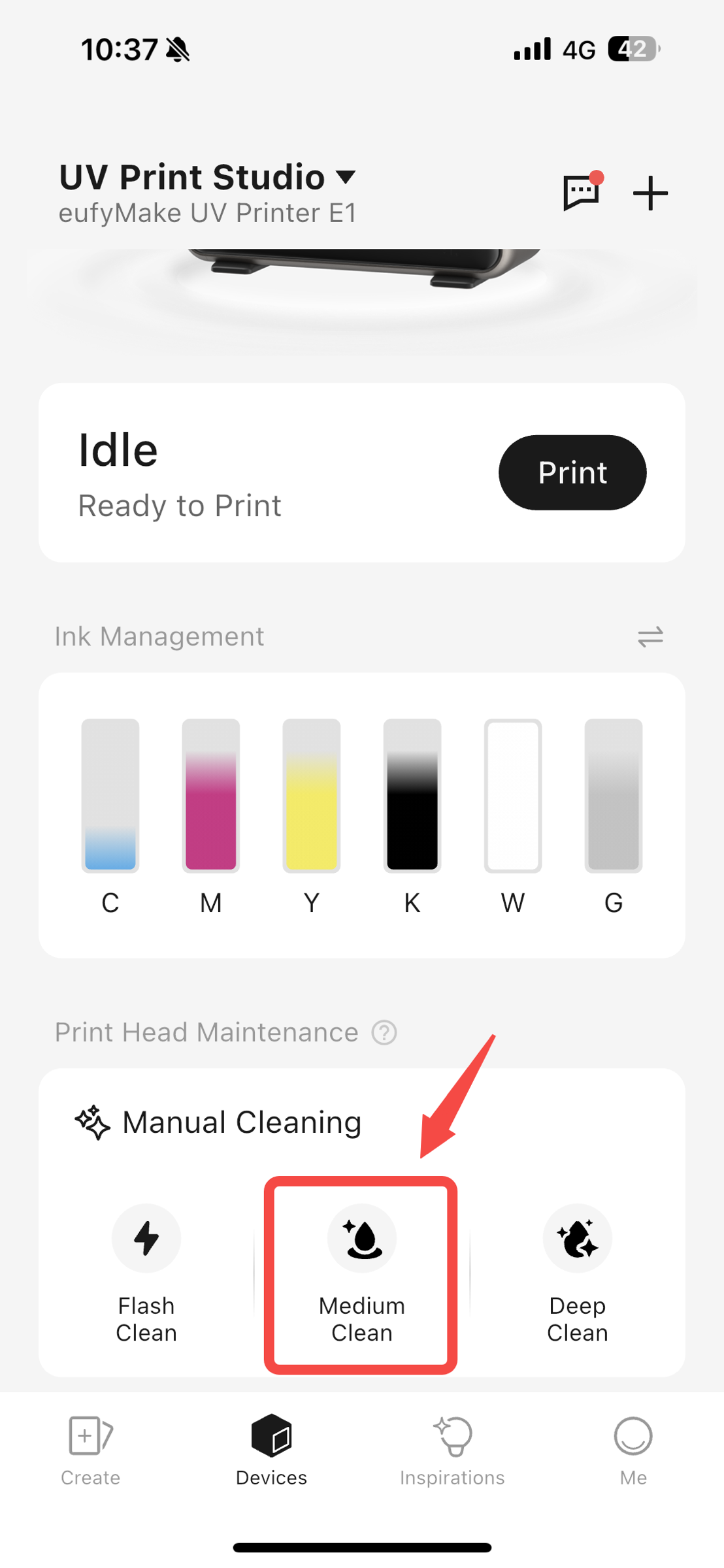
If the varnish nozzle shows broken needles or abnormal output, perform Medium Clean twice, then reprint the nozzle status diagram to check whether the varnish nozzle has recovered.
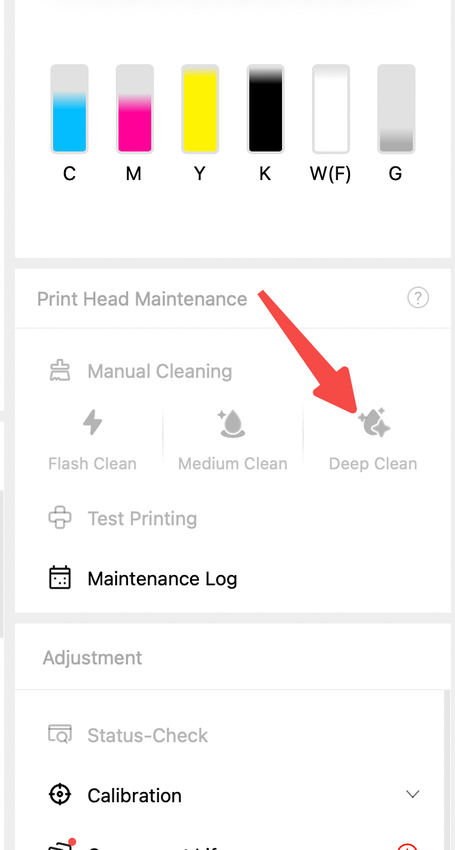
- If the nozzle status does not improve or broken needles are still present, perform a Deep Clean, then print the nozzle status diagram again for inspection.
-
If there is still no improvement, perform an initial factory reset, refill the ink, and then perform a test print to check whether the issue has been resolved.
-
If the above steps still do not resolve your issue, please contact eufyMake Customer Support and include the following information:
-
Purchase Order Information
-
Printer SN
-
Printer and APP Logs
-
Print photos of mixed ink and photos at the ink stack.